
Online store platform
Pick a theme, add your products and connect your payment and shipping methods; your store goes live at its own address with automatic SSL.
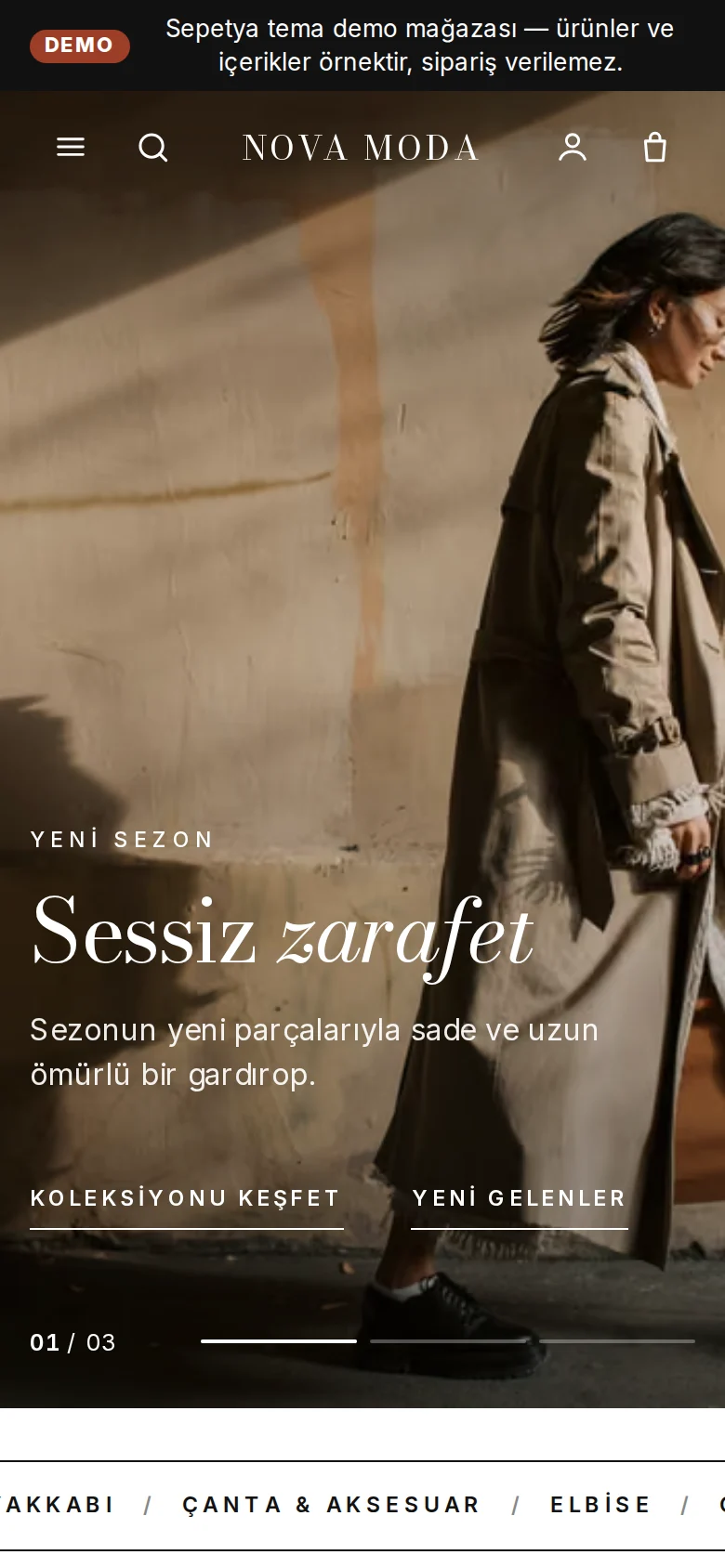
Every theme has its own header, product card and footer. Browse the demo stores and start with the one you like.
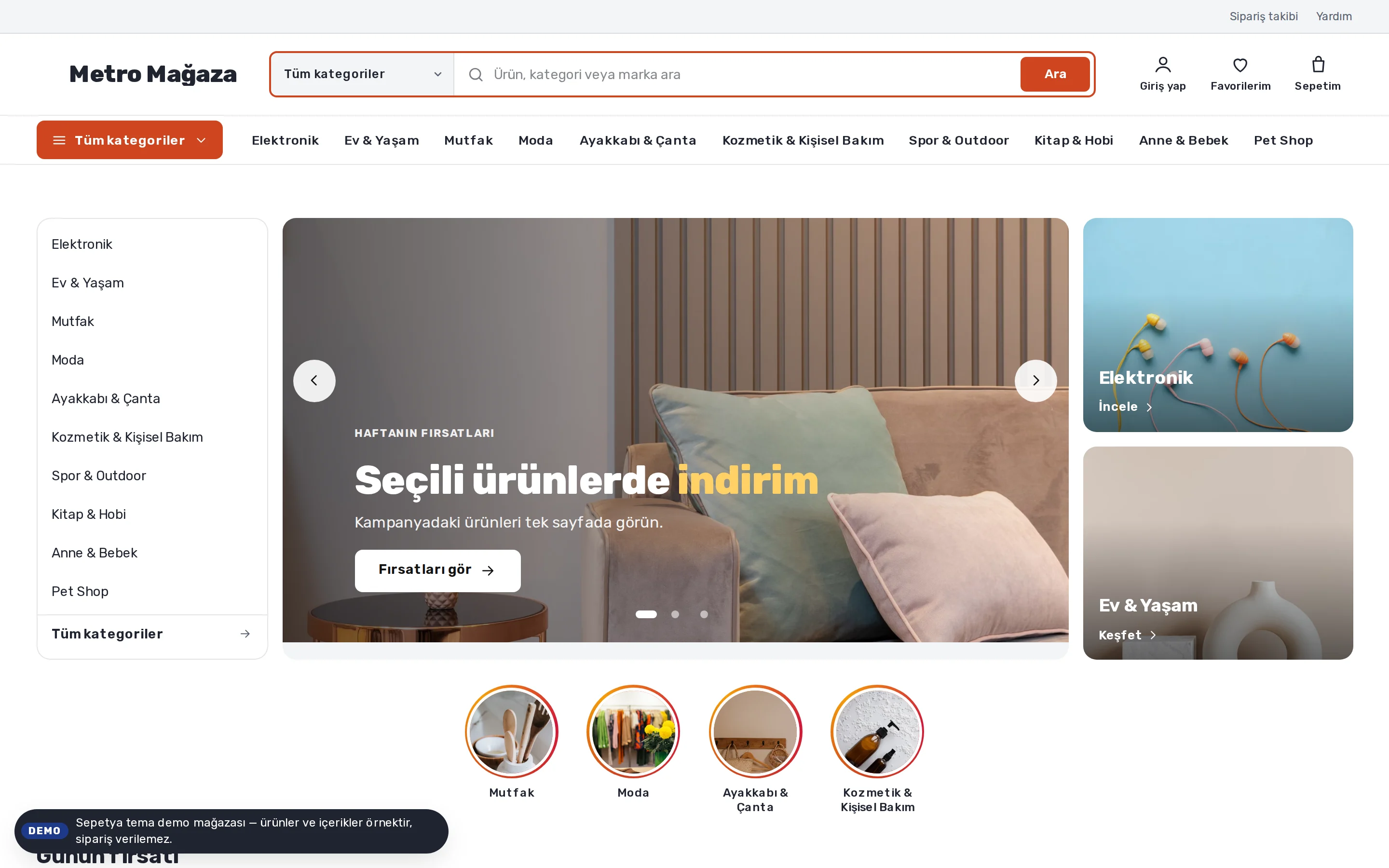
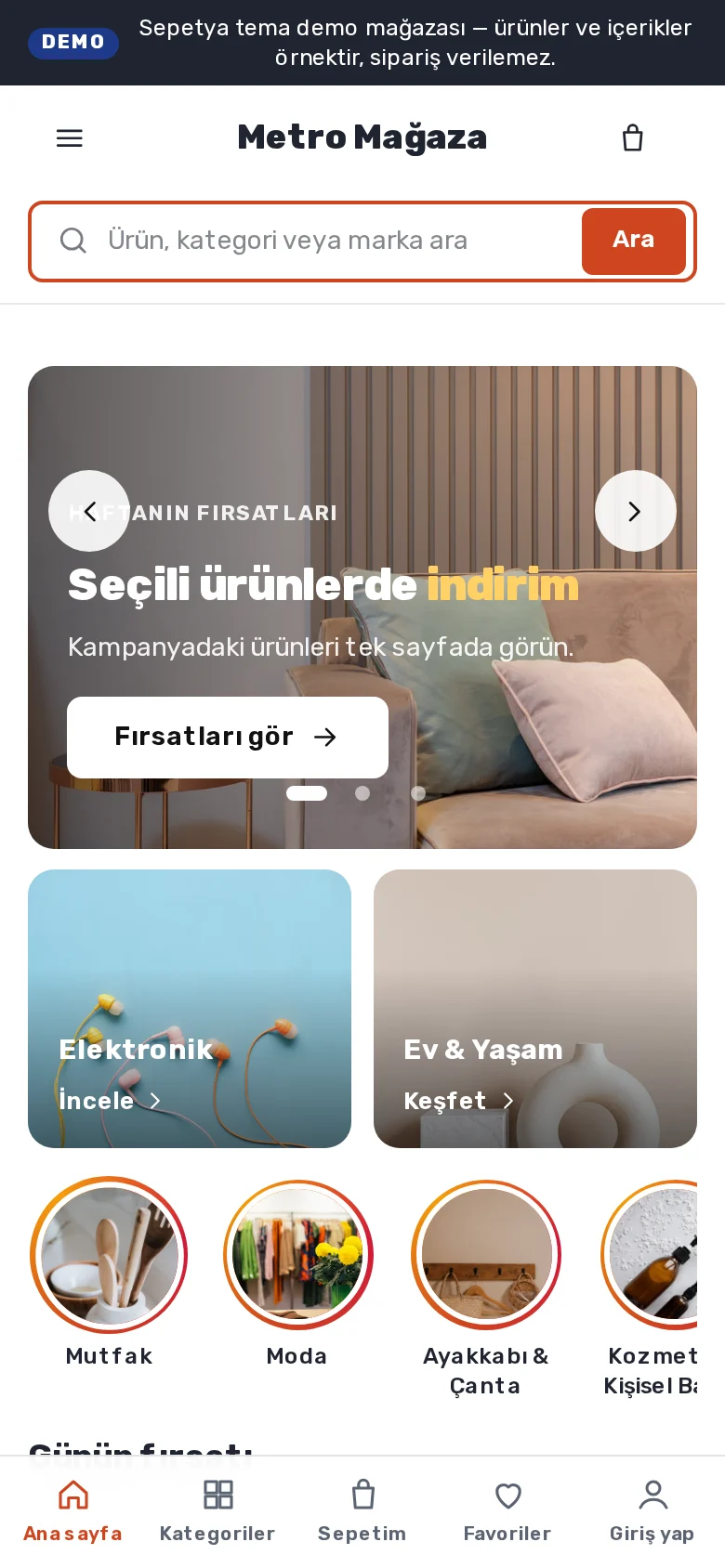
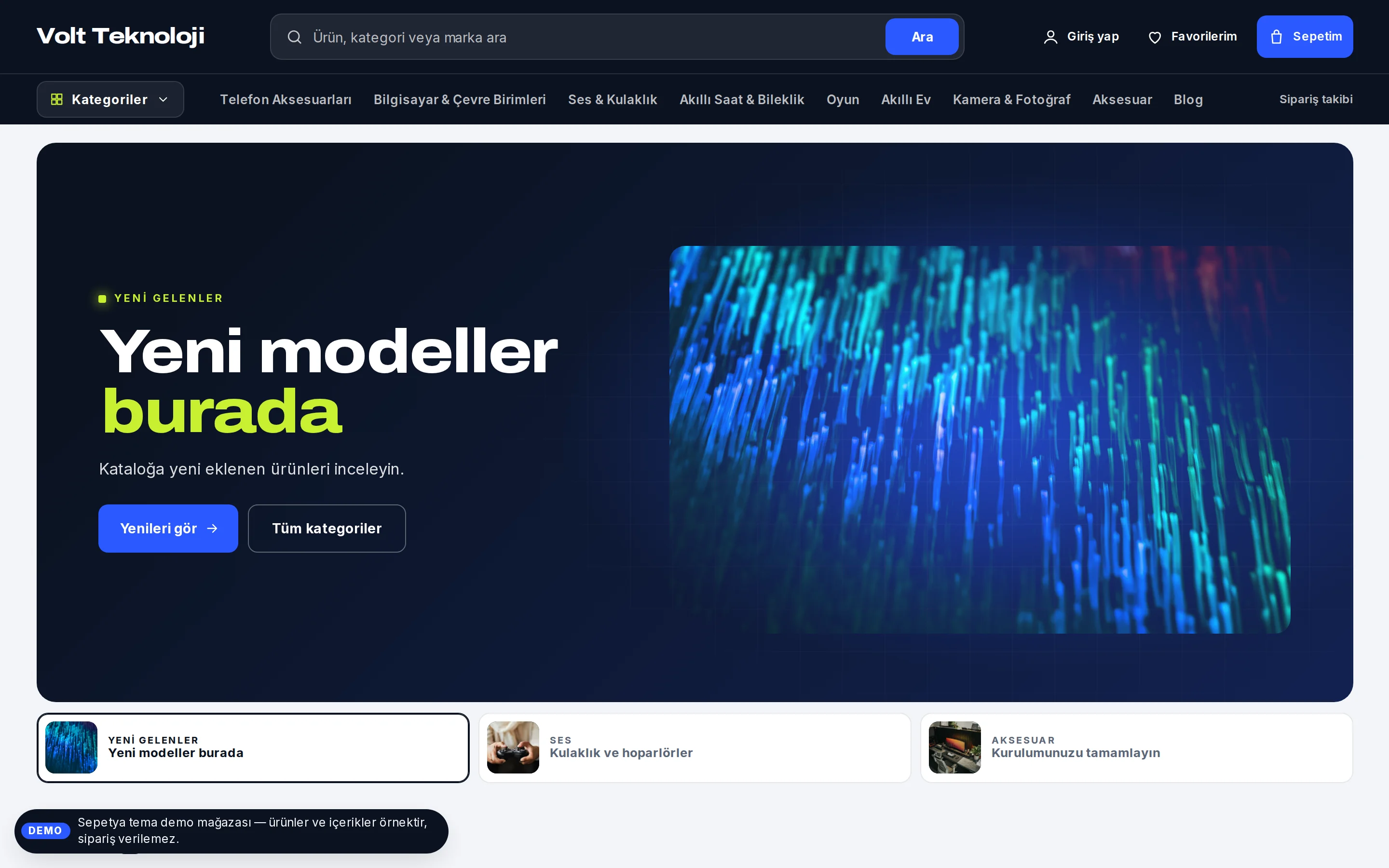
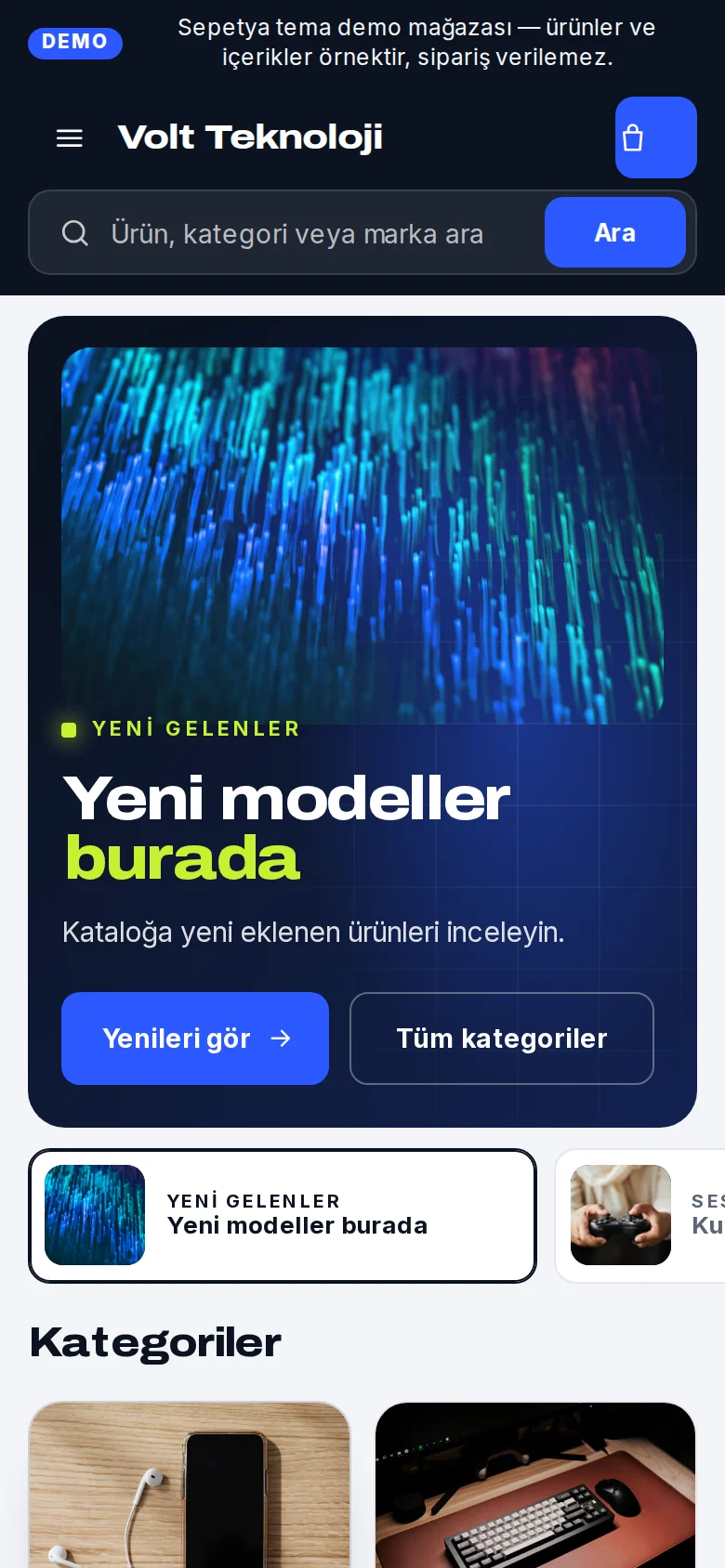
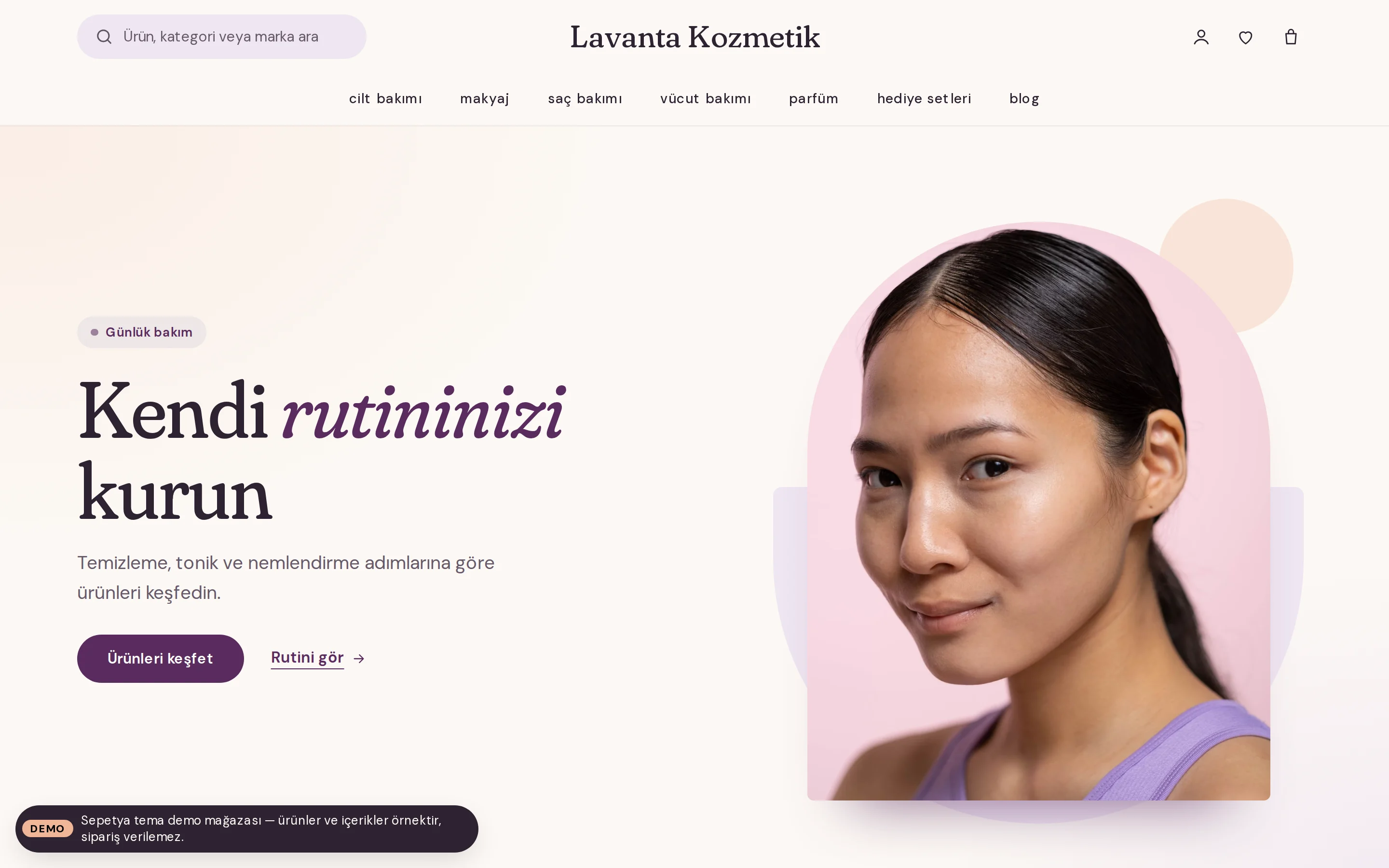
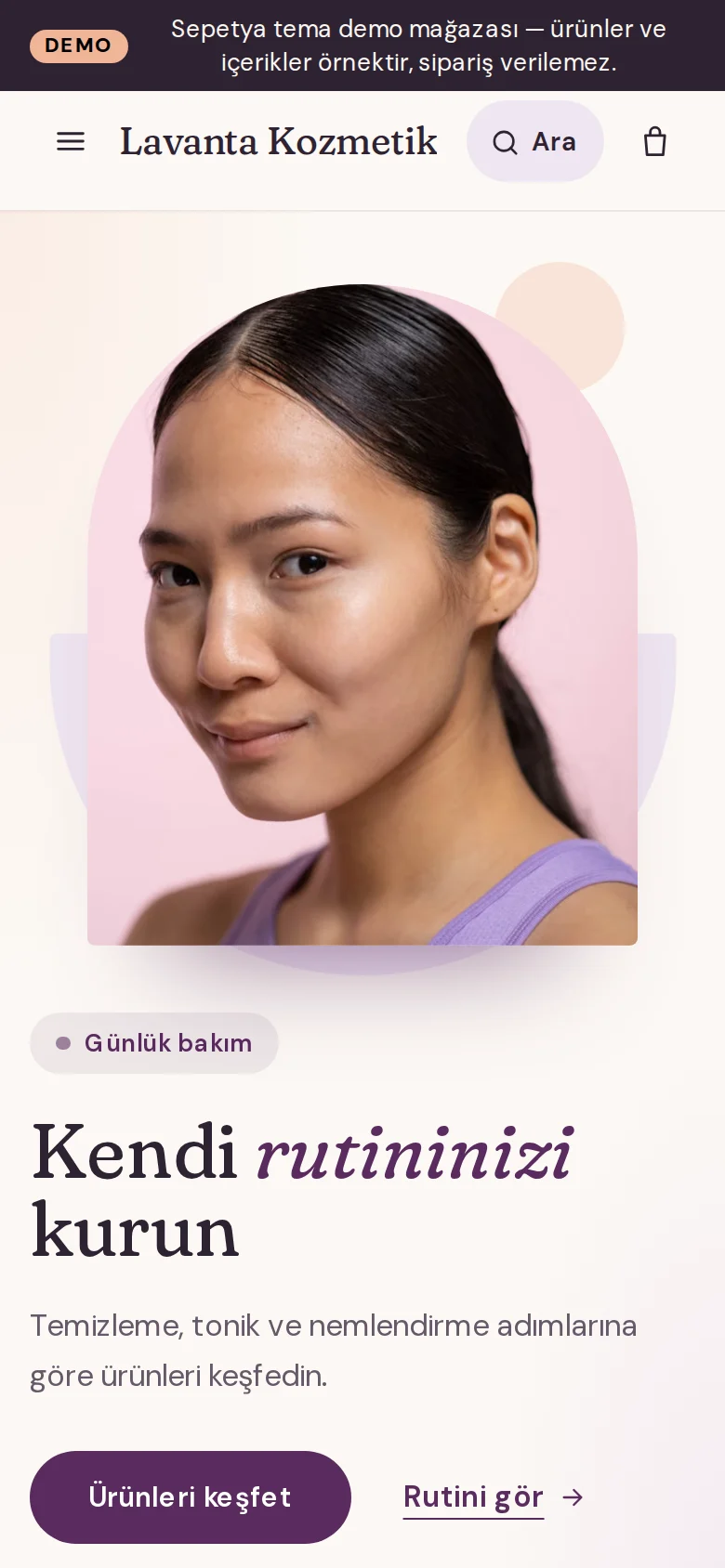
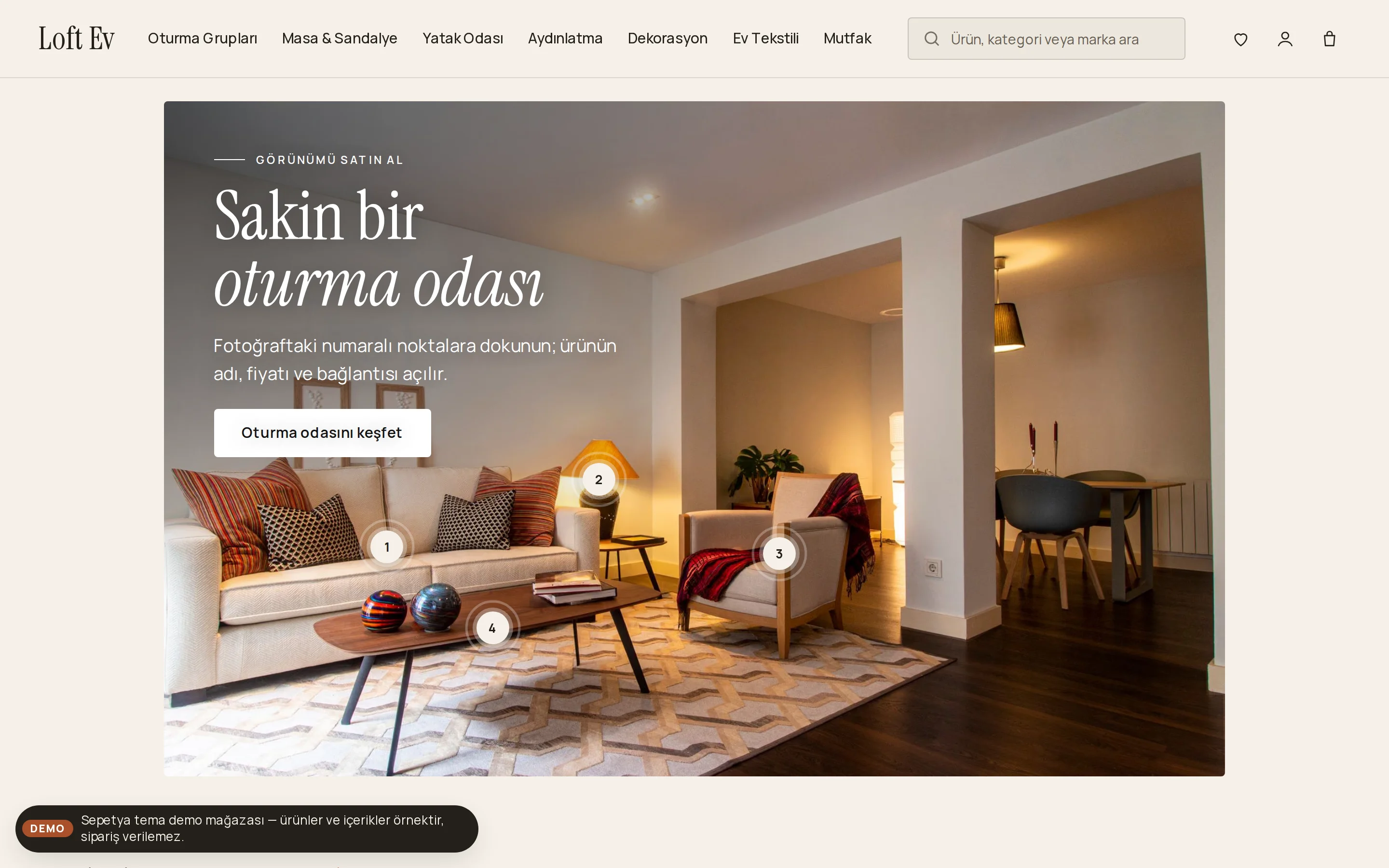
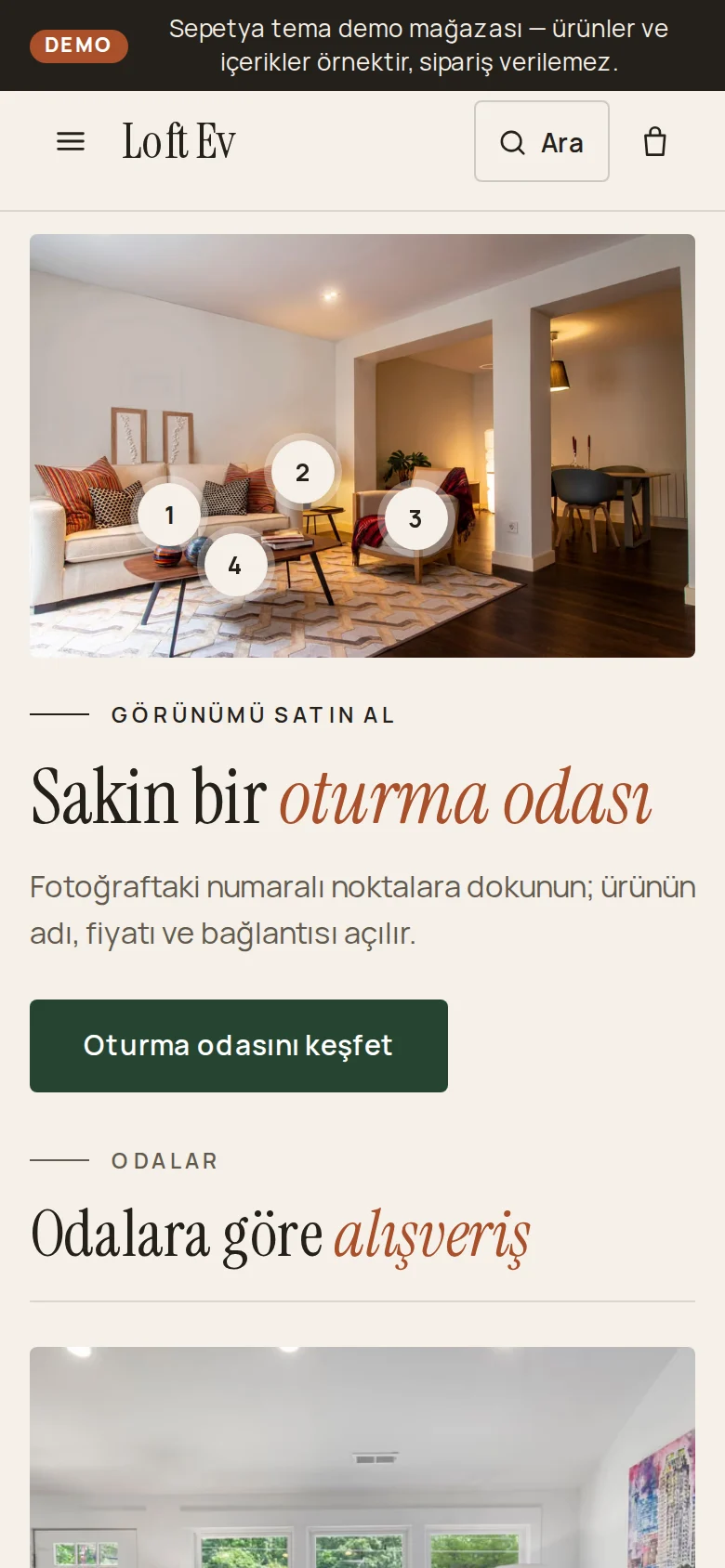
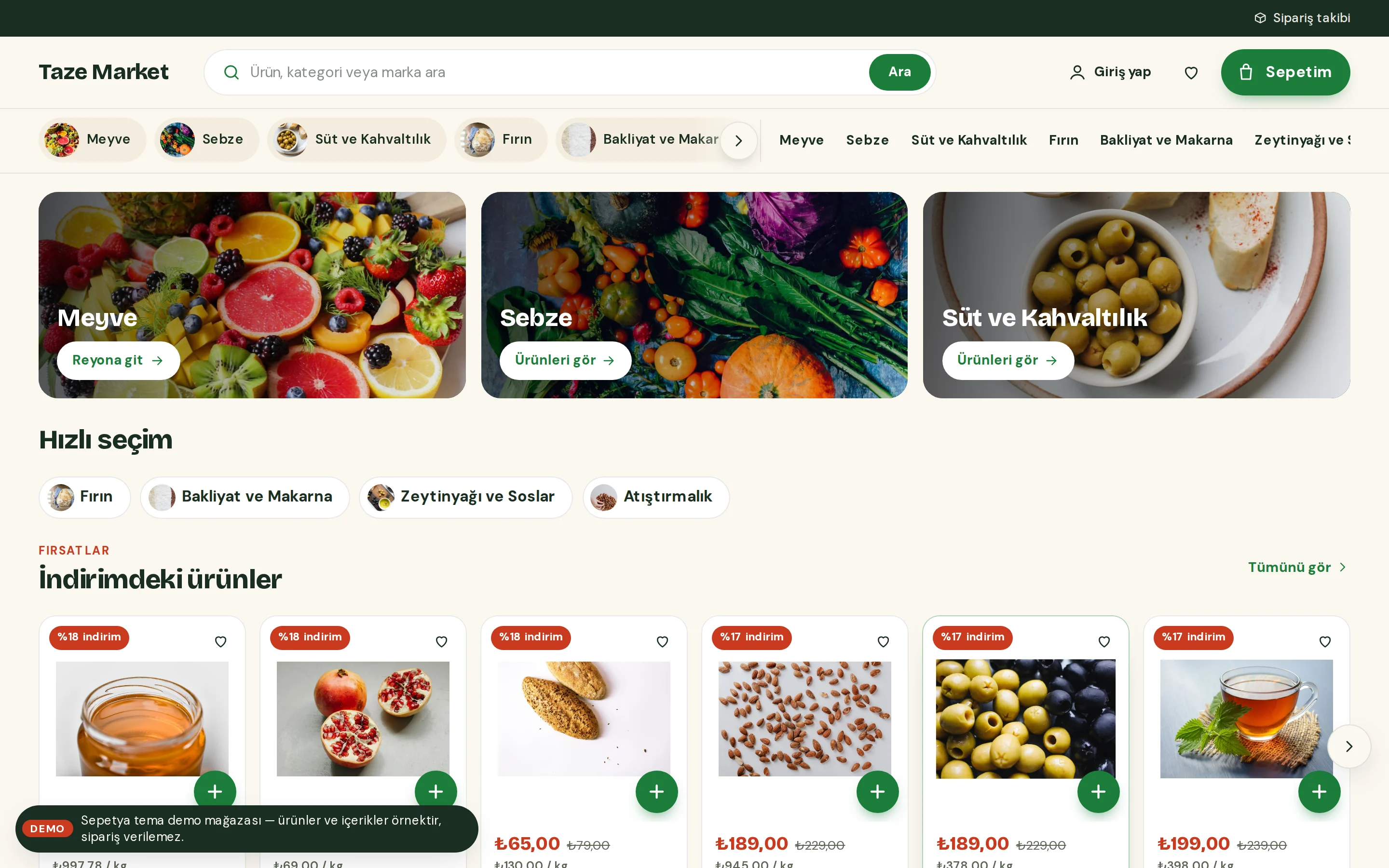
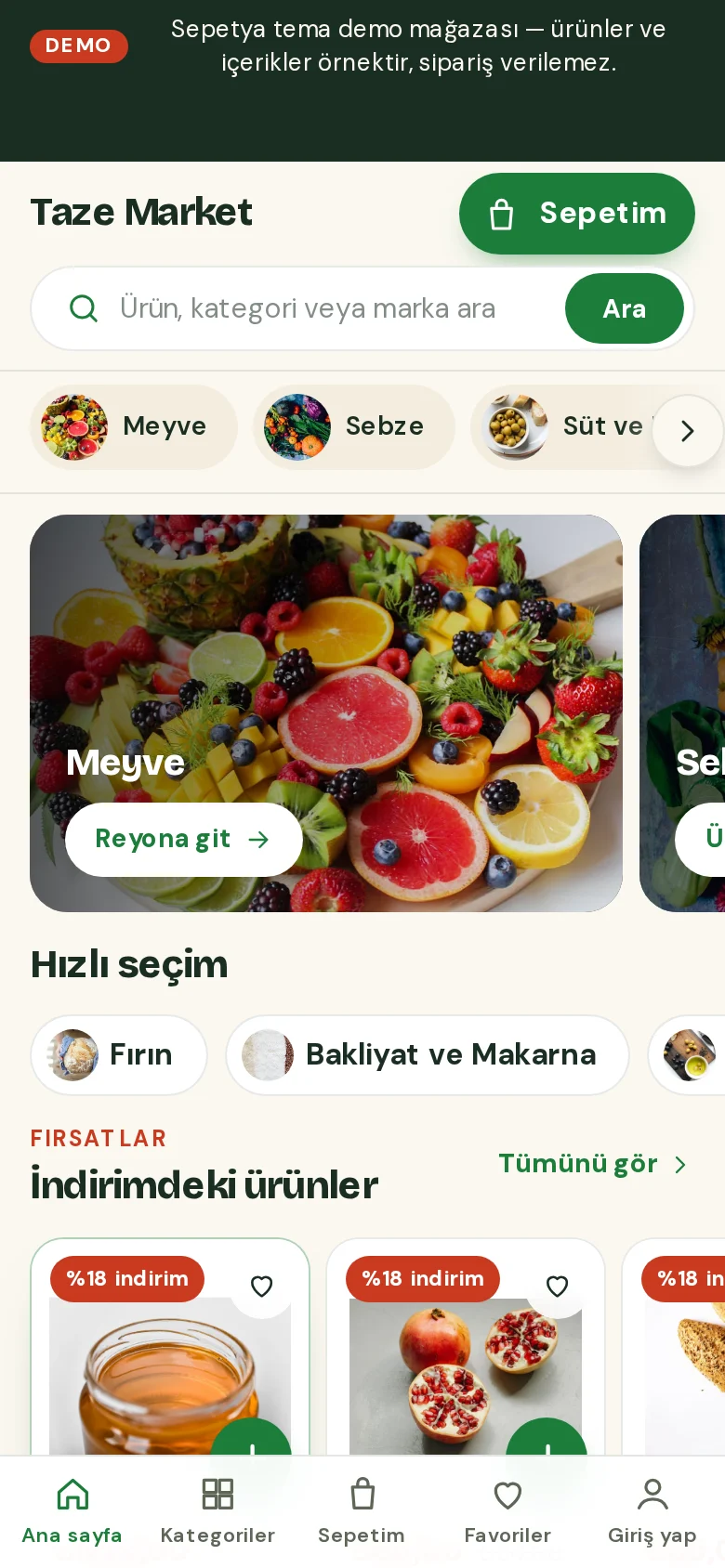
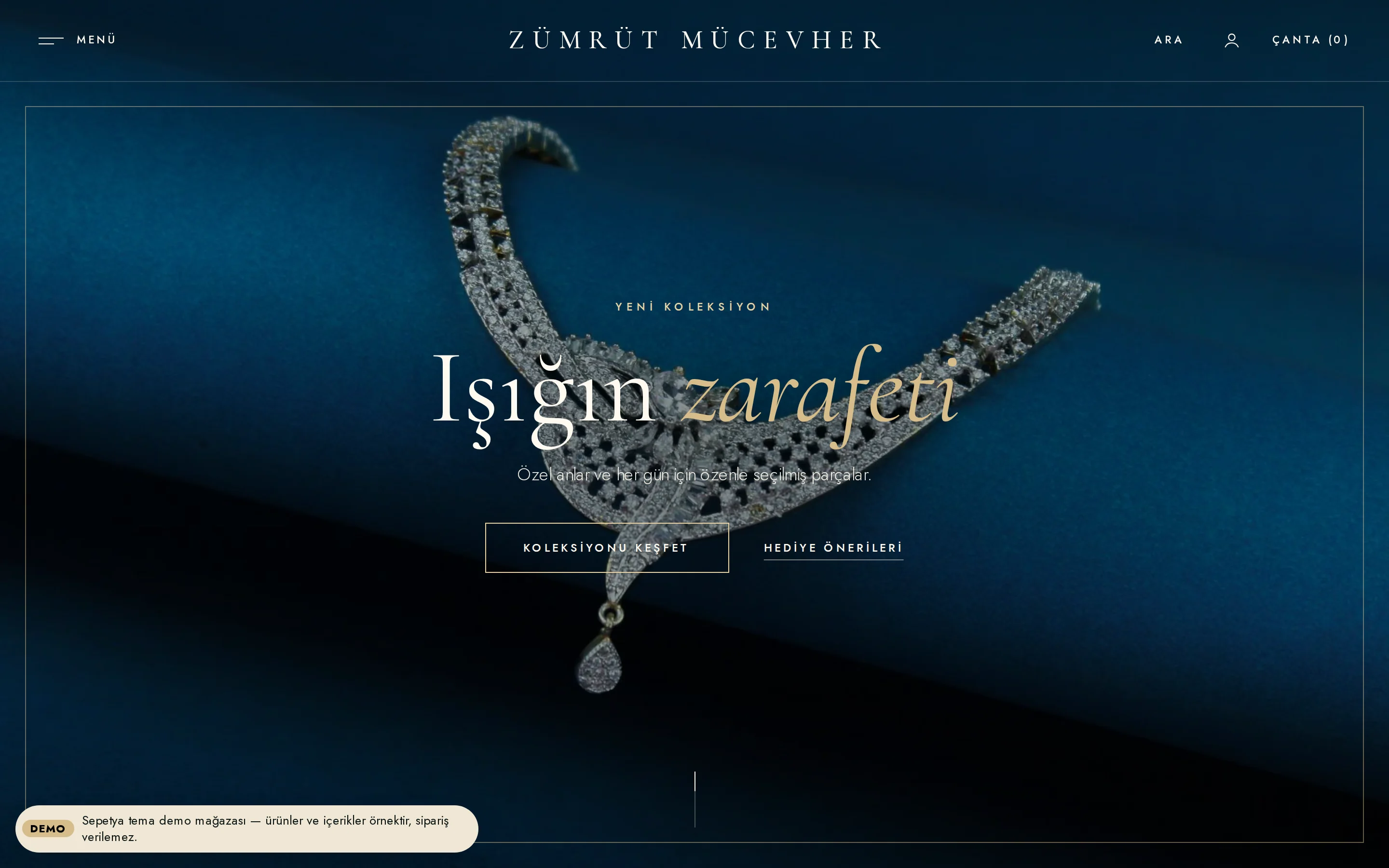

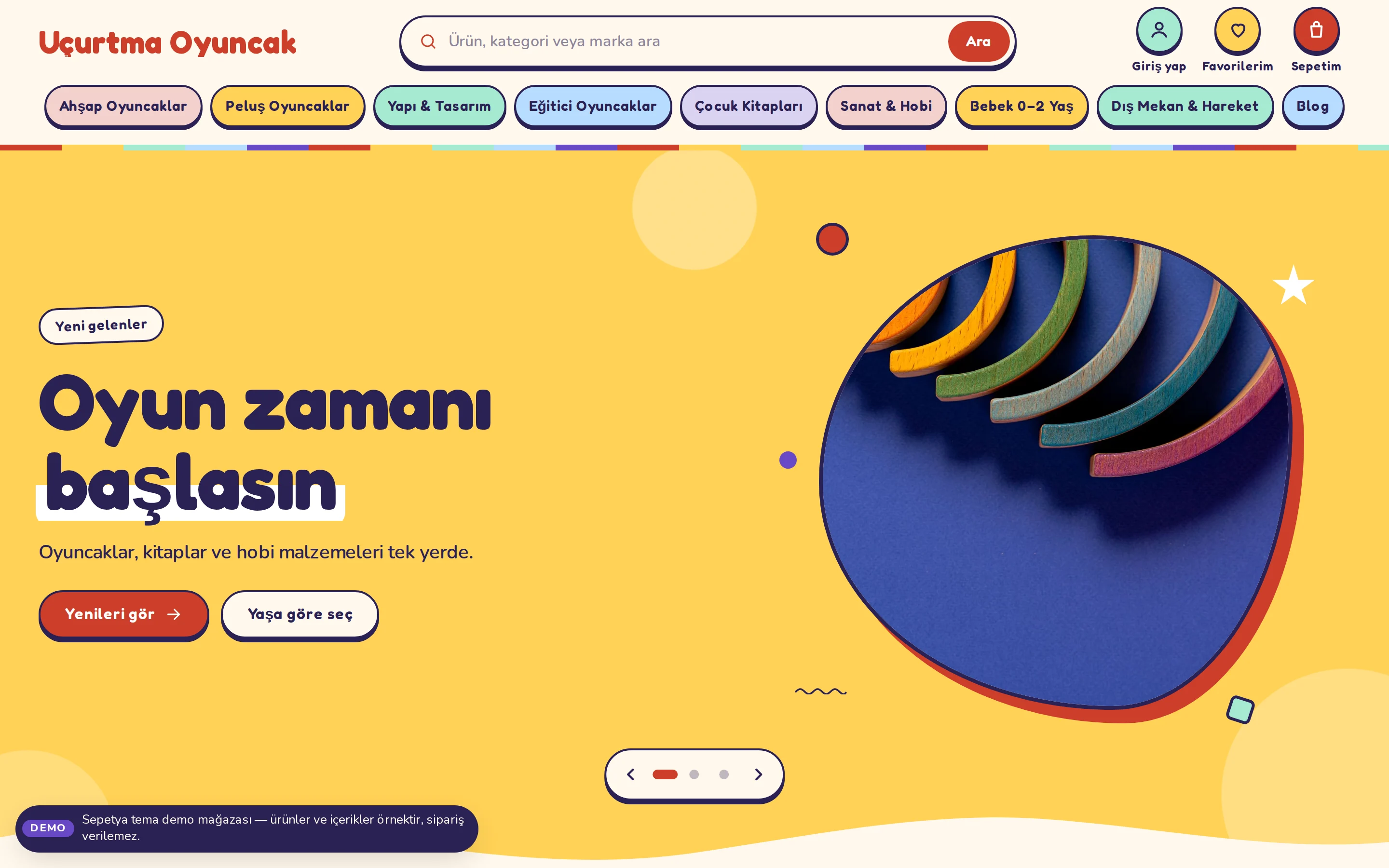
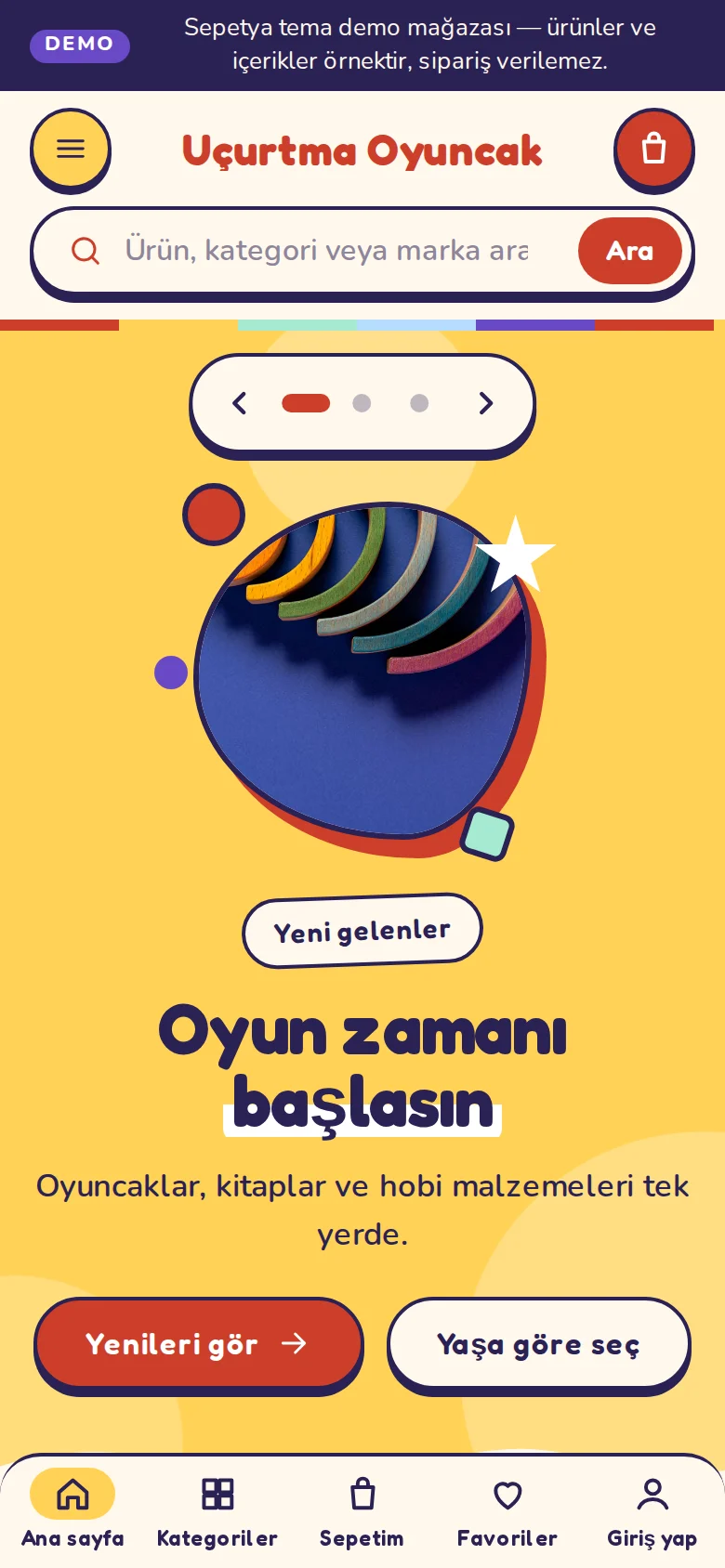
Produkte und Inhalte in Demo-Shops sind Beispiele; in einem Demo-Shop können keine Bestellungen aufgegeben werden.
Each one is explained in detail on its own feature page.
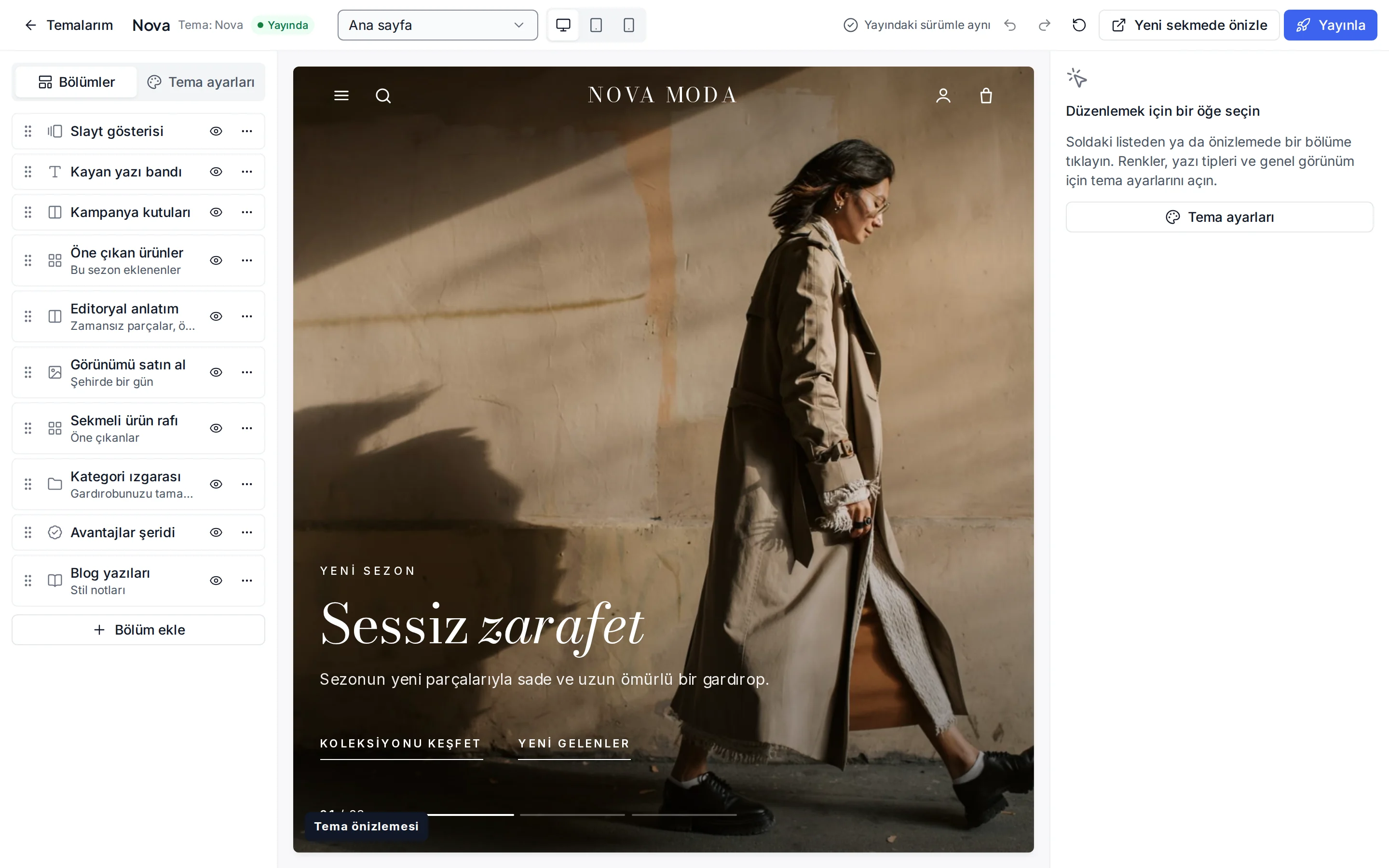
Pick a theme for your sector and edit sections and colours with a live preview.
Design features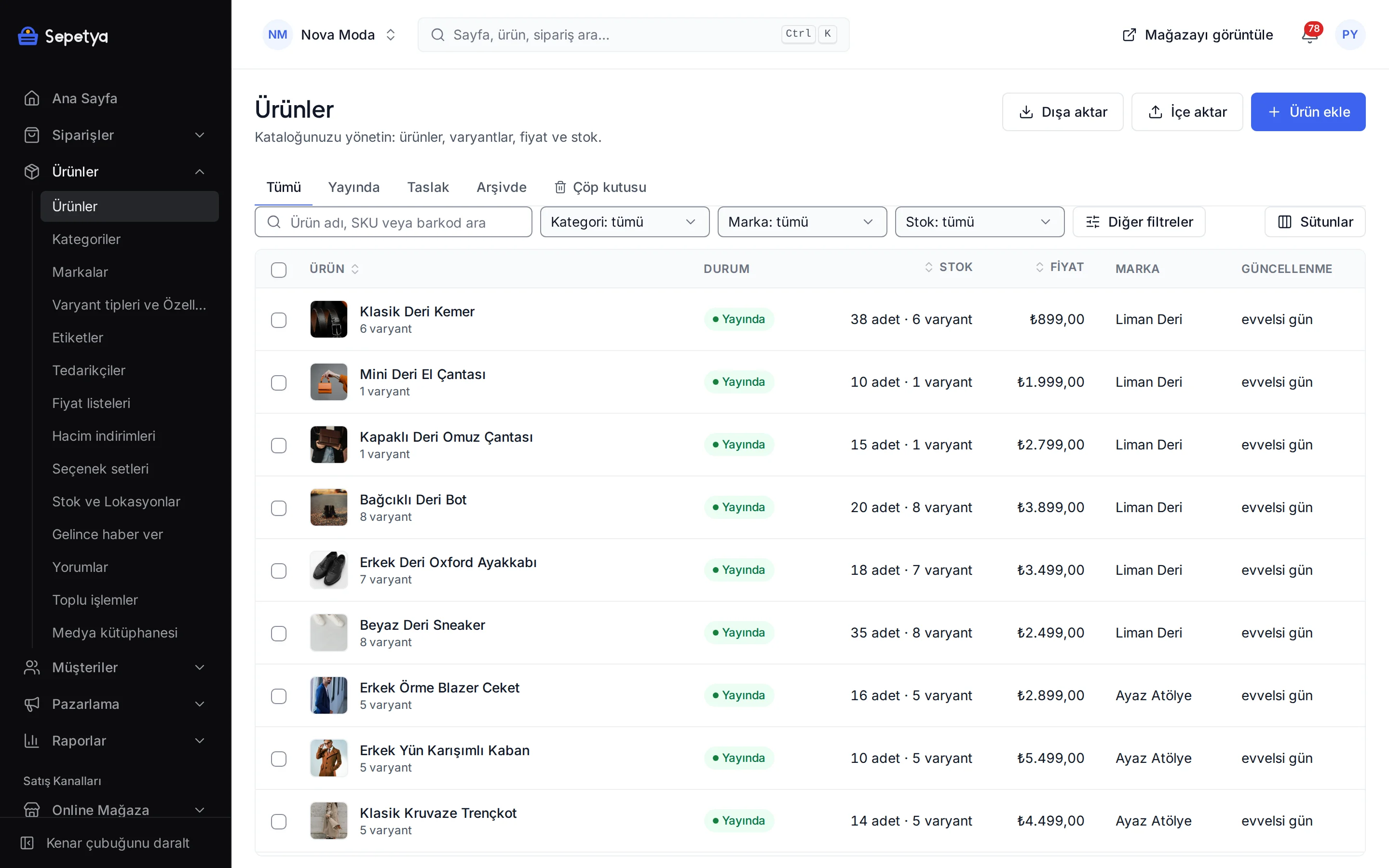
Variant and bundle products, a category tree and stock in several locations.
Products and inventory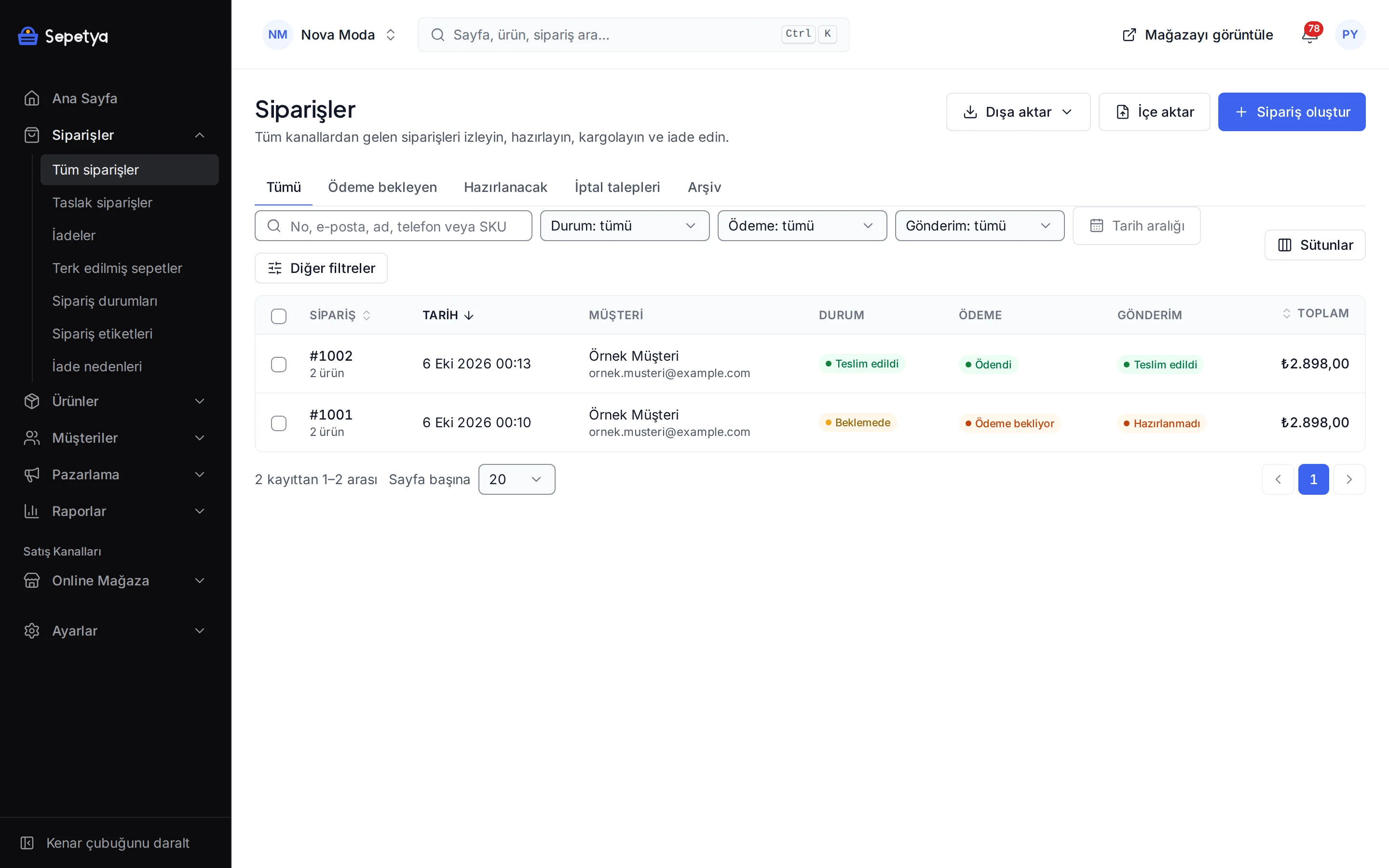
Fulfil, ship and invoice orders and answer return and cancellation requests.
Orders and returns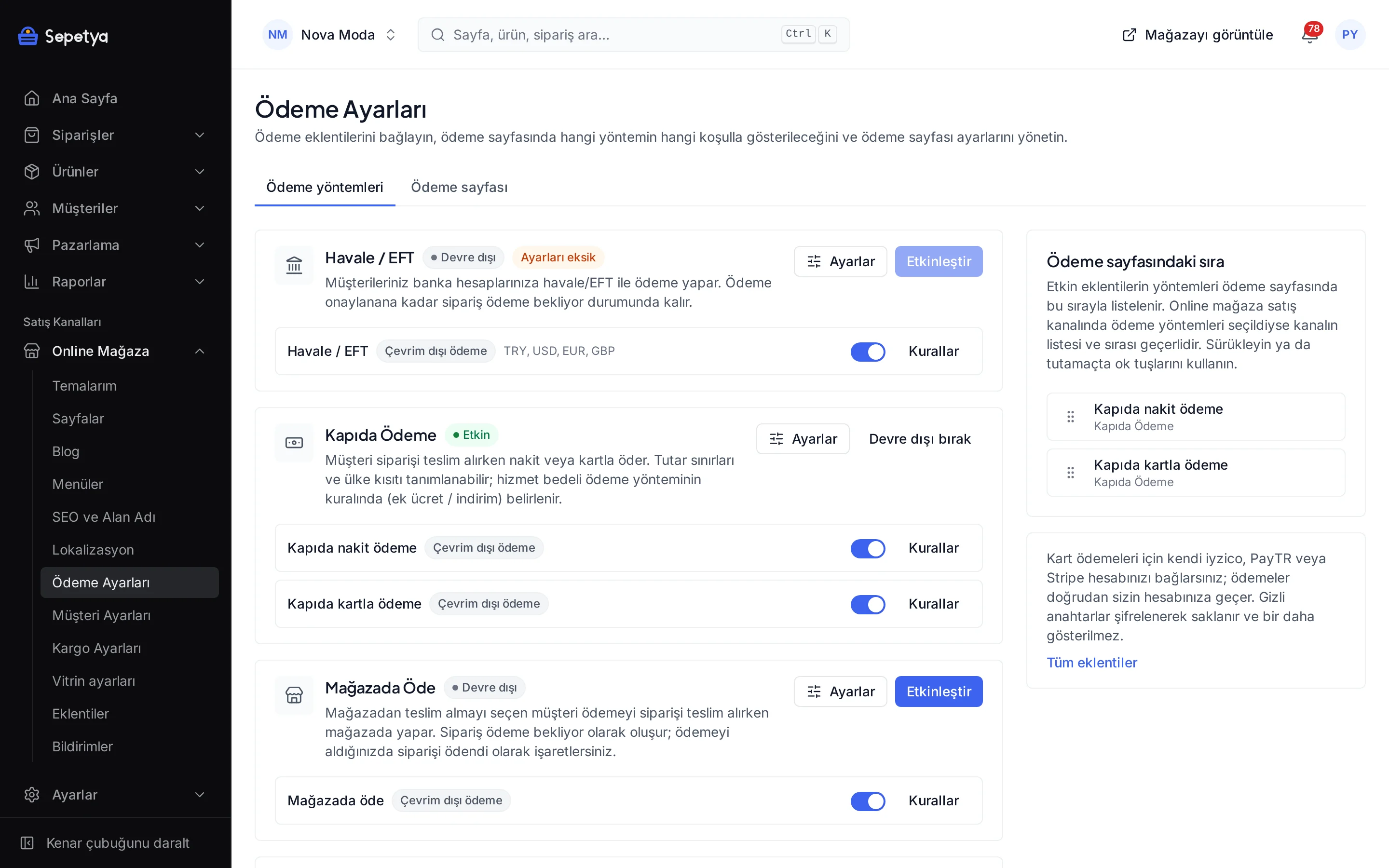
iyzico, PayTR, Stripe, bank transfer, cash on delivery and pay in store; payouts go straight to your account.
Payment methods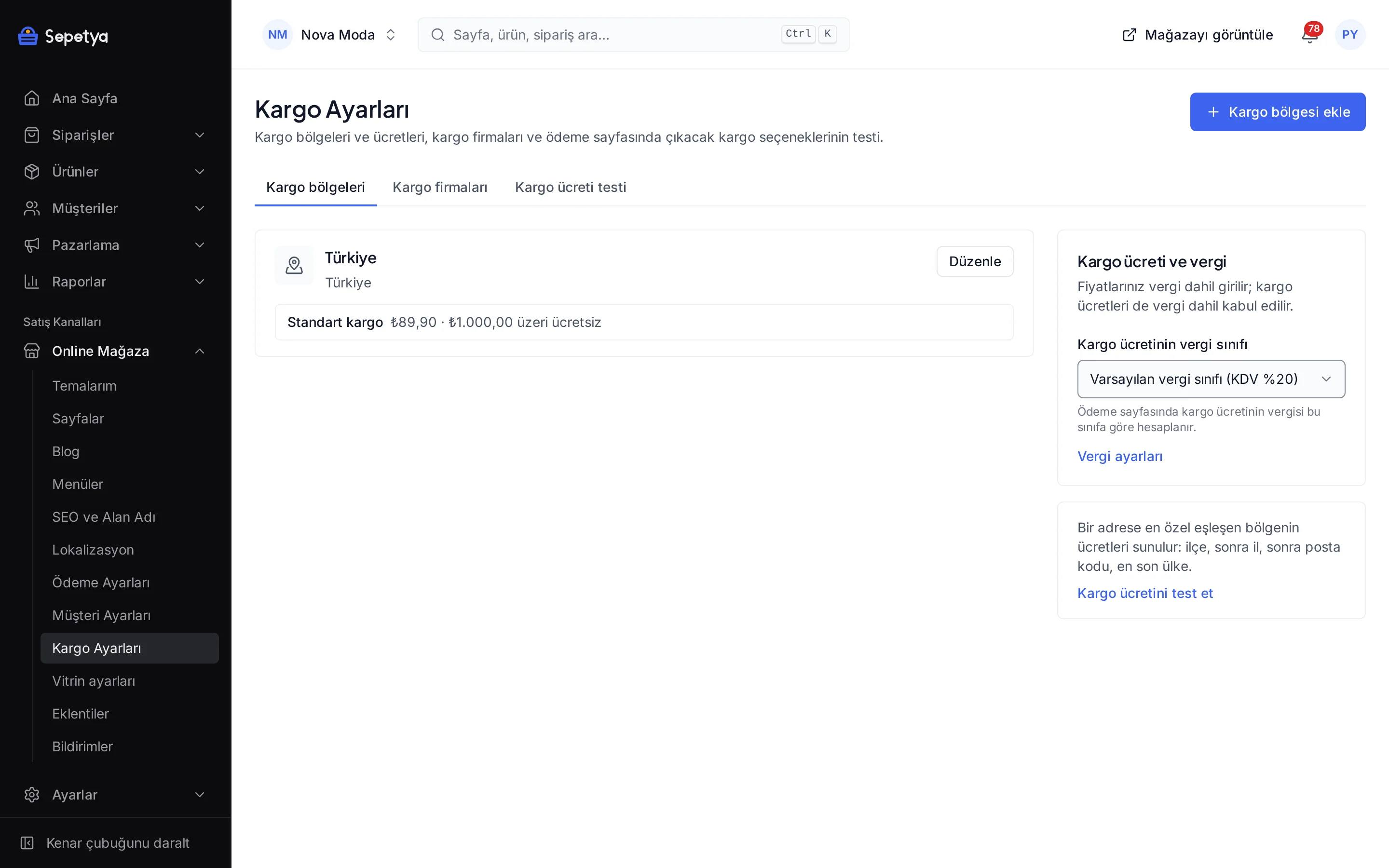
Zone and rate rules, local delivery time slots and tracking links.
Shipping and delivery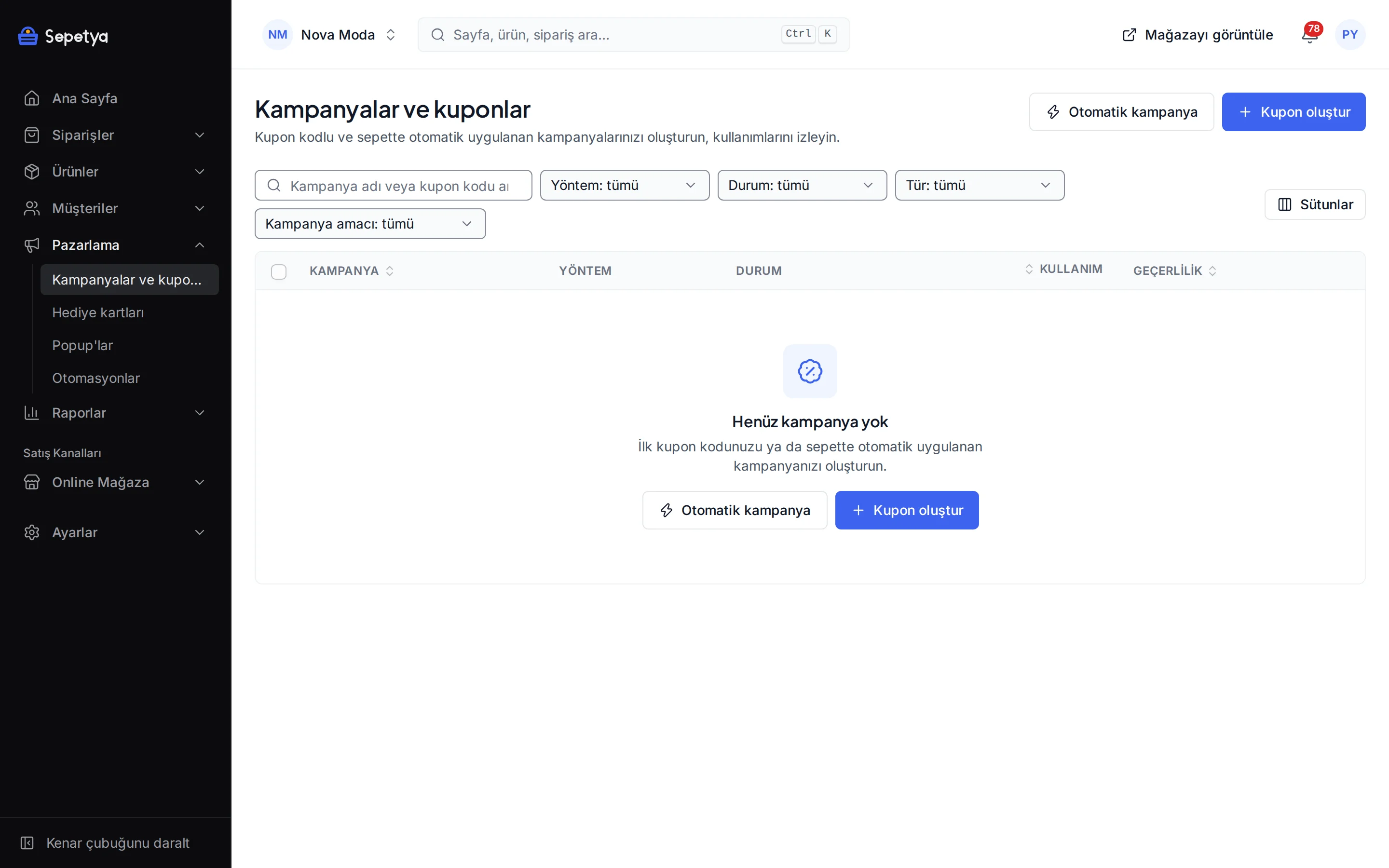
Discounts, coupons, pop-ups and ready automations such as abandoned carts.
Campaigns and couponsTools for the regulations
Each one is set up in the dashboard; the ready texts are draft templates.
Both documents appear directly above the “place order” button with unticked checkboxes; the copy at the time of the order is stored and e-mailed to the customer.
The privacy notice and the marketing consents are separate checkboxes, and accept and reject are equally prominent in the cookie banner. Customers can export their data or file a deletion request.
E-mail, SMS and call consent is recorded per channel and can be uploaded to İYS through the NetGSM app.
Enter your legal name, address, tax details, MERSİS, KEP and ETBİS numbers once; they are written into the “Seller details” page and the contracts automatically.
Issue the invoice from the dashboard with your own integrator account; the document type follows the buyer.
This section is not legal advice. The ready texts are draft templates; ask your lawyer and accountant about the law and your own situation. Having a feature does not mean legal compliance is achieved.
How do I start?
Sign up with your name, e-mail and password and choose your store address. Your store opens at its own address with the default theme, legal page templates, menus, tax settings and order statuses already set up.
Pick a theme for your sector; in the theme editor edit sections, colours and fonts with a live preview.
Add your first product and define your payment methods and shipping zones. The setup wizard works out the missing steps from your real data.
Connect your own domain if you like; verification and SSL run automatically. Make the final checks and open your store to visitors.
Plan names, prices, trial length and limits are always up to date on the pricing page.
Essentials for your first store.
499 ₺/Monat
14 Tage kostenlos testen
Multi-language, API and advanced tools for growing brands.
1.299 ₺/Monat
14 Tage kostenlos testen
Scale with unlimited products, a larger team and advanced reports.
2.999 ₺/Monat
14 Tage kostenlos testen
For large catalogues and teams: unlimited products, staff and domains, and the highest API limit.
Individuelle Preise
Preise inkl. 20 % MwSt.
Dashboard
Your daily work, from orders to the domain, is in the same dashboard. The screens were captured from the real product with demo store data.
See incoming orders in a single list; each order’s timeline holds its payment, shipping, invoice and return steps.
Manage products with their variants, categories and stock; import many products with CSV and edit them in bulk.
Define discount, coupon and pop-up rules; the rules apply the same way on the product page, in the cart and at checkout.
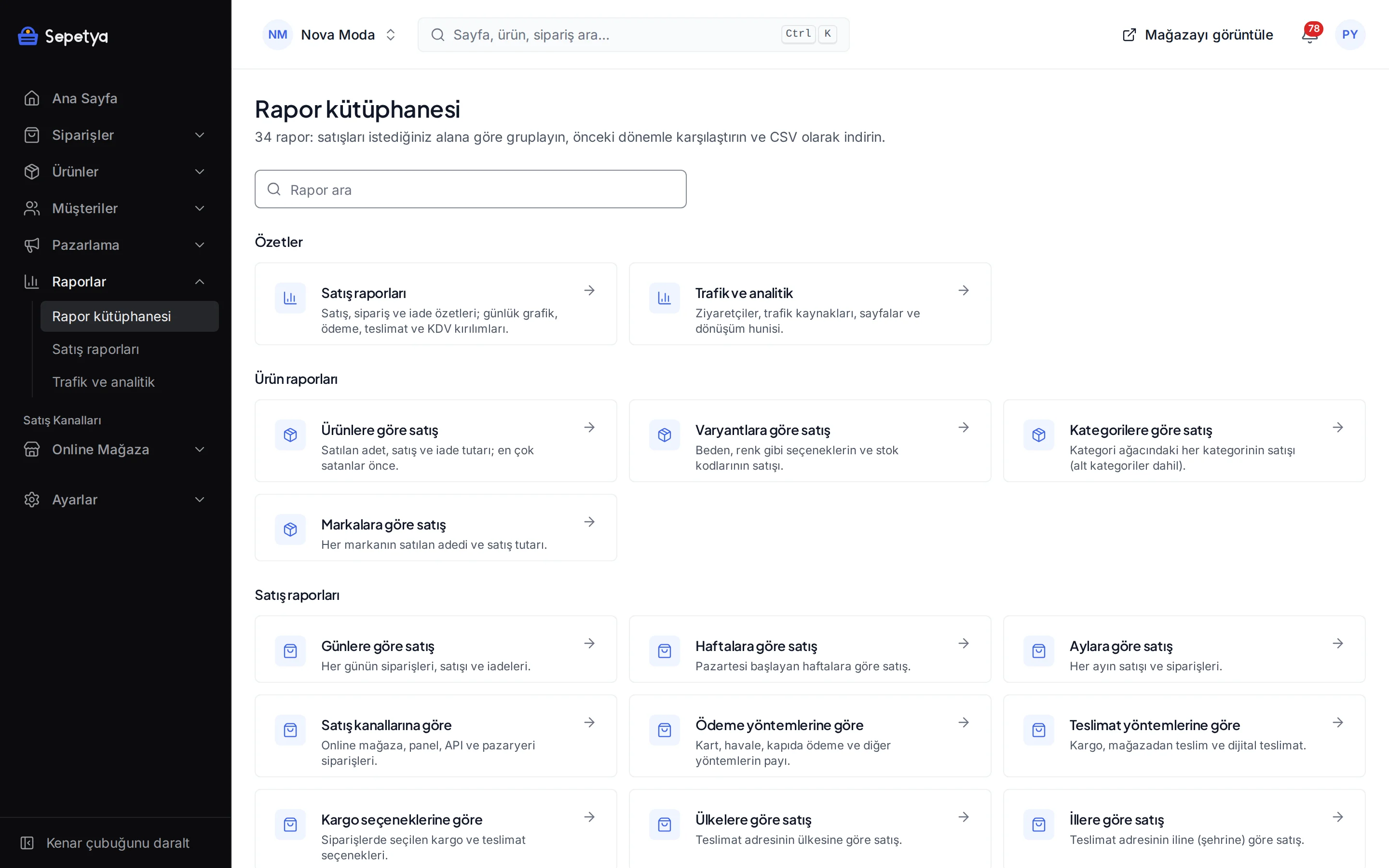
Choose sales, product and customer reports from the report library and see the conversion funnel and sources on the traffic screen.
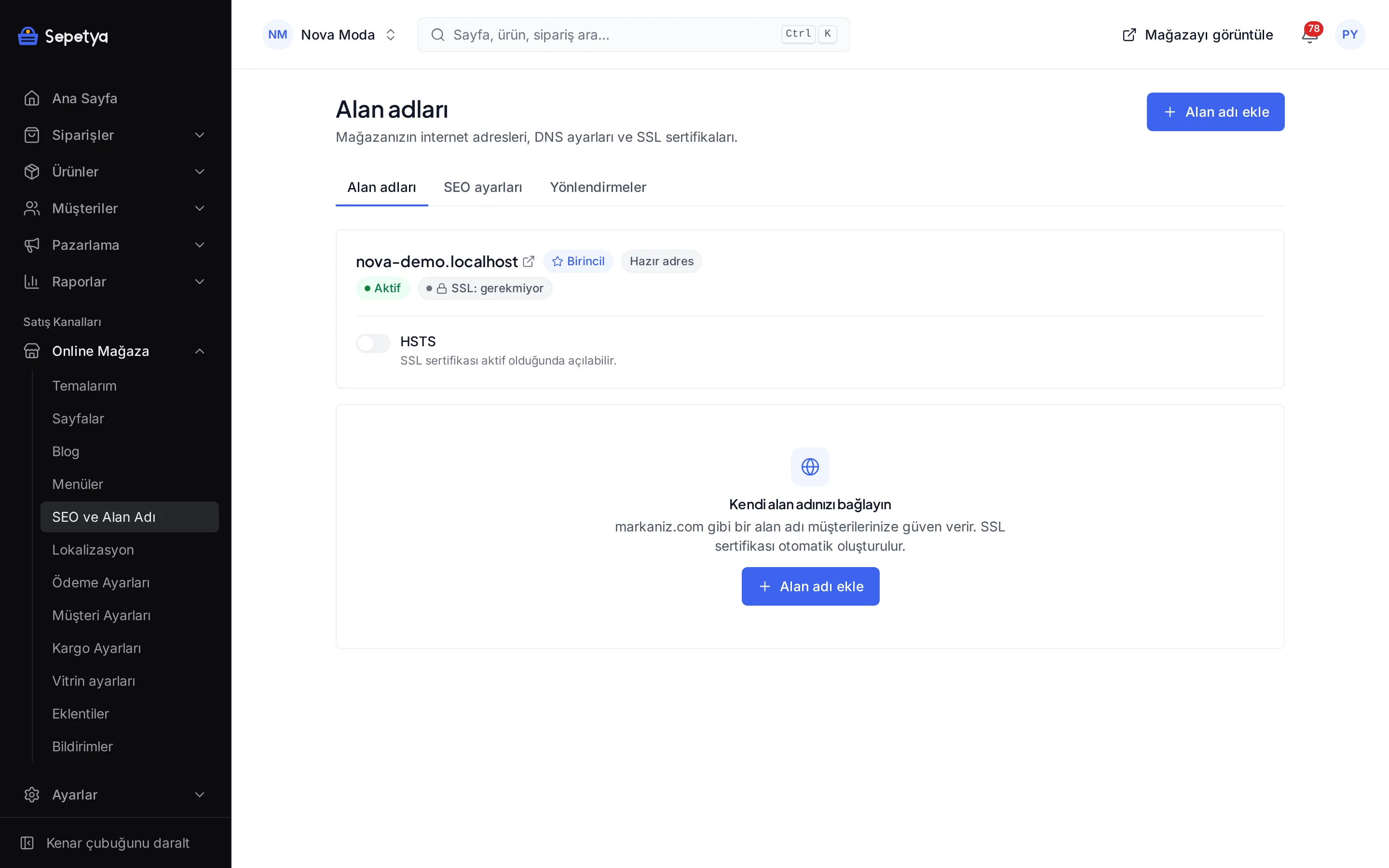
Add your domain and enter the DNS records the dashboard shows; verification and the SSL certificate run automatically.
SEPETYA is an e-commerce platform for store owners who want to sell online under their own brand. Themes, products and stock, orders, payments, shipping, campaigns, SEO and legal processes are managed from one dashboard, and your store is published at its own address. You pick a theme for your sector and set it up without writing code.
No. The setup wizard walks you through the steps from store details to the first product and from payment to launch, and in the theme editor you edit your pages without writing code. For advanced users there is also an option to add custom scripts tied to cookie consent.
The wizard’s steps are store details, region and currency, seller details, theme, first product, shipping, payment, domain, legal pages and launch. The theme, domain and legal pages steps are marked as skippable, but we recommend reviewing your legal page texts before you publish. The status of each step is worked out from your real data in the dashboard.
No card details are asked for at sign-up. A new store starts with the plan’s trial period; the trial length and plan details are on the pricing page and you can change your plan later.
Yes. Your store first opens at a ready-made subdomain; when you are ready you add your own domain in the dashboard and verify it with a DNS record, and the SSL certificate is issued and renewed automatically. Connecting a custom domain is a plan feature and the number of domains you can connect depends on your plan. See Domain and SSL for details.
Card and instalment payments with iyzico, PayTR and Stripe, plus bank transfer, cash on delivery and pay in store. You sign the contract with the payment provider and payouts go straight to your account; card details are entered on the provider’s secure payment page. See Payment methods.
Editable draft templates come ready and appear at checkout directly above the “place order” button with unticked checkboxes; the copy at the time of the order is stored and e-mailed to the customer. The texts are drafts: have your lawyer check them before you publish. See Compliance features for details.
Each sector has its own theme and demo store, and its page describes the features that suit that sector.

Colour swatches, size options, per-variant images and a returns flow.

A category tree, rule-based categories, filters and CSV bulk import.

Specification tables, an instalment table, bundle products and product video.

Ingredient and attribute sections, moderated reviews and gift packaging.

Large product media and video, option sets and local delivery time slots.

Unit prices, quantity rules, local delivery days and time slots and click and collect.

Personalisation fields (text, file), gift packaging and a WhatsApp button.

Shopping by age with tags, gift packaging and moderated reviews.
Leave your number and we will call you during working hours to plan your store together. A question-and-answer call, not a sales pitch.
You connect payment, shipping, e-invoicing, SMS and measurement integrations with your own accounts.
6 Integrationen
1 Integration
2 Integrationen
3 Integrationen
2 Integrationen
1 Integration
Sie verbinden jede Integration mit Ihrem eigenen Konto; Zahlungen und Sendungen laufen über Ihre eigenen Verträge.