Trust
The legal processes of selling in Türkiye, built into the product
The pre-contract information form and the distance sales contract at checkout, KVKK consent and cookie preferences in the forms, İYS consent records and seller details in the dashboard are ready. The texts are draft templates: have a lawyer review them before you publish.
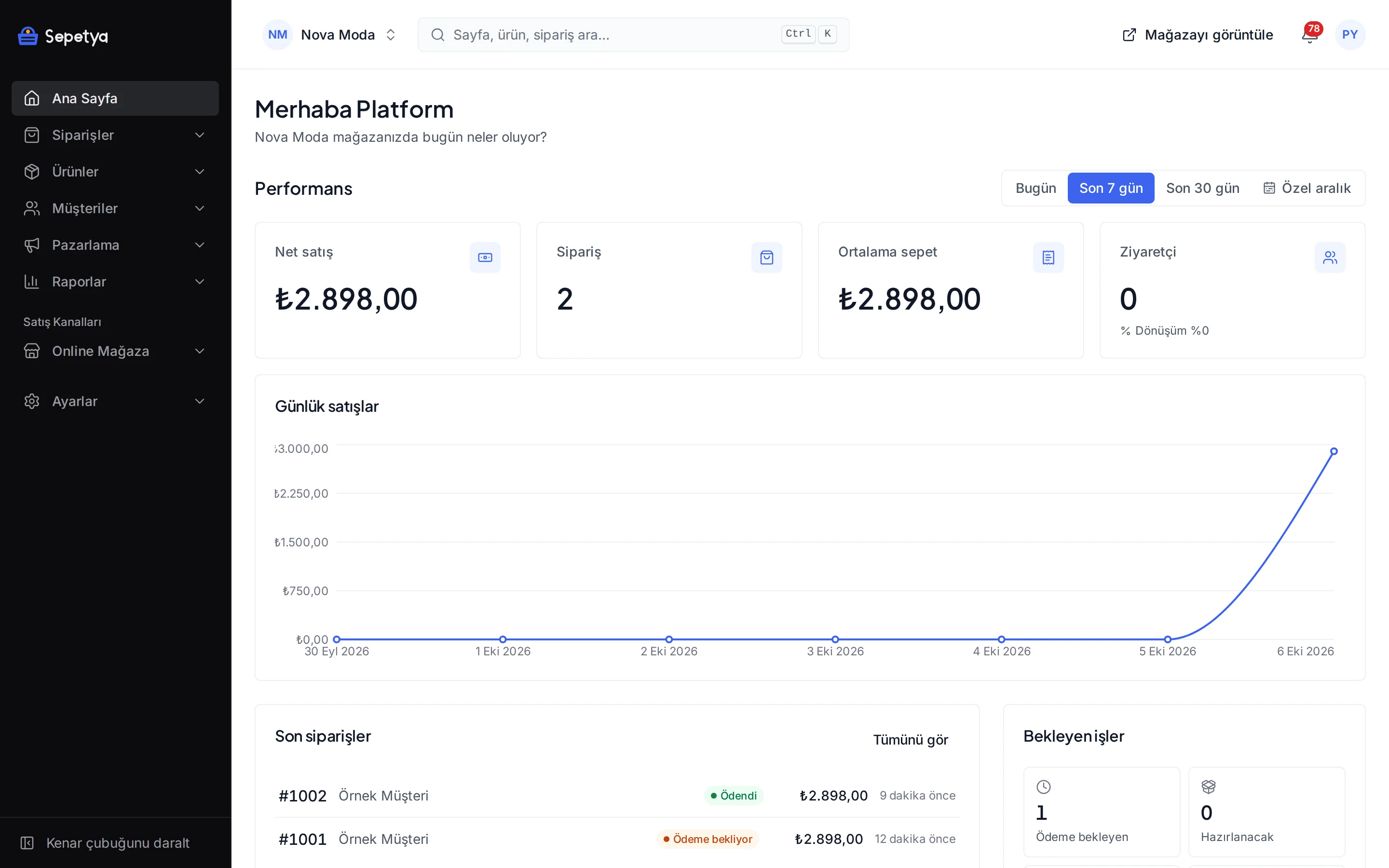
Six areas
Legal processes are ready at checkout and in the dashboard
Each one is set up in the dashboard and can be tried with a test order.
- 6502
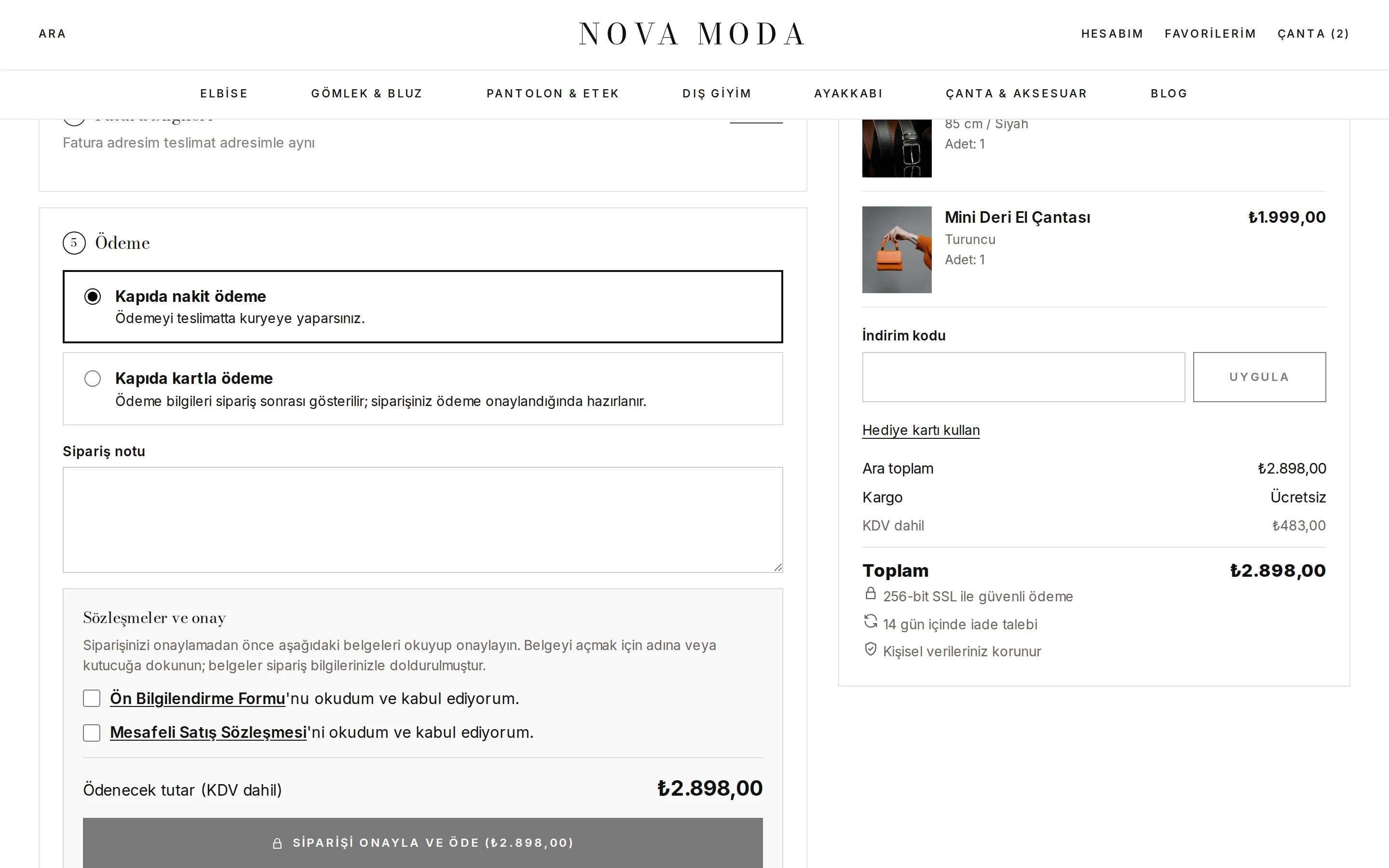
Pre-contract information and distance sales contract
Both documents appear directly above the “place order” button with unticked checkboxes. A document opens filled with the customer’s details; the copy at the time of the order is stored and e-mailed.
- KVKK
Privacy notice and explicit consent kept apart
Learn moreAt sign-up the “I have read” acknowledgement of the KVKK privacy notice is separate from the marketing consents (e-mail, SMS, calls), which are separate unticked checkboxes; the two are never merged. Customers can export their data or file a deletion request from their account.
- KVKK
Cookie preferences
Accept and reject are equally prominent and analytics, marketing and preference cookies are chosen separately. Tracking scripts do not load without consent and the preferences reopen from a footer link.
- İYS
Commercial message consent
Learn moreE-mail, SMS and call consent is recorded per channel and uploaded to İYS through the NetGSM app with source and time information.
- 6563
Seller details and ETBİS
Your legal name, address, tax details, MERSİS, KEP and ETBİS numbers appear in the storefront footer and are written into the legal texts automatically.
- VUK
e-Fatura and e-Arşiv
Learn moreIssue the invoice from the dashboard with your own integrator account; the document type follows the buyer’s e-Fatura registration.
This page is not legal advice. The ready texts are draft templates; ask your lawyer and accountant about the law and your own situation. Having a feature does not mean legal compliance is achieved.
Distance sales
Contracts at checkout, evidence on the order
On the checkout page, directly above the “place order” button, there are separate checkboxes for the pre-contract information form and the distance sales contract; both start unticked. A customer who ticks a box or taps the document name sees the document in a window filled with their own details (buyer, addresses, products, totals, payment and delivery) and “I have read and accept” ticks the box. If the order changes afterwards (total, shipping or payment method) the documents are regenerated and the consent given to the old text is withdrawn, so the customer confirms again.
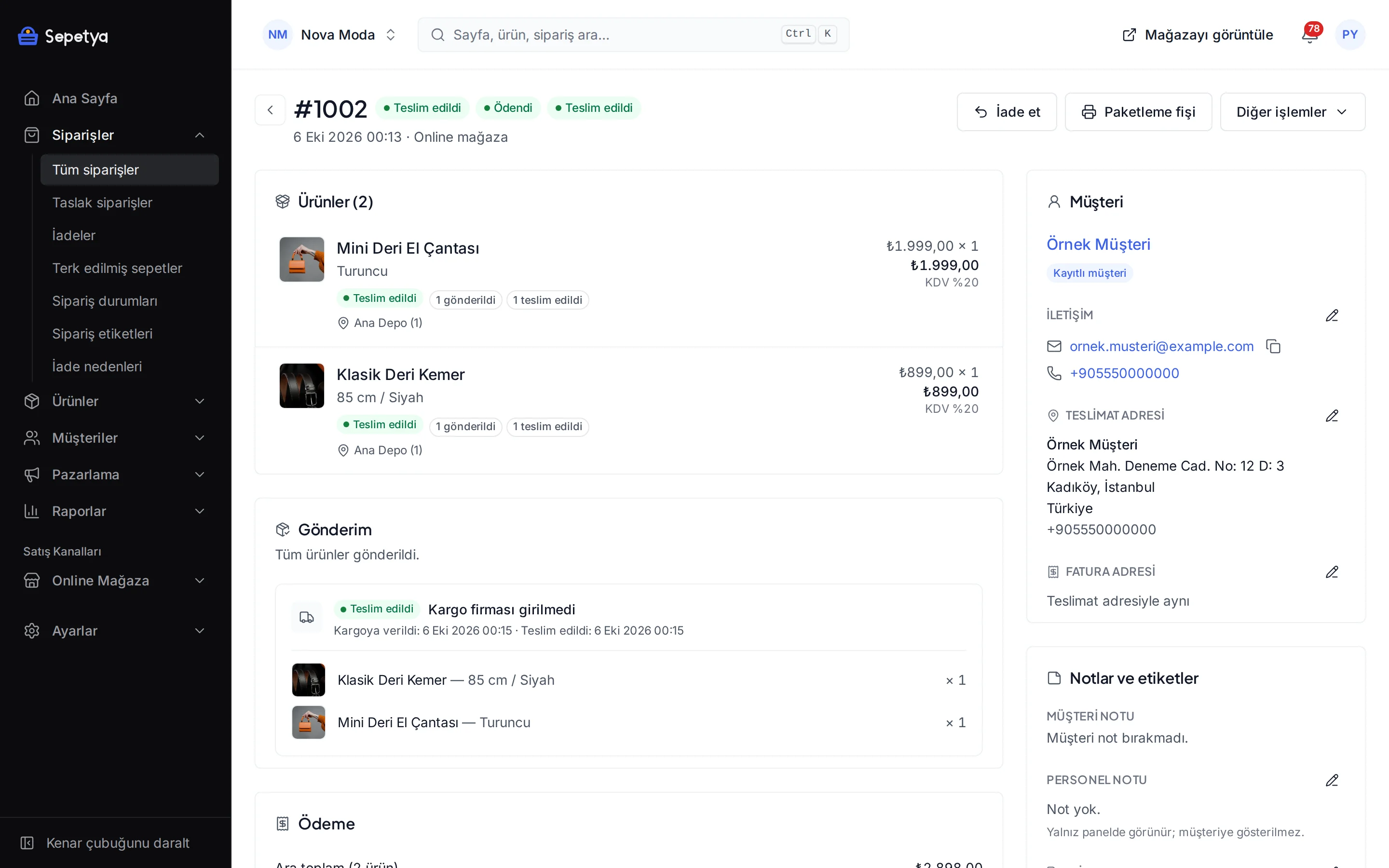
When the order is placed the HTML copy of the documents (with version and hash), the time of consent, the IP address and the browser details are saved on the order. Copies are e-mailed to the customer and shown in their account, and you see them in the “legal documents and consent records” card on the order page.
- The documents are templates editable per language; seller, store and order details are filled in automatically with placeholders
- The dashboard does not present the templates as finished legal text: it shows a “have your lawyer check this” notice
- The revision history of the texts is kept and the version accepted on the order is recorded
- Define your own extra consent checkboxes (required or optional, linked to a document); none comes pre-ticked
Cookies and consent
Accept and reject are equal and scripts follow consent
The cookie banner opens on the first visit: “Accept all” and “Reject all” are equally prominent and “Customise” lets visitors choose the necessary, analytics, marketing and preference categories separately. Analytics and marketing scripts (GA4, GTM, the Meta and TikTok pixels, Clarity, Hotjar) do not load without the visitor’s consent; Google Consent Mode is updated according to the choice. Visitors can change their choice at any time with the cookie preferences link in the footer.
You edit the banner’s texts, categories, layout (bar, box or window) and position in the dashboard, and an aggregate record of visitor decisions is kept. Marketing consent checkboxes in sign-up, checkout and newsletter forms start unticked; the privacy notice comes with an “I have read” acknowledgement at sign-up and as a link at checkout and in the newsletter form.
- Necessary cookies need no consent; the other categories depend on it
- When the banner version changes the decision is asked for again
- Storefront and purchase events sent from the server with the Meta Conversions API go only with marketing consent; for purchases, the consent recorded when the order was placed applies
- You choose a consent category for the custom scripts you add

Seller details, İYS and KVKK requests
Enter your details once and see them everywhere
You enter the seller’s legal name or full name, address, tax office and number, MERSİS, KEP and ETBİS numbers once in the setup wizard or under Settings › General. The details appear in the storefront footer and are written into the legal texts automatically. The pages for pre-contract information, distance sales, returns, delivery, privacy and cookies, KVKK notice, terms and seller details are created as editable drafts in every new store.
Commercial message consent is kept separately for e-mail, SMS and calls and the NetGSM app uploads it to İYS. Customers can export their personal data or file a deletion request from their account and you answer the requests under Customers › KVKK requests.
- Every legal page is edited per language and has publishing and a revision history
- Return and delivery policy texts can be attached to selected order e-mails
- On a KVKK deletion request a withdrawal is sent for consents that were uploaded to İYS

How it works in the dashboard
- Step 1: 1
Enter your seller details
In the legal details step of the setup wizard or under Settings › General enter your name, address, tax, MERSİS, KEP and ETBİS details.
- Step 2: 2
Edit the legal texts
Under Online store › Pages › Legal texts adapt the drafts to your business, have your lawyer check them and publish.
- Step 3: 3
Set up the cookie banner
Under Storefront settings › Cookie consent set the texts, categories and layout and tie tracking apps to a consent category.
- Step 4: 4
Place a test order
Check at checkout that the documents fill with the customer’s details, that the boxes start unticked and that the copy arrives by e-mail.
Frequently asked questions
Do the distance sales contract and pre-contract information form come ready?
Editable draft templates come ready and are shown to the customer at checkout. The templates are not legal advice; you need to adapt them to your business and have your lawyer check them. The dashboard reminds you of this clearly.
Are the documents kept with the order?
Yes. The HTML copy at the time of the order (with version and hash), the time of consent, the IP address and the browser details are saved on the order, e-mailed to the customer and shown in their account. Follow the law and your lawyer for retention periods.
What is offered for cookie consent?
A cookie banner that gives accept and reject equal prominence, selection by category (necessary, analytics, marketing, preferences), tracking scripts that do not load without consent, Google Consent Mode and a footer link that reopens the preferences. The banner texts and layout are edited in the dashboard.
Are the KVKK privacy notice and explicit consent kept separate?
Yes. At sign-up there is a separate “I have read” acknowledgement for the privacy notice and at checkout and in the newsletter form a link to the notice, while marketing consents are taken with separate, unticked checkboxes. The two are never merged. Which data is processed for which purpose and whether explicit consent is needed requires a legal assessment, so ask your lawyer.
Is there an İYS integration?
Yes. The NetGSM app uploads e-mail, SMS and call consents and withdrawals to İYS through NetİYS; you enter your own NetGSM account and İYS brand code. Ask your adviser whether your consent records are legally sufficient.
What should I keep in mind when sending commercial e-mails?
Consent for commercial e-mail and SMS is recorded per channel; for commercial recipes automations send by default only to customers with consent, and commercial e-mails carry an unsubscribe link. Follow the law and your adviser for message texts and timing; see automations.
Start selling with your legal processes ready
During the trial enter your seller details, edit the legal texts and check the checkout with a test order. Show the texts to your lawyer before you publish them.