Grow
Grow sales with campaigns, coupons and pop-ups
From percentage and fixed discounts to “buy 3 pay for 2” campaigns, and from bulk coupon codes to pop-ups that collect e-mail addresses, all the tools are in the dashboard. Rules apply the same way on the product page, in the cart and at checkout; there are no fake countdowns or fake stock messages.
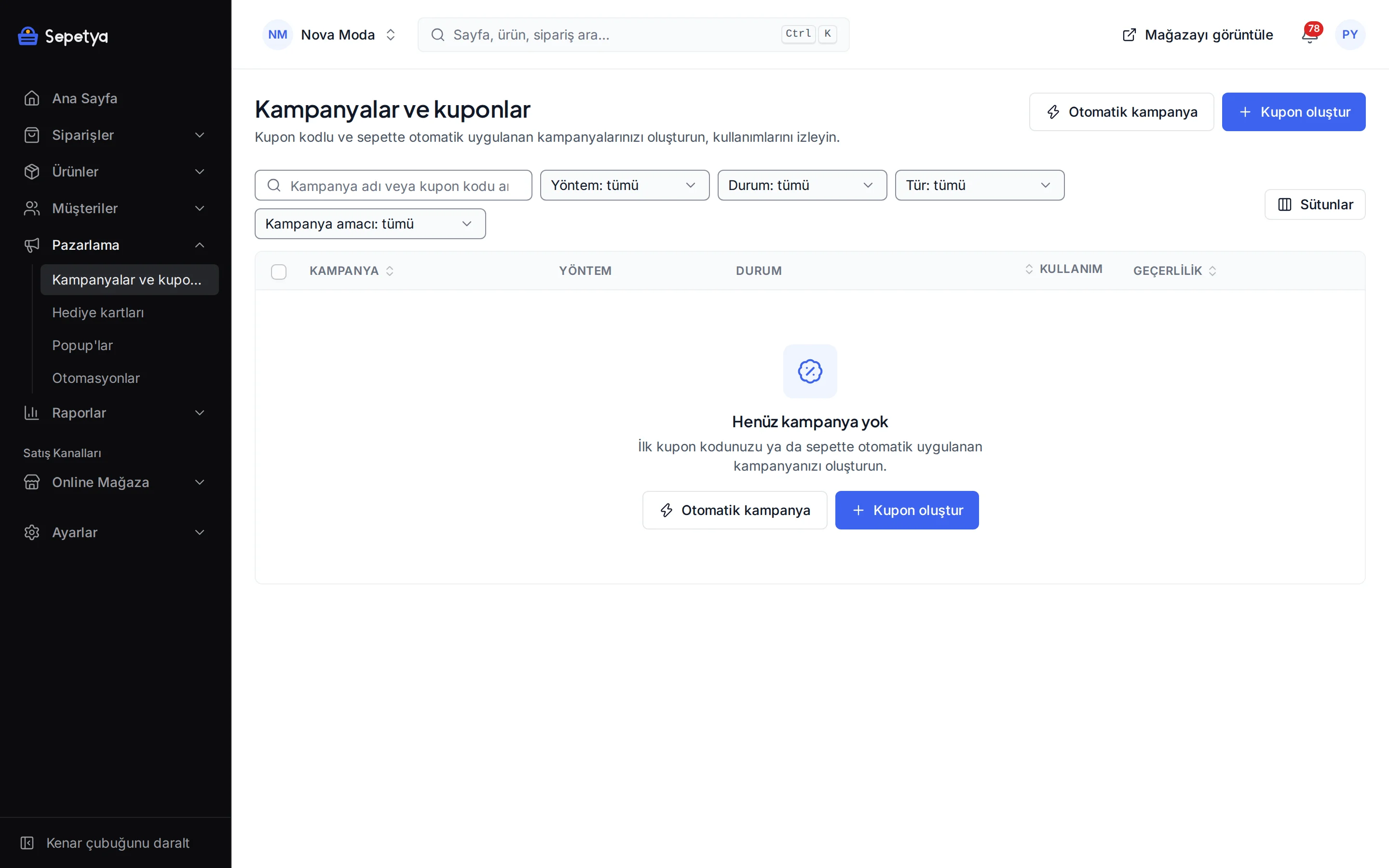
Tools to lift your sales
Campaign types
Percentage discount, fixed amount, free shipping, buy X get Y and tiered discounts by quantity or value. Limit a campaign by product, variant, category, brand or tag and combine several conditions.
Coupon codes
Enter codes one by one, generate them in bulk or import them as CSV. Set usage limits, define a code for one specific customer and set a prefix and validity period for automatically generated codes.
Targeting and limits
Limit a campaign to first orders, signed-in customers, specific customers or customer groups, and to a sales channel and currency. Set a date range and total and per-customer usage limits.
Pop-ups and announcement bar
Six styles: centre window, form window, notification, notification bar, drawer and full-page layer. Timing, frequency, page and device filters. Consent checkboxes in forms that collect e-mail addresses start unticked.
Gift cards and store credit
Create a gift card or store credit that the customer uses in the cart. You can turn a refund into store credit. A card can be limited to a currency, a customer and a sales channel.
Honest urgency
The countdown on the product page depends only on the real end of the campaign and appears in the last 72 hours. The low stock notice comes from real stock. Fake countdowns and invented demand messages are not generated.
Campaign engine
One campaign applies the same way from the product page to checkout
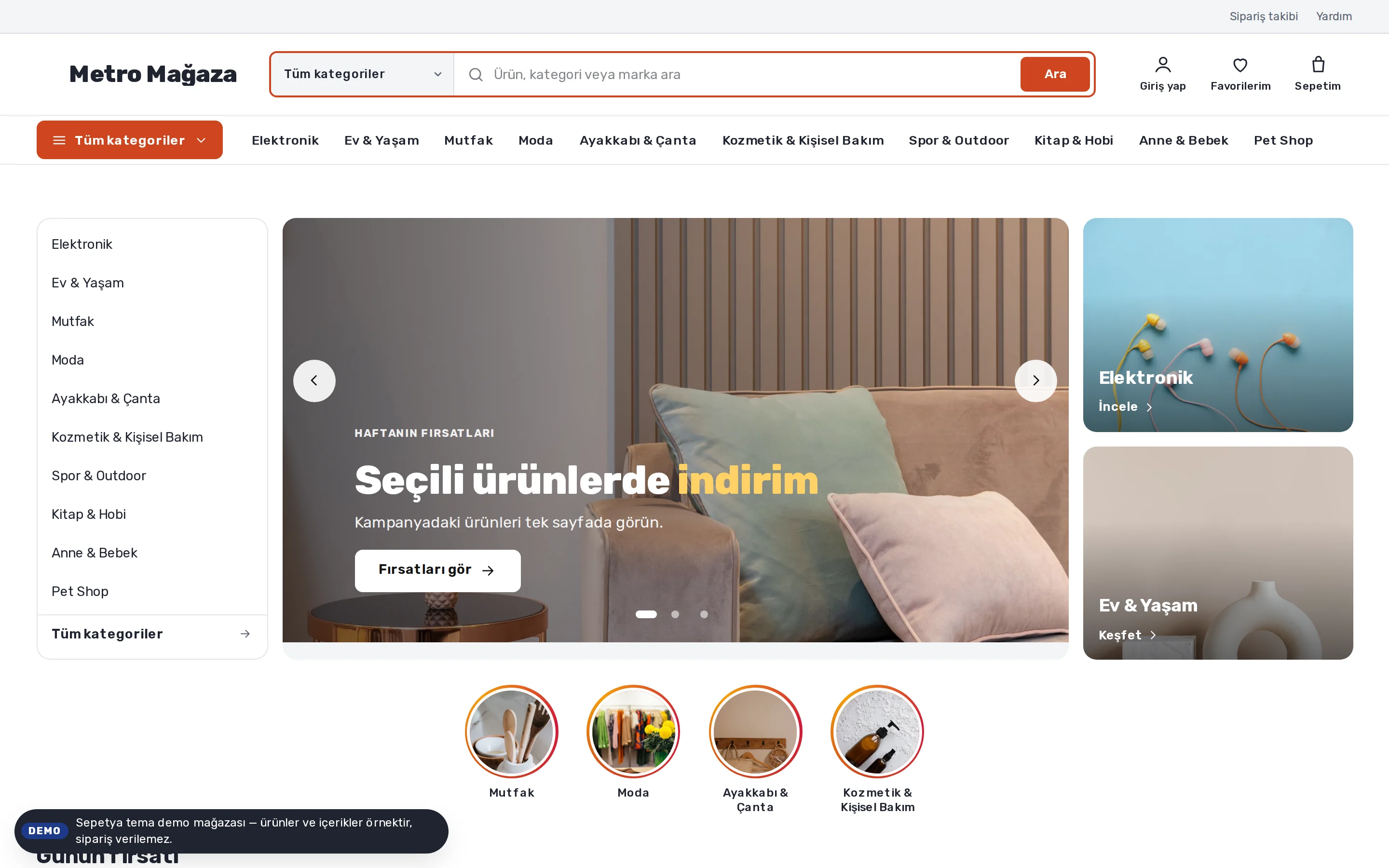
You define the campaign rules once; the cart, checkout, draft orders and the product page use the same calculation. So the discounted price the customer sees on the product page matches the cart and checkout. You choose how campaigns combine (priority and combinability), whether discounted products are included and whether the discount applies to the original or the discounted price.
In a “buy X get Y” campaign you can add filters, quantity caps and a per-order usage limit to the bought and the free products and have the free product added to the cart automatically.
- Tiered discounts by quantity or value; a tier table appears on the product page
- A campaign box on the product page: the campaign is explained in plain words, the coupon code can be copied and the real end date is shown
- Campaign titles are written per language and the purpose (marketing, cart recovery, win-back) is labelled
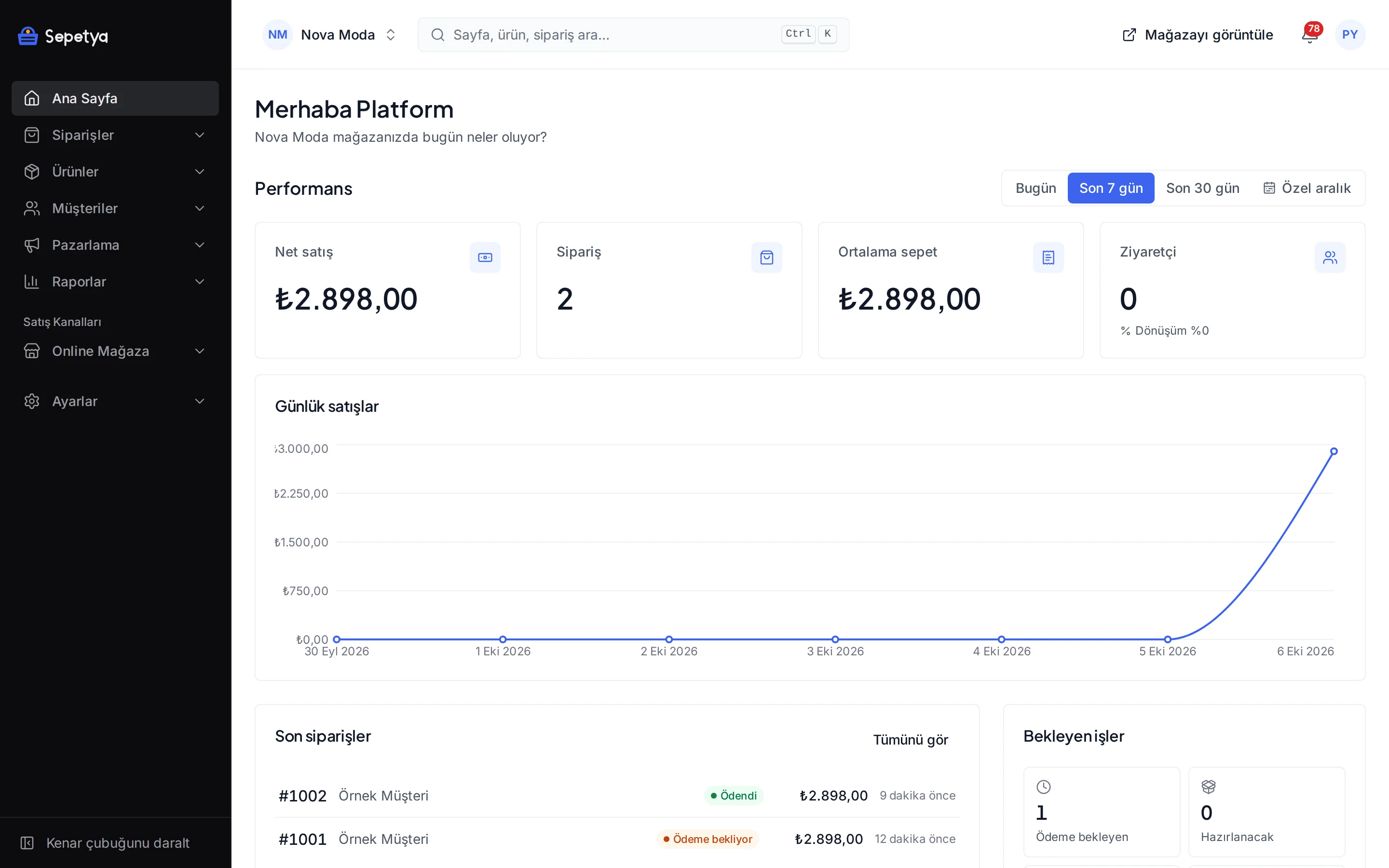
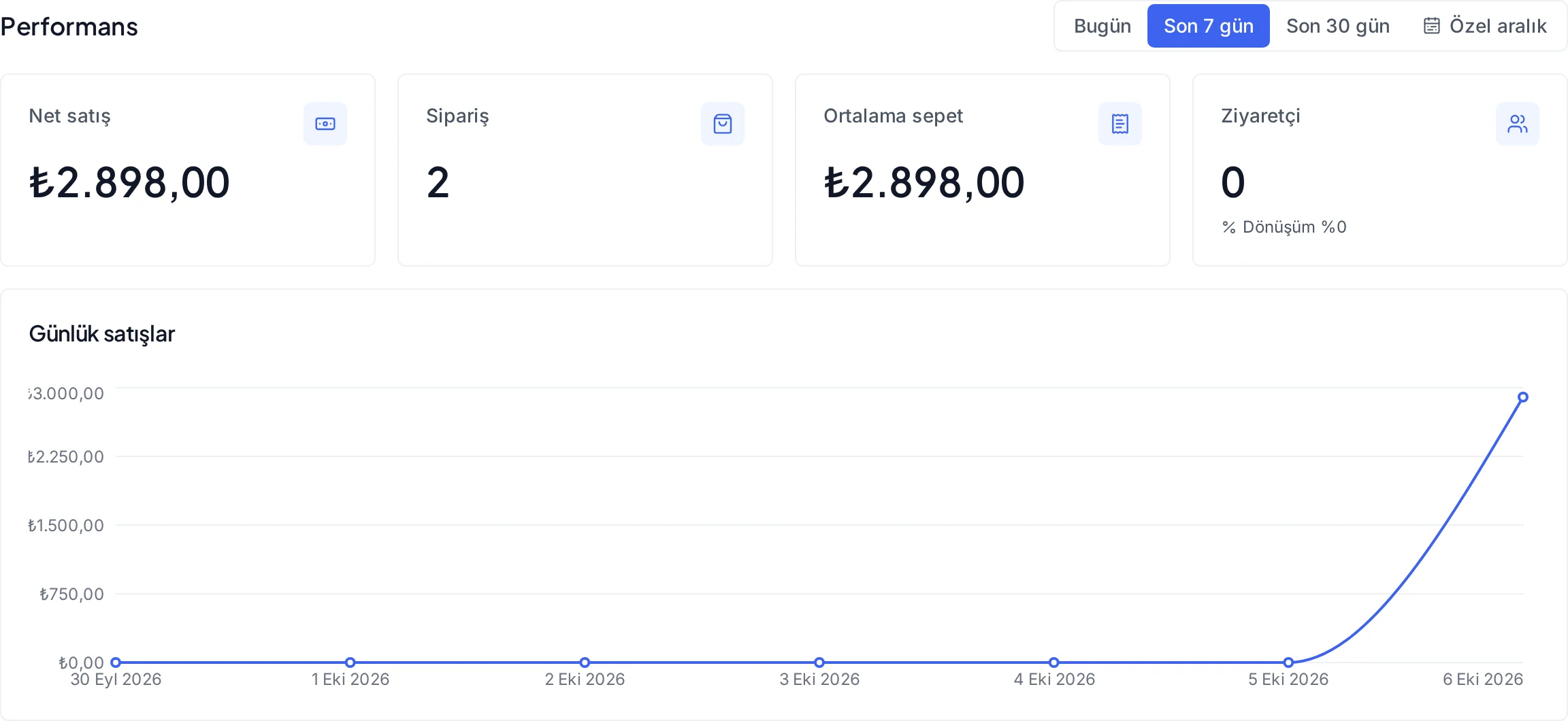
- Usage counts and coupon redemptions are tracked in the dashboard
Coupons and targeting
The right code for the right customer
Enter coupon codes one by one, generate them in bulk (quantity, prefix, length) or import them as CSV. Give every code and campaign a date range and total and per-customer usage limits, and define a code for one specific customer. You can also set a period limit, for example one use per customer in a rolling 30 days.
Limit a campaign to first orders, signed-in customers, chosen customers or customer groups. Groups update themselves by rules such as spend, order count, last order date, tag or marketing consent.
- Codes export as CSV and the usage count of each code is listed
- Codes created by automations are single-use and customer-specific; prefix and validity come from a template
- Restrict a campaign by sales channel and currency

Pop-ups and announcement bar
Collect e-mail addresses without annoying visitors
Pick one of six styles: centre window, form window, corner notification, notification bar, drawer or full-page layer. Show it on page load, after a delay, on scroll or on exit intent, and every time, once per session or only once. Target by page type, device, language and conditions such as cart value or sign-in state.
A form pop-up collects fields such as e-mail, phone, name and date of birth. Extra consent checkboxes start unticked; e-mail consent is double opt-in and recorded. Impressions, clicks and submissions and the answers are listed in the dashboard and can be downloaded as CSV.
- The notification bar gives campaign or shipping information as a thin strip at the top or bottom
- A submission is linked to the customer record; extra customer fields and consent checkboxes can be added
- The consent text, its time, IP address and browser details are stored
How it works in the dashboard
- Step 1: 1
Choose the campaign type
Open a new campaign under Marketing › Campaigns and coupons: percentage, amount, free shipping, buy X get Y or tiered.
- Step 2: 2
Set the scope and target
Pick products, categories, brands or tags and enter the customer group, channel, date range and usage limits.
- Step 3: 3
Generate the coupon codes
For the coupon method create codes one by one or in bulk, or import them as CSV. An automatic campaign needs no code.
- Step 4: 4
Publish and follow it
The campaign starts on its start date and stops by itself at the end. Follow usage counts and coupon redemptions in the dashboard.
Frequently asked questions
Which discount types can I create?
Percentage and fixed-amount discounts, free shipping, buy X get Y and tiered discounts by quantity or value. Campaigns can use a coupon or apply automatically and can be scoped by product, variant, category, brand and tag.
Can I make a coupon exclusive to certain customers?
Yes. You can limit a campaign to first orders, signed-in customers, chosen customers or customer groups, and make a code exclusive to one customer. Usage limits are set in total and per customer and can also follow periods such as a rolling number of days, a week or a month.
How is consent managed when I collect e-mail addresses with a pop-up?
Consent and extra checkboxes in a form pop-up start unticked. E-mail consent is double opt-in: the newsletter and consent record are created when the customer confirms the link in the e-mail. The consent text, its time, IP address and browser details are stored. We recommend having the texts reviewed by your lawyer.
Can I use countdowns and stock notices?
The campaign countdown on the product page appears only to the real end of the campaign and in its last 72 hours; the low stock notice comes only from real stock. Fake countdowns, fake scarcity and invented demand messages can count as unfair commercial practices, so the product does not generate them. It is your responsibility that the end time you enter in the theme editor’s countdown section is real.
How do gift cards and store credit work?
You create a gift card or store credit in the dashboard and set its amount, currency, validity date and minimum cart value; a card can be limited to one customer or sales channel. The customer uses the code in the cart and when the whole amount is paid with a card the payment method is recorded as a gift card. You can turn a refund into store credit to give the customer credit.
Do campaigns appear in the Google Merchant Center and Meta catalogue feeds?
Automatic percentage campaigns shown on the product page are published as a sale price in the Google Merchant Center and Meta catalogue apps (with “include campaigns in the catalogue” on). Coupons and cart-conditional campaigns do not enter the feeds. See ads and product feeds for details.
Set up your first campaign today
During the trial try campaigns, coupons and pop-ups with your own products and check how the rules look on the product page, in the cart and at checkout.