Solutions
From fashion to food, from electronics to jewellery, every industry has different product, delivery and legal needs. Pick yours to see the matching theme, the relevant features and the topics to check before you start selling.
Each industry page brings together the relevant features, the matching theme and its demo store, an industry-specific checklist and guide articles.

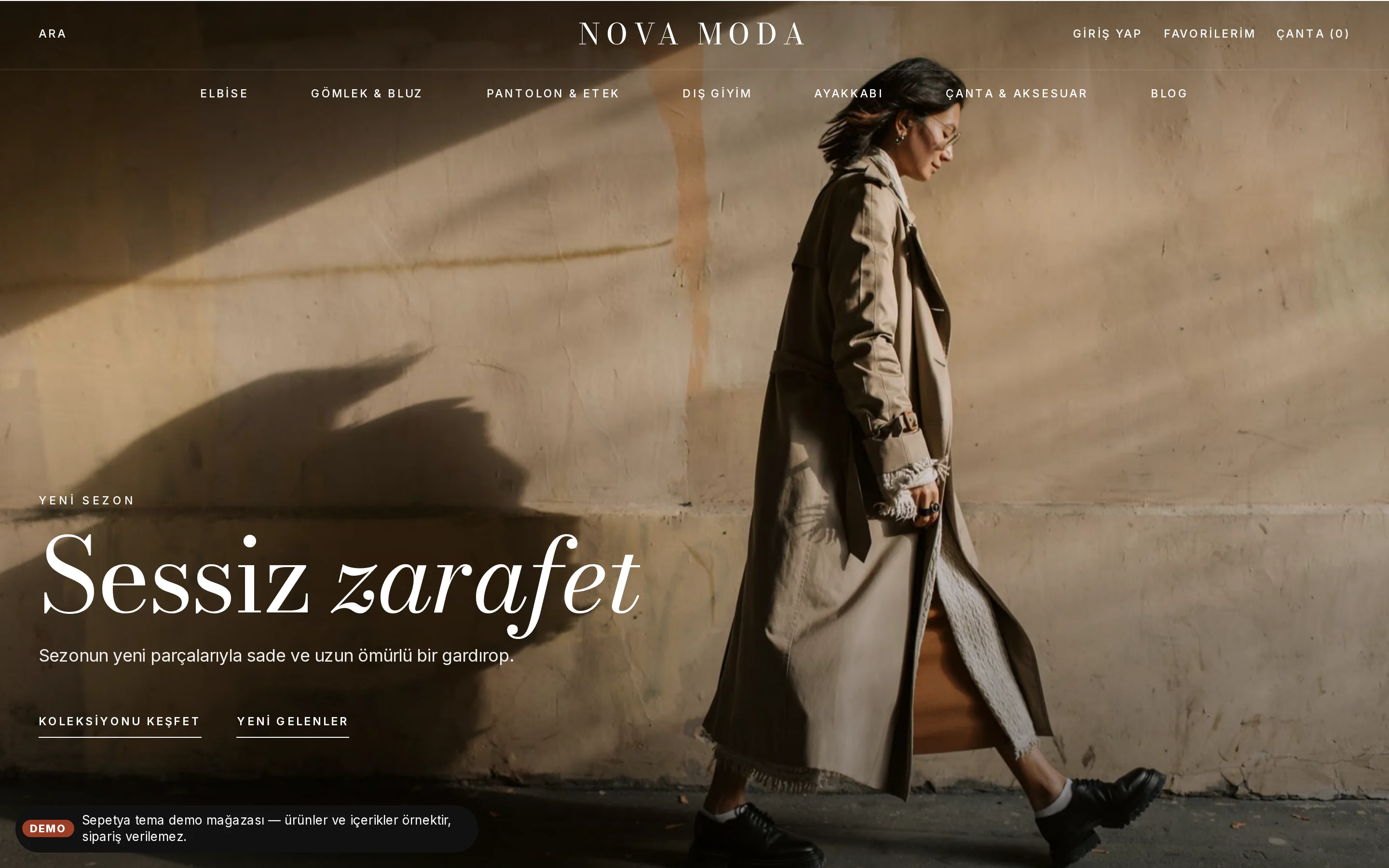
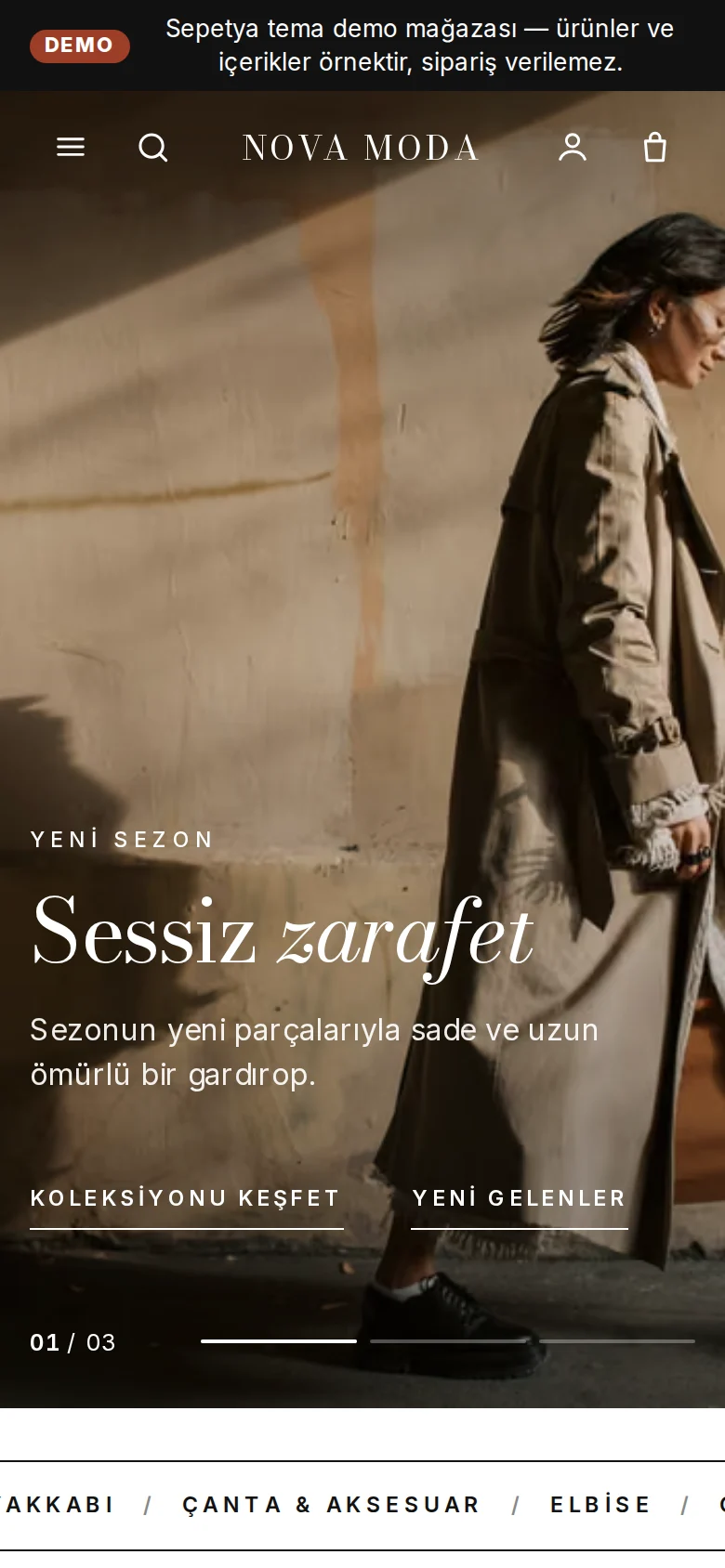
Colour-swatch variants, size options, a lookbook and a returns flow.

Category tree, dynamic categories, filters, campaigns and bulk CSV.

Spec tables, an instalment table, real stock status and bundles.

Ingredient information, approved reviews, a care routine and gift wrapping.
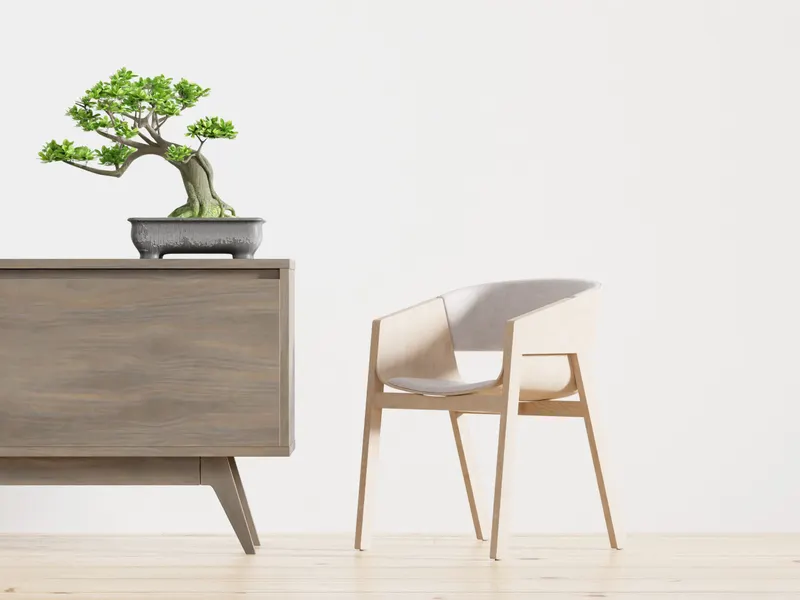
A room-photo storefront, shop the look, fabric and size options and delivery days.

Unit prices, a quantity stepper, local delivery time slots and in-store pickup.
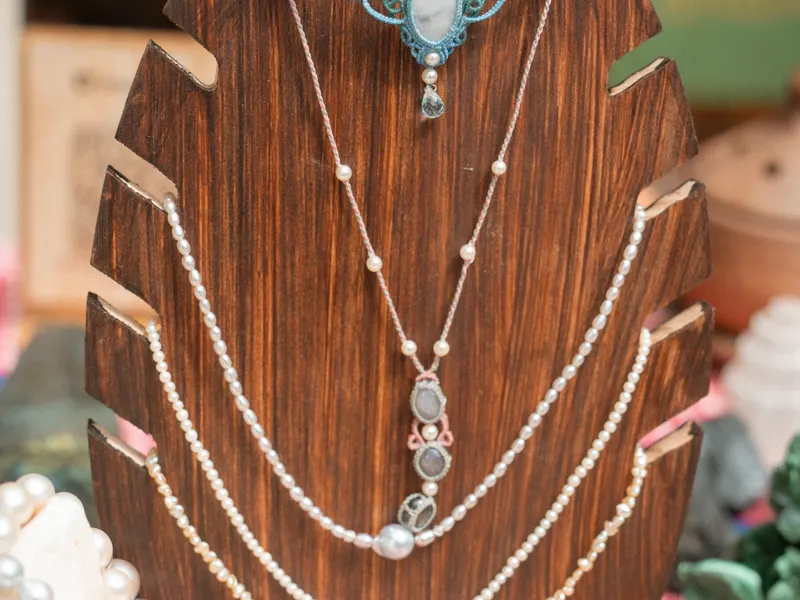
Personalisation, gift wrapping, a gift finder and consultation over WhatsApp.
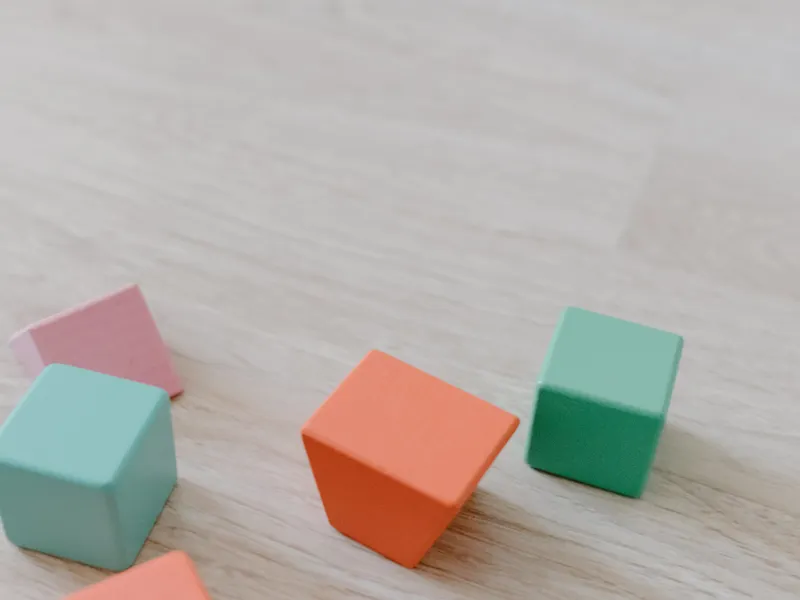
Shopping by age, a gift finder, reviews and parent information sections.
Choosing a theme
Any theme works in any industry, but each one's header, opening and product card were designed around a particular way of selling. Your choice is not final: your products, pages and menus are independent of the theme, so you can change it later.
If they look at photos and the story (fashion, jewellery, home), large-image editorial themes stand out. If they look at specs and price (electronics, large catalogues), themes that foreground search, the category menu and product information fit better.
With a small, curated range, calm gallery-style storefronts let your products shine. With many categories, a theme that foregrounds the category menu, filters and deal shelves makes things easier.
For everyday shopping (food), unit prices, a quantity stepper and delivery information matter. For large items (furniture), room photos and delivery time do; for gifts, a gift finder and wrapping information.
For children's products, parents want to choose by age; for care products, routine and ingredient information matter; in the luxury segment, a calm, dark and slow-moving storefront can inspire trust.
You can open and browse any theme whose demo store is published; the demo content is sample content and orders cannot be placed in a demo store.
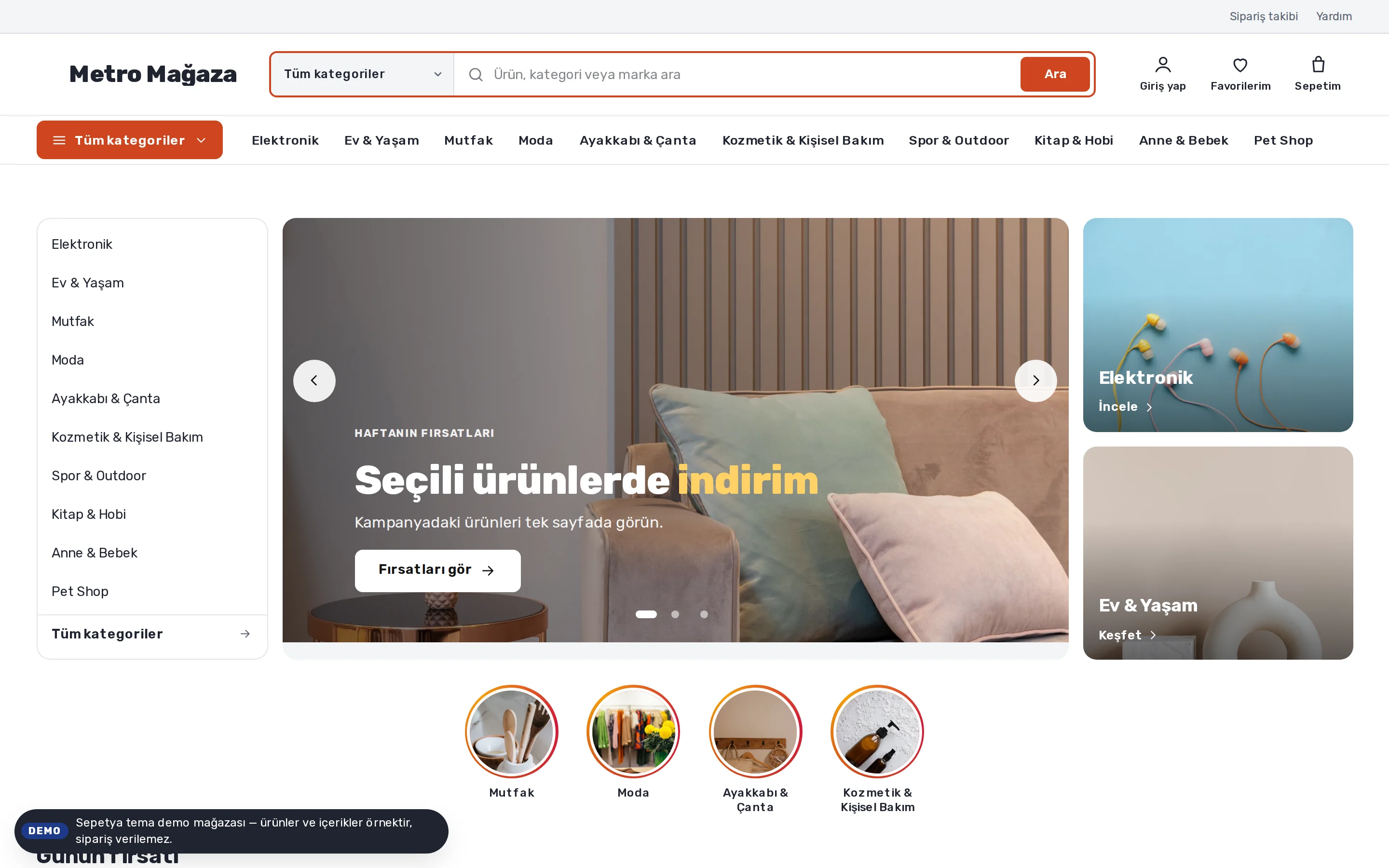
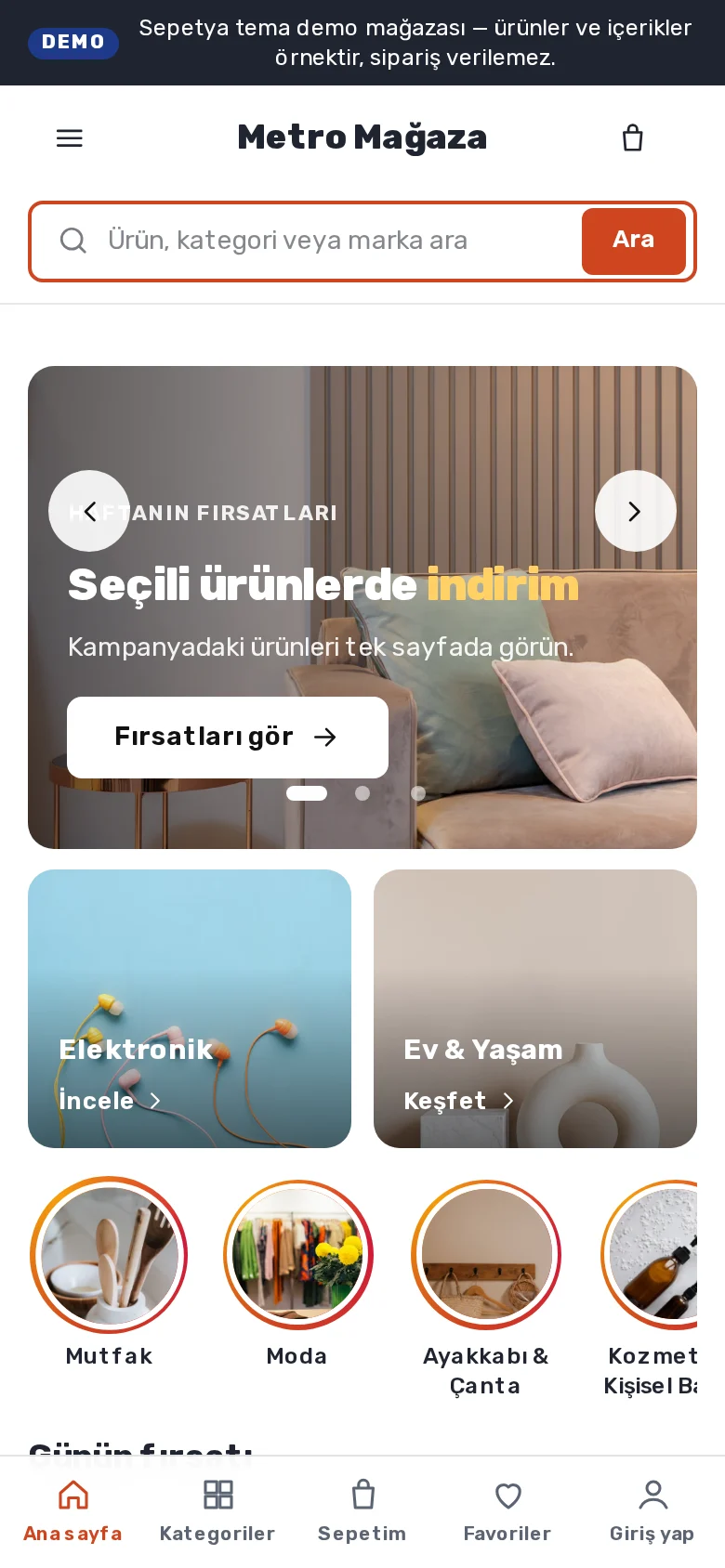
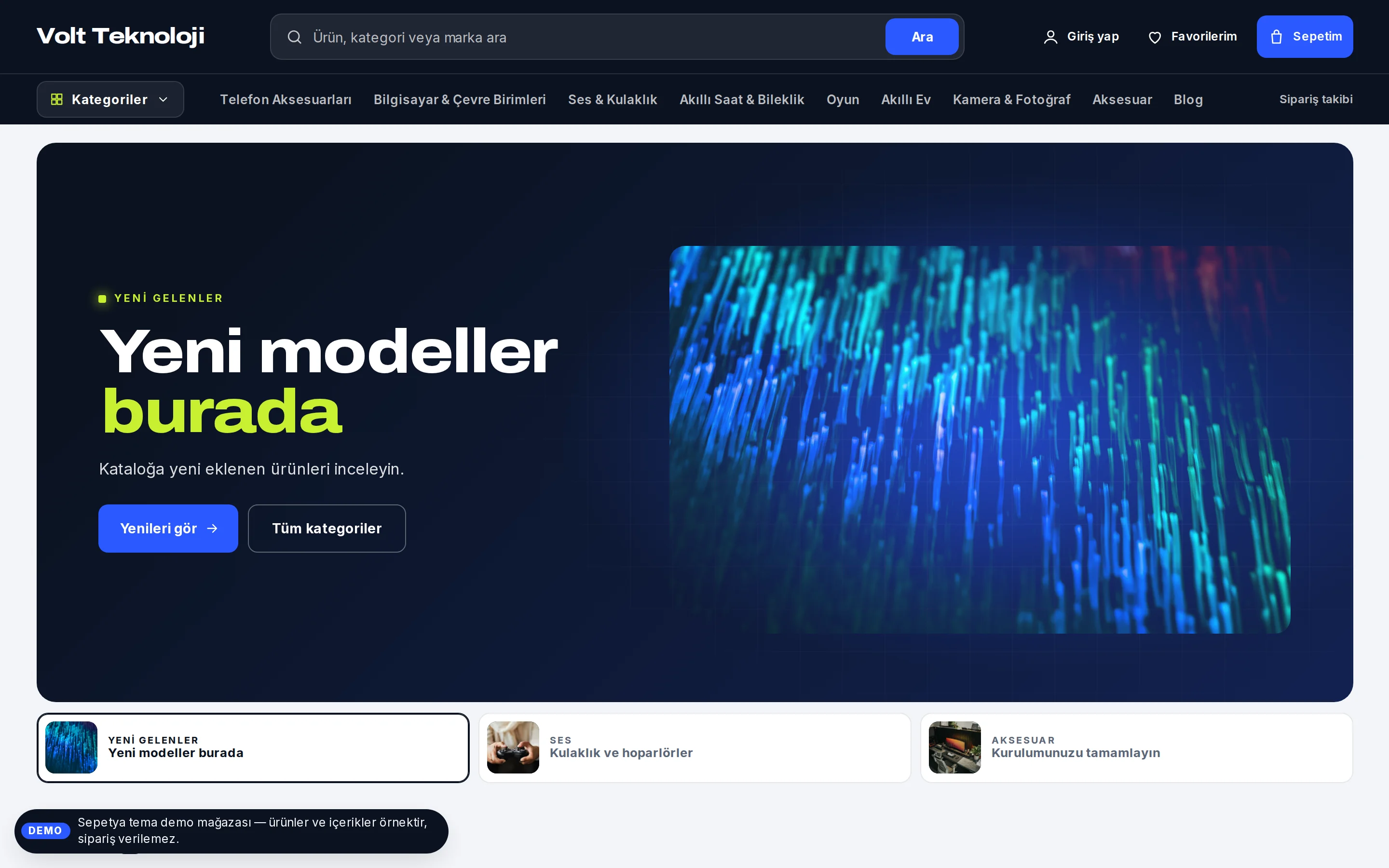
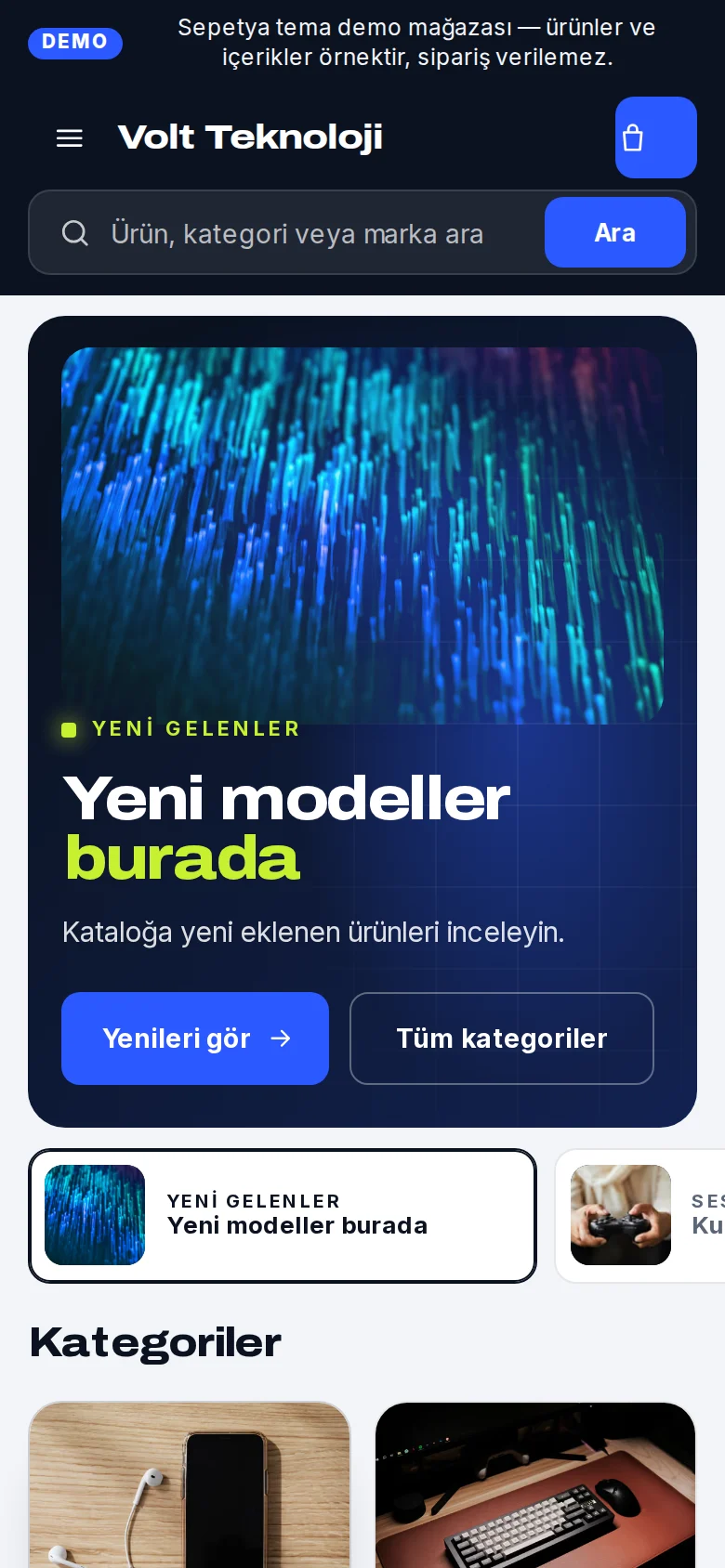
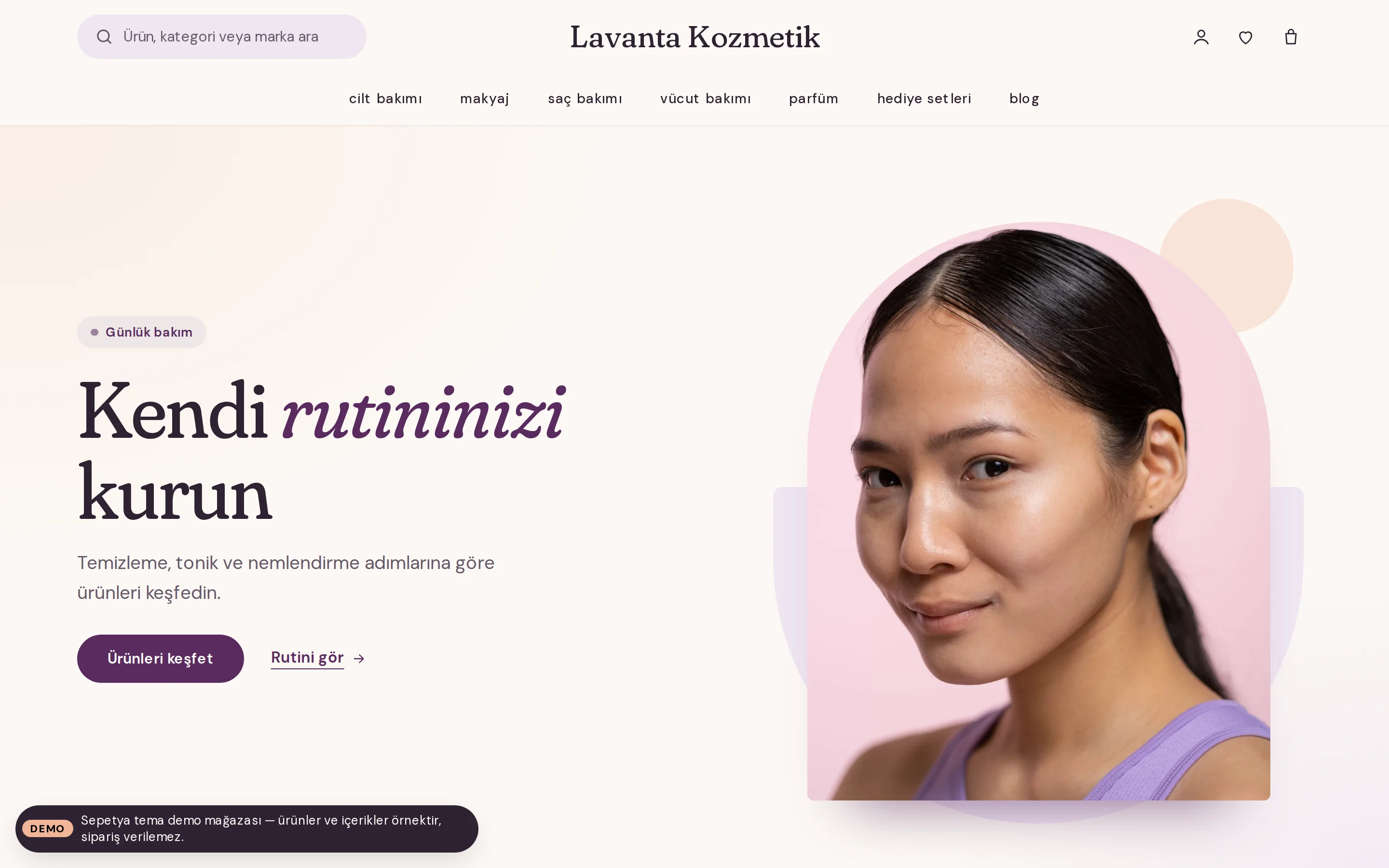
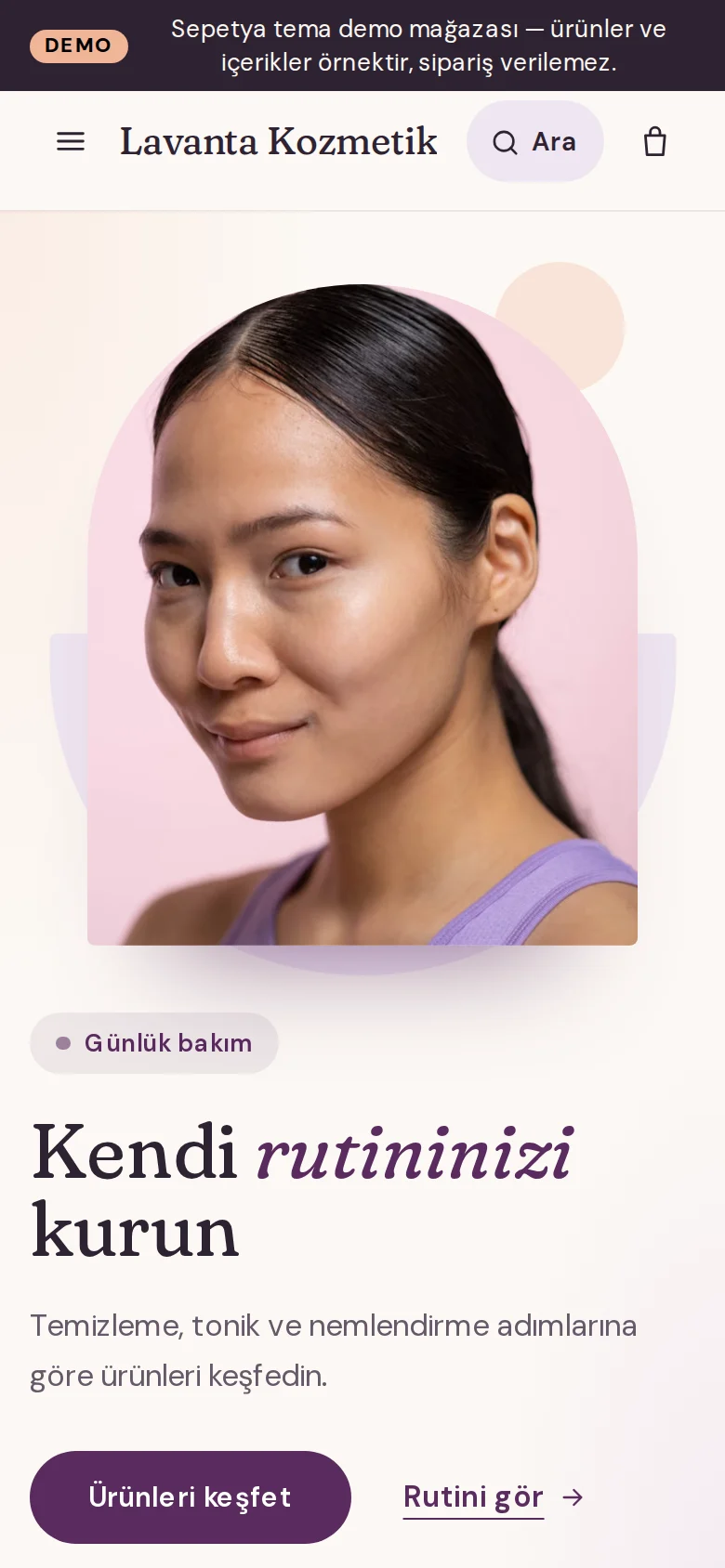
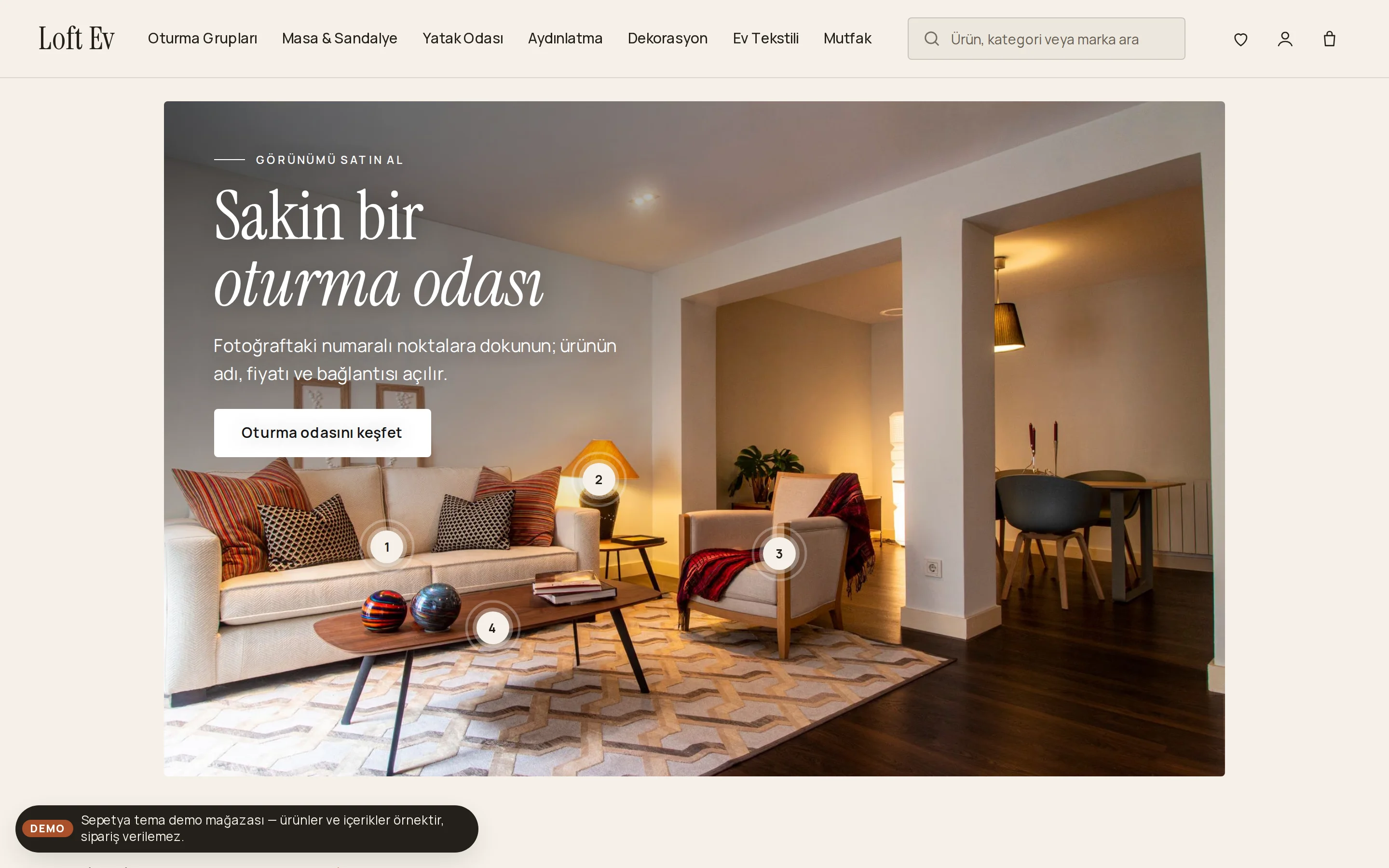
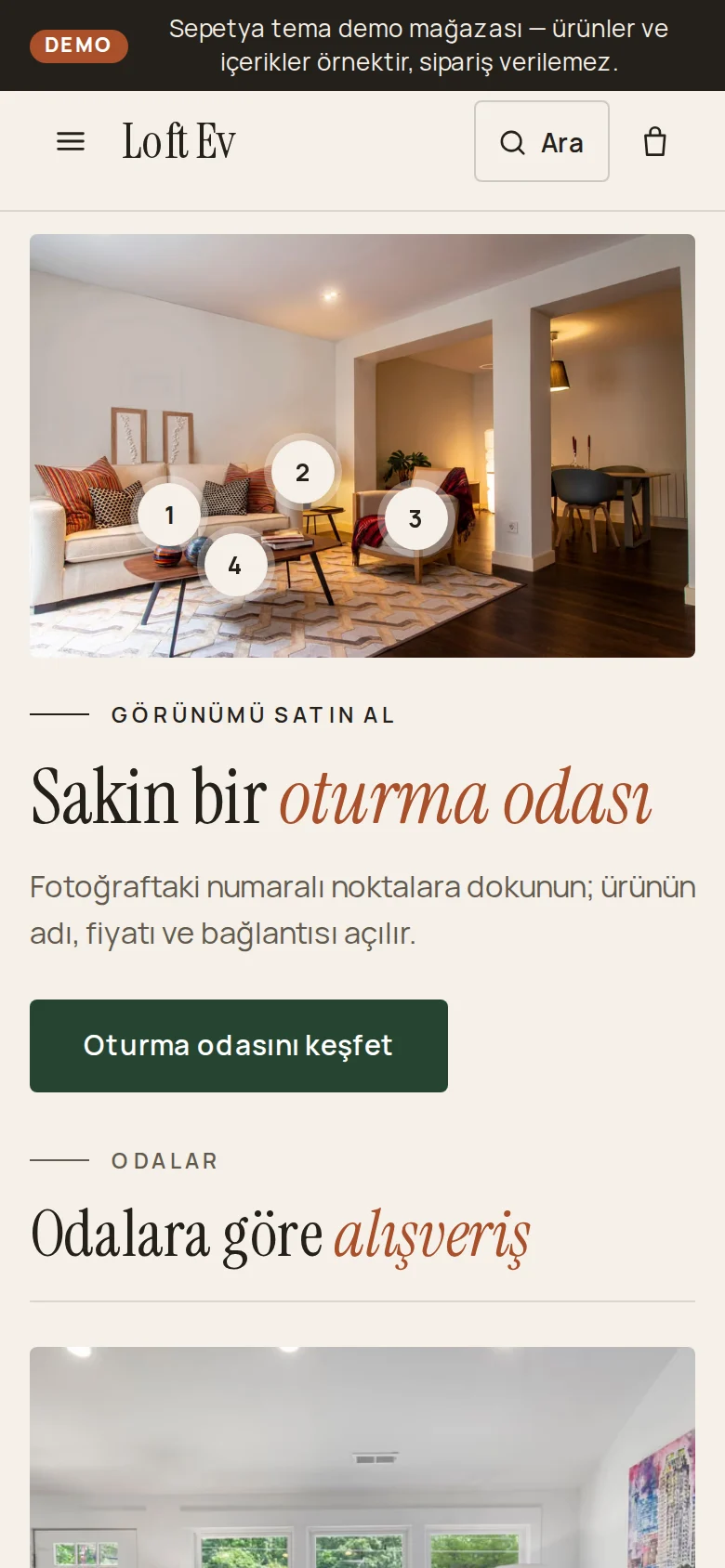
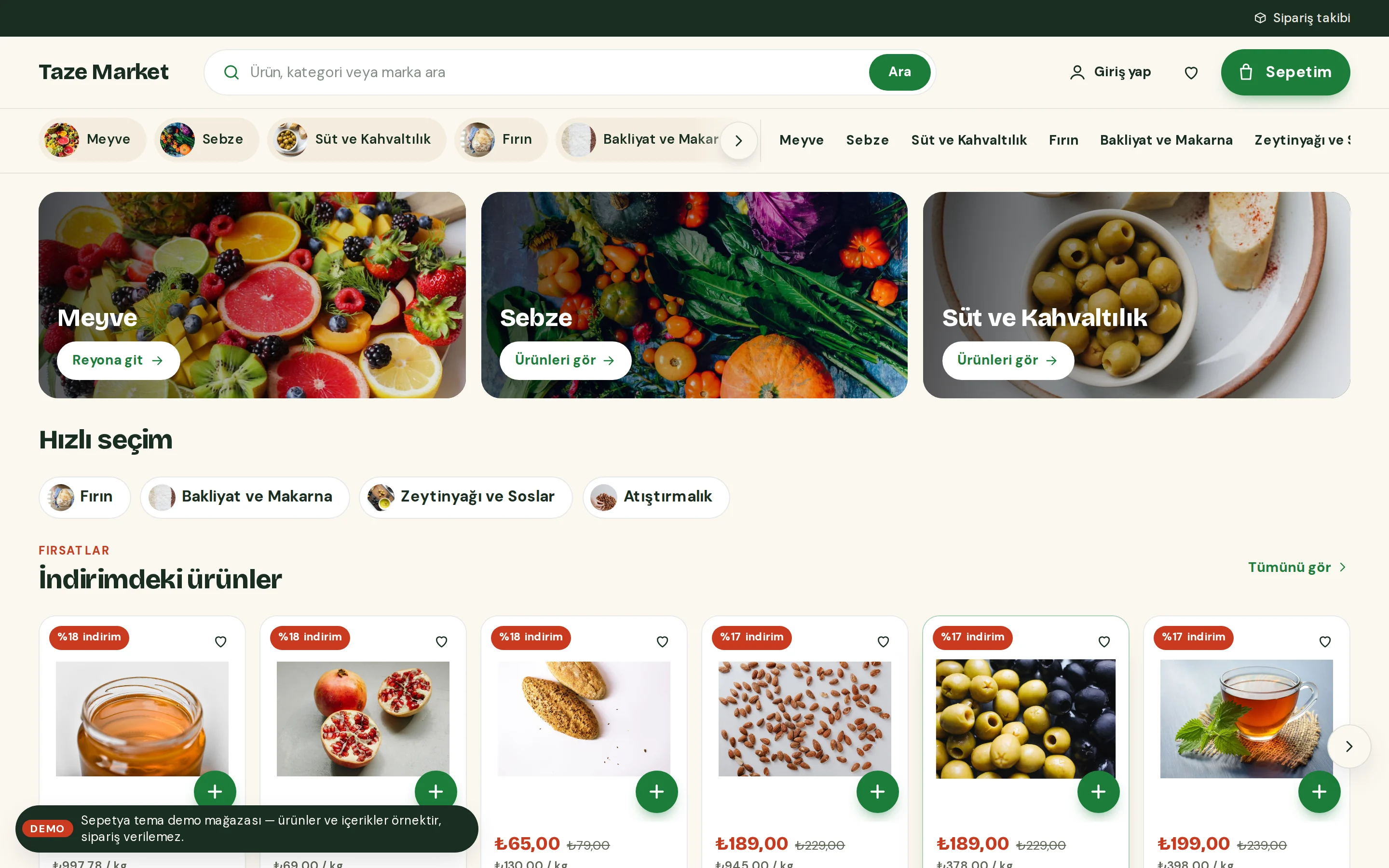
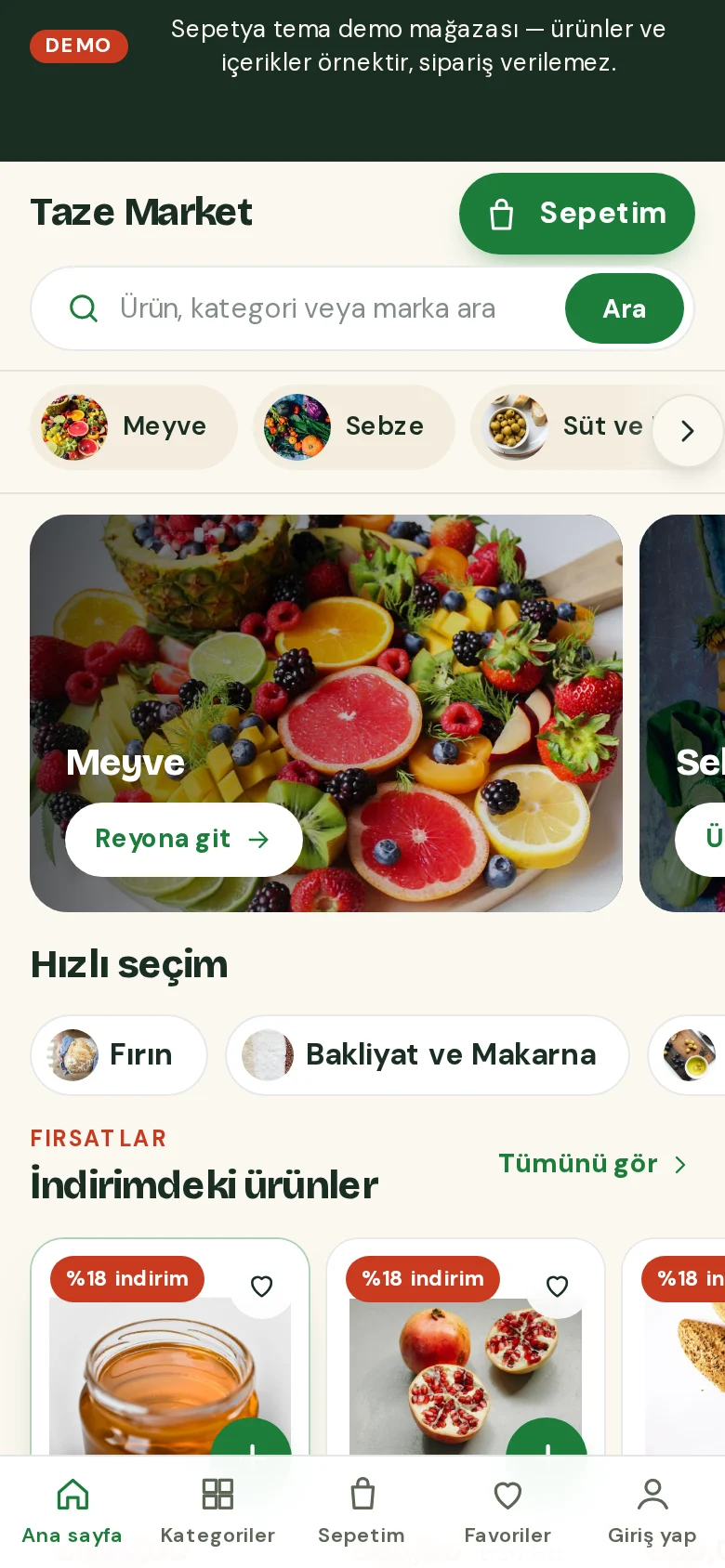
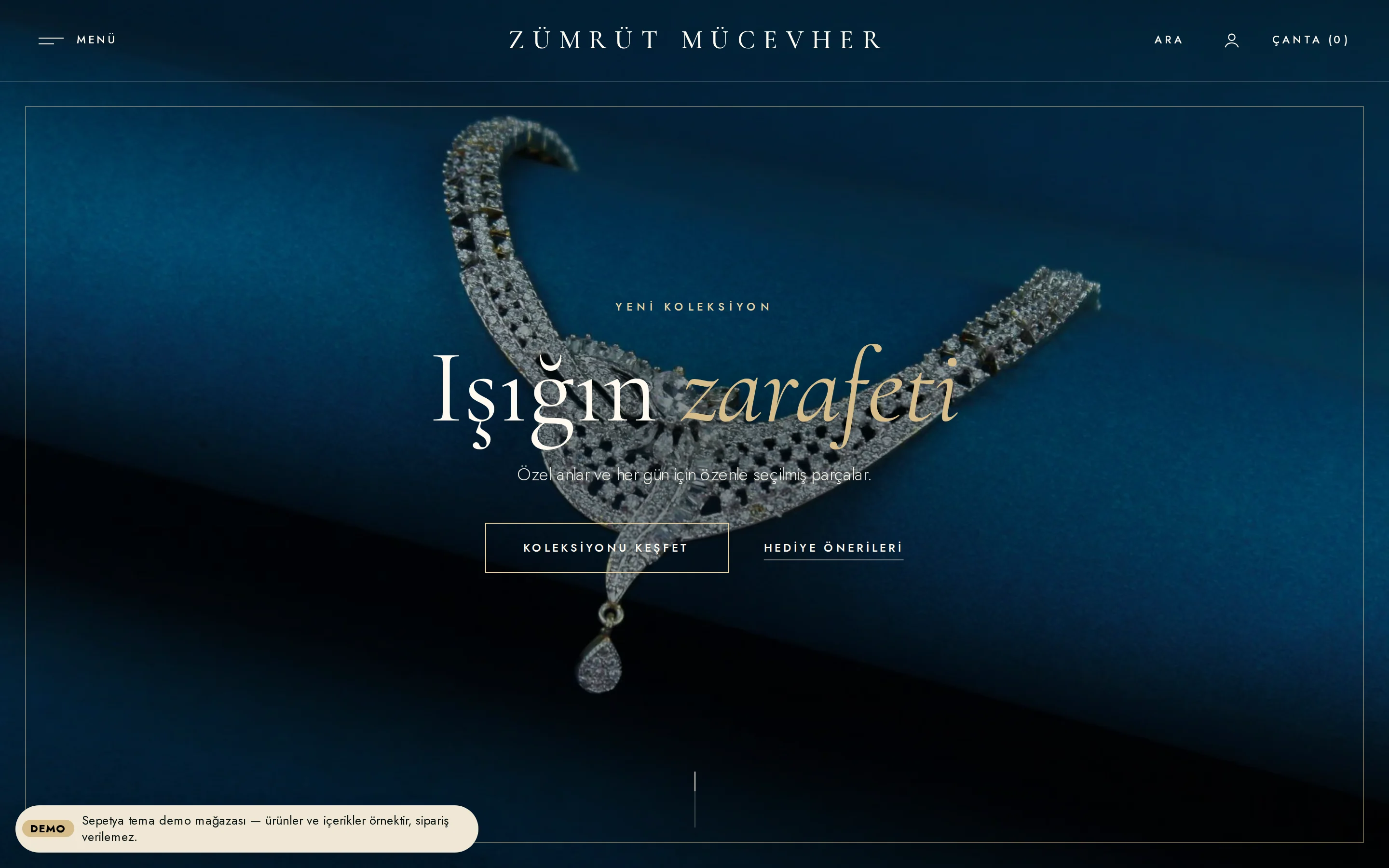
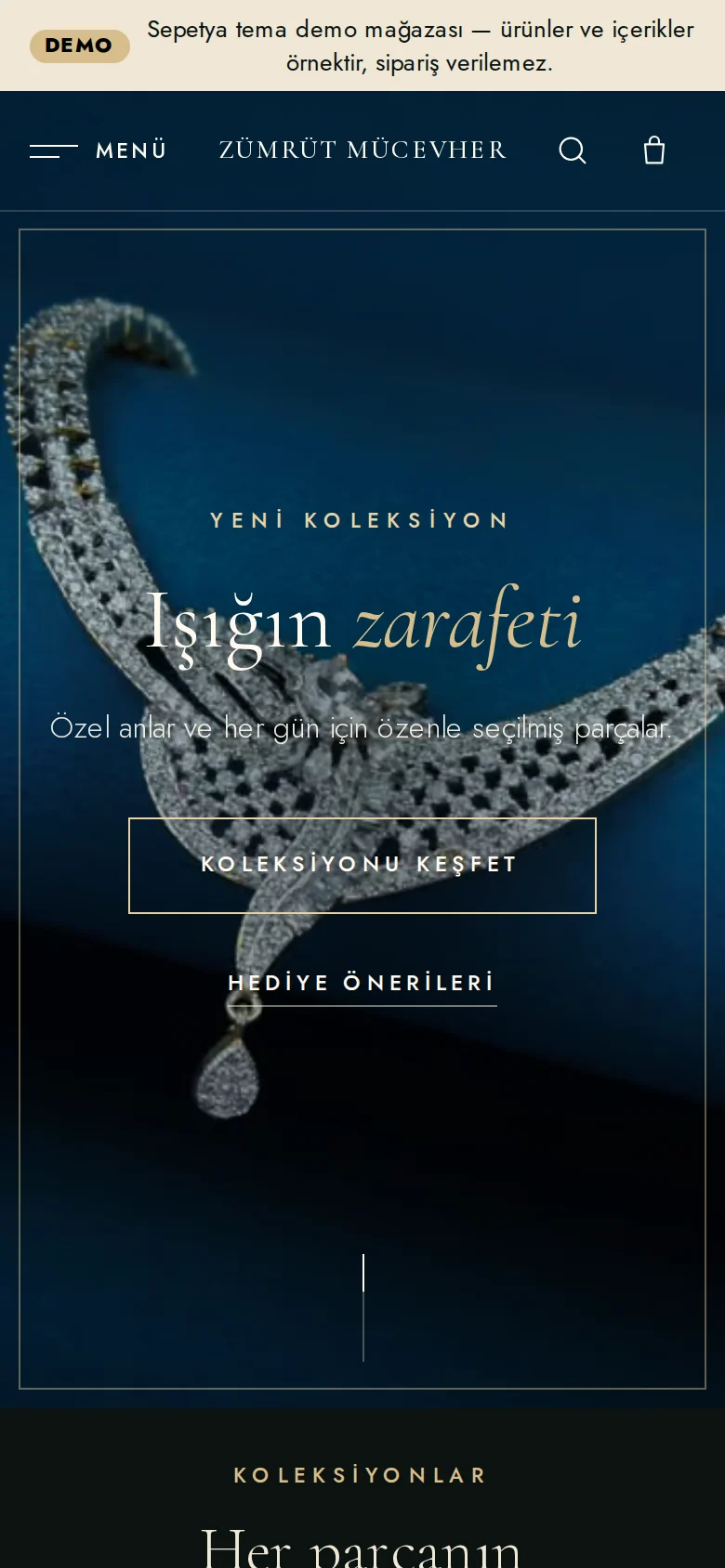
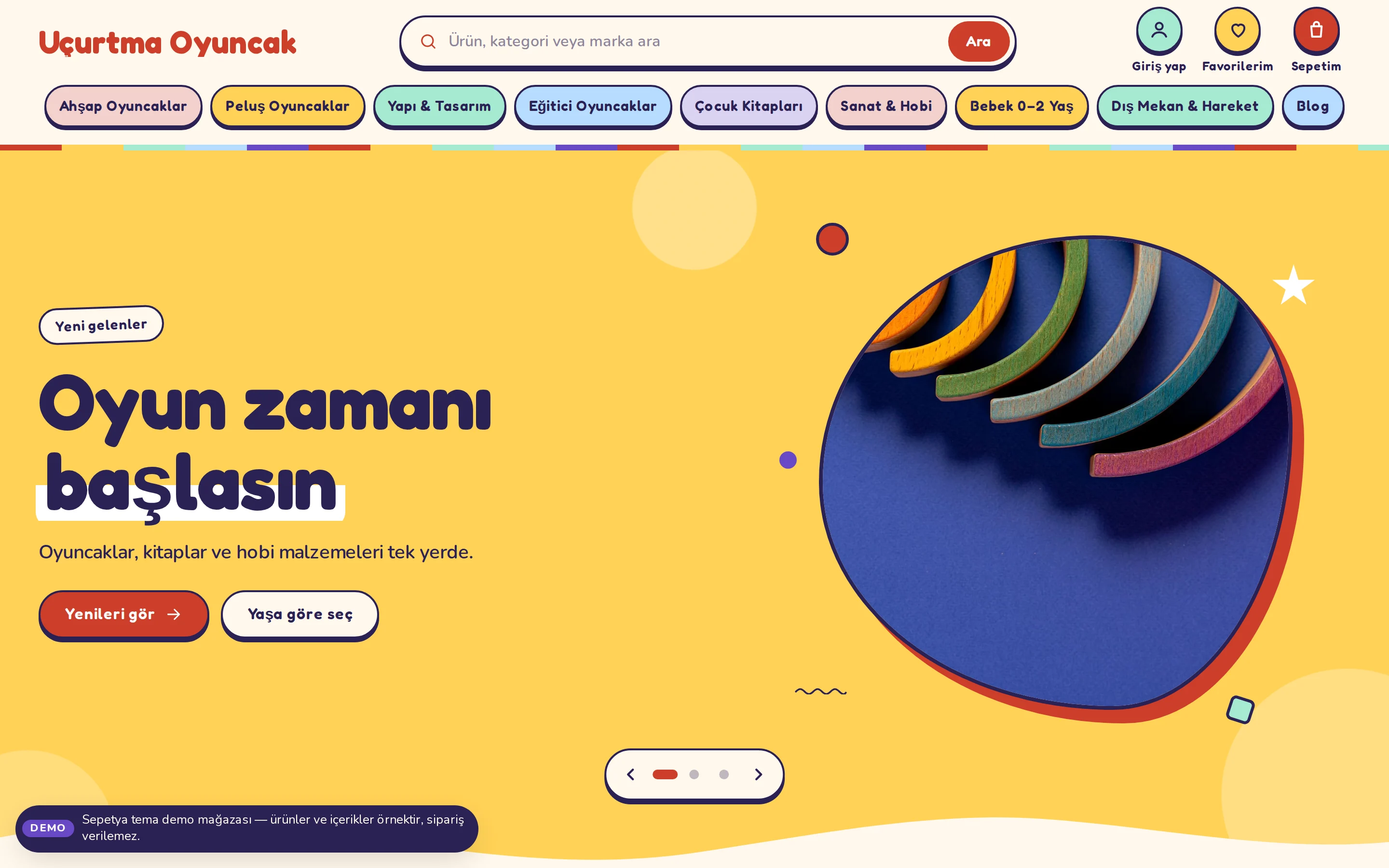
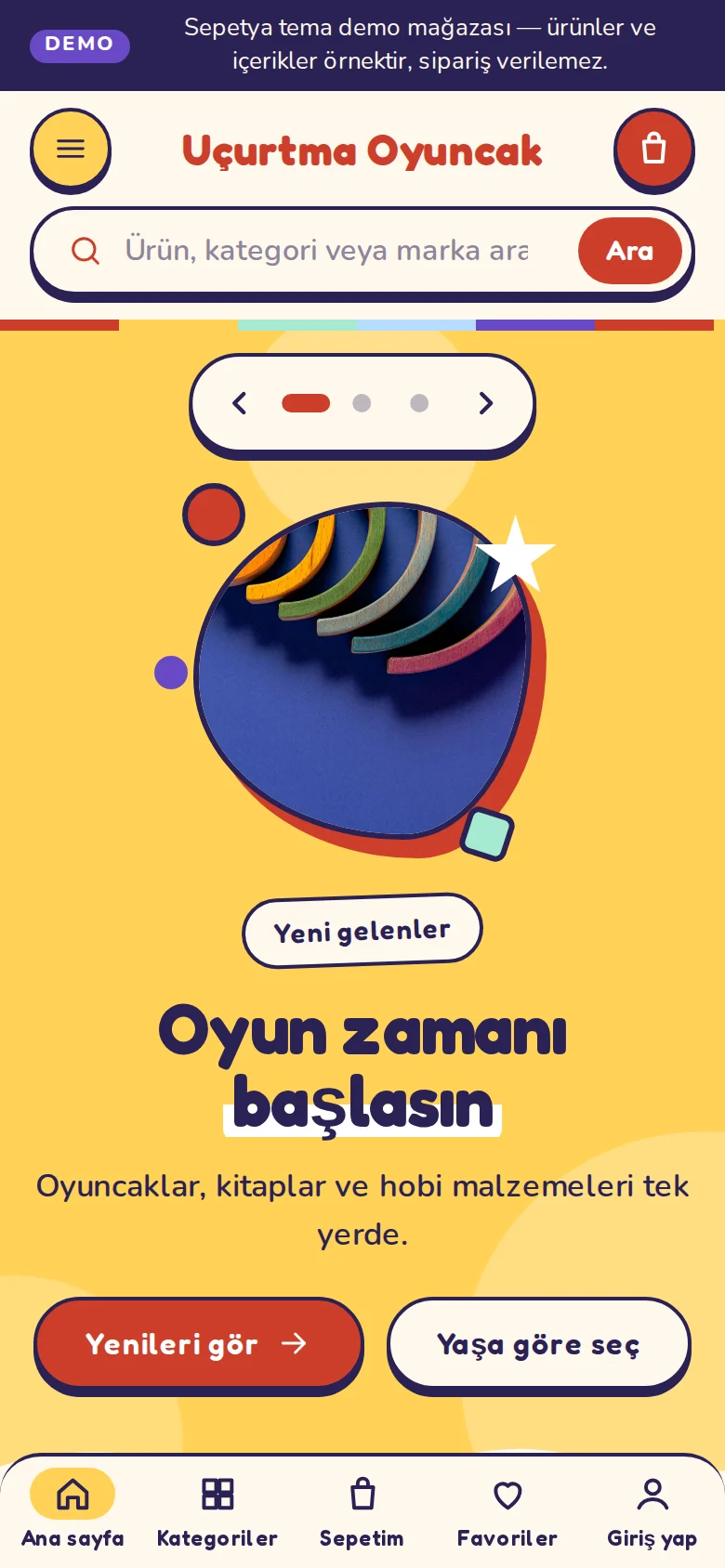
Products and content in demo stores are samples; orders cannot be placed in a demo store.
Coming from another platform?
You import products, customers and past orders with CSV, point old URLs to the new store with 301 redirects and move your domain with automatic SSL. The migration guide says plainly what moves and what you have to do by hand.
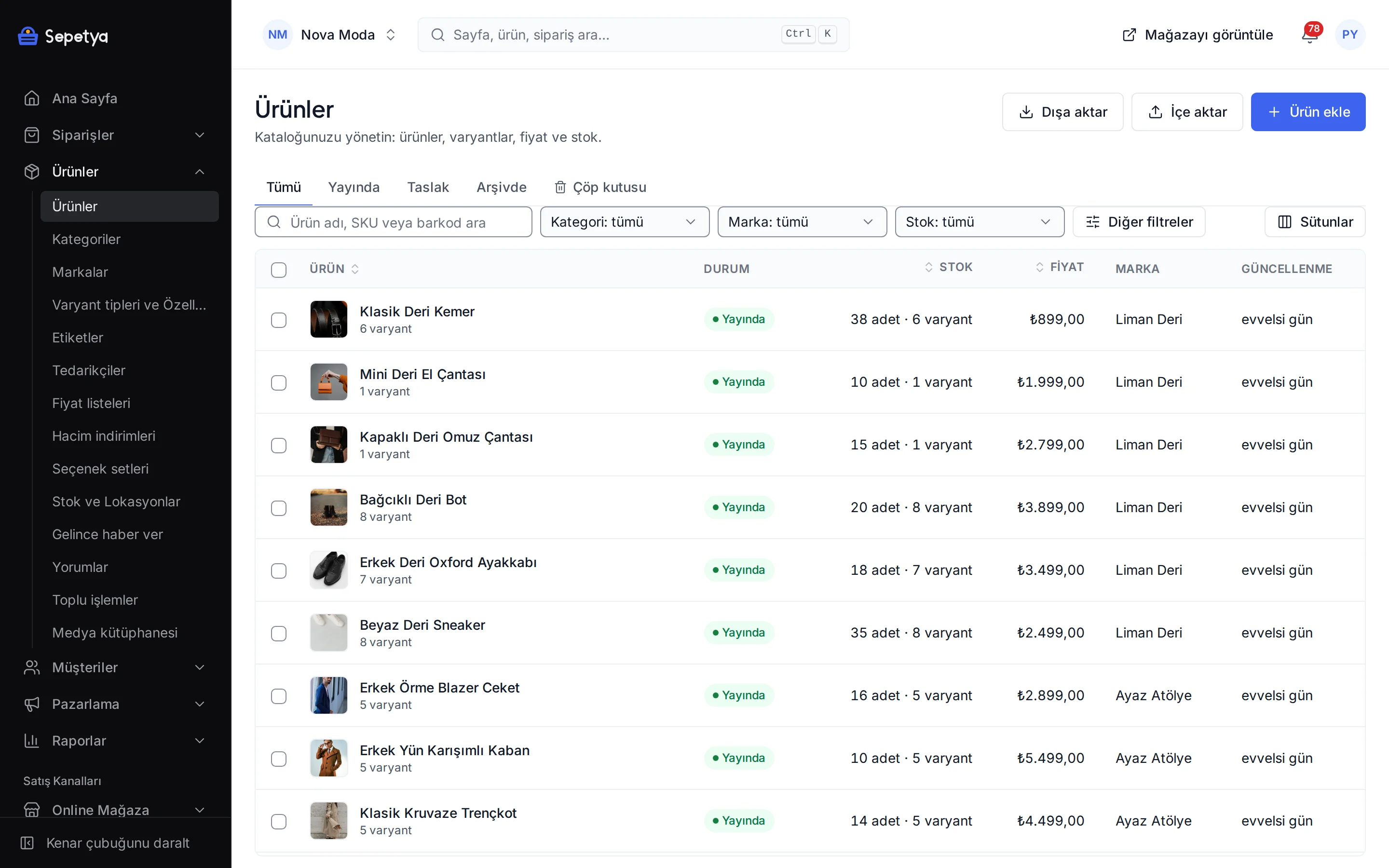
Open your account and the setup wizard walks you from store details to launch, step by step. No credit card is asked during the trial.