Sell and manage
Know your customers, group them and respect their consent
See accounts, orders, addresses and communication consent in one profile and apply special prices with rule-based groups and price lists. The newsletter, İYS records and KVKK requests are in the dashboard.
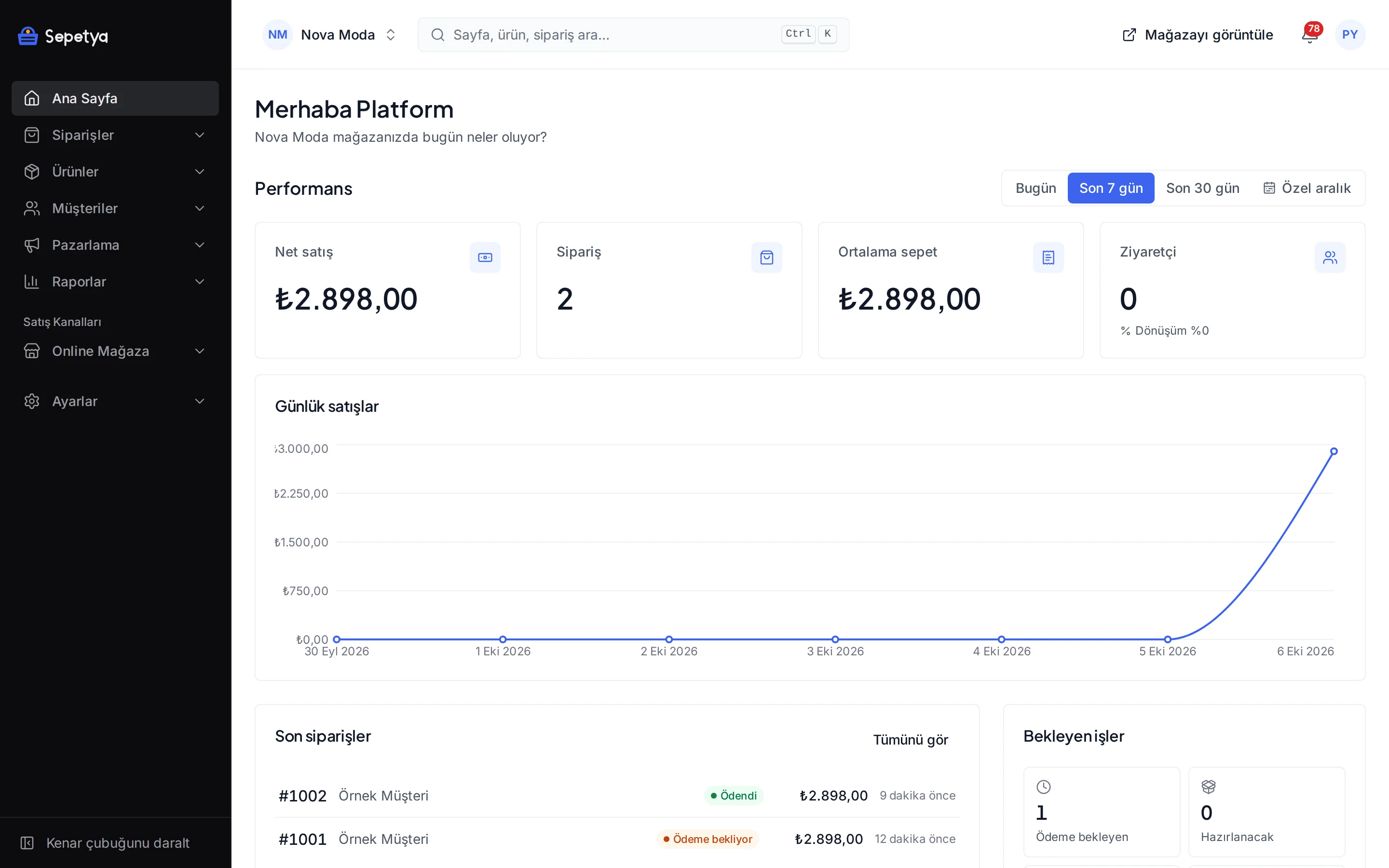
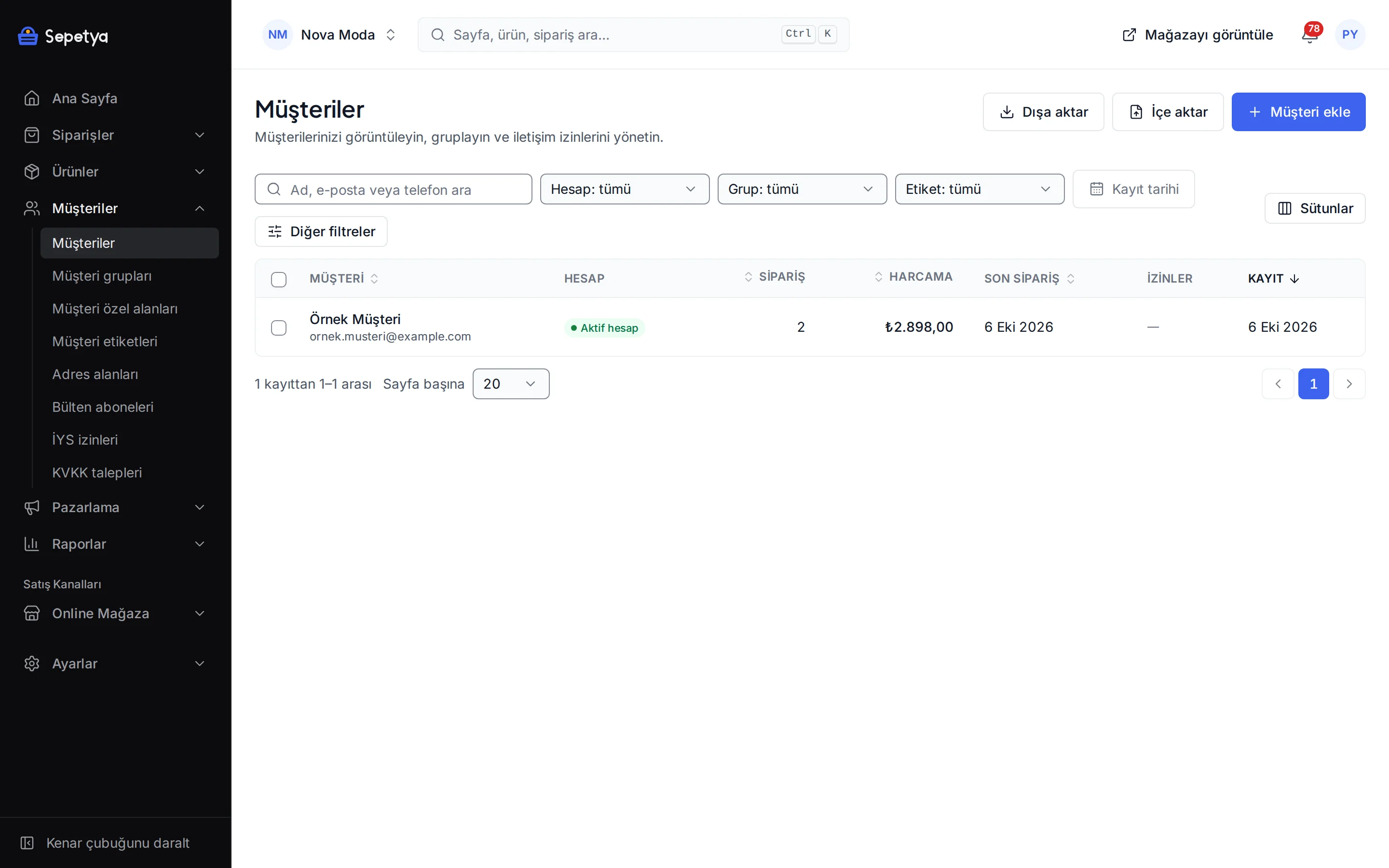
Tools for your customer base
Customer profile
Order count, total spend, first and last order dates, addresses, tags, notes and a timeline in one profile. Customers get a sequential customer number in your store.
Rule-based customer groups
Groups that update themselves by rules such as total spend, order count, last order date, tag, registration source and marketing consent; you can also build groups by hand.
Prices for groups and customers
Assign a price list to a customer group or a customer; the product page, search, cart and checkout all show the same price.
Sign-in options
Sign in with e-mail and password, an SMS one-time code, Google, Facebook, Apple and Twitch. You connect your own app credentials for social sign-in; phone verification can be optional or required.
Newsletter and communication consent
E-mail, SMS and call consent is recorded separately per channel and consent checkboxes start unticked. Newsletter sign-up is double opt-in and consent is uploaded to İYS with the NetGSM module.
KVKK requests
Customers can export their personal data or file a deletion request from their account. Requests are listed in the dashboard and you export the data or anonymise the customer.
Groups and prices
Set it up once and let groups update themselves
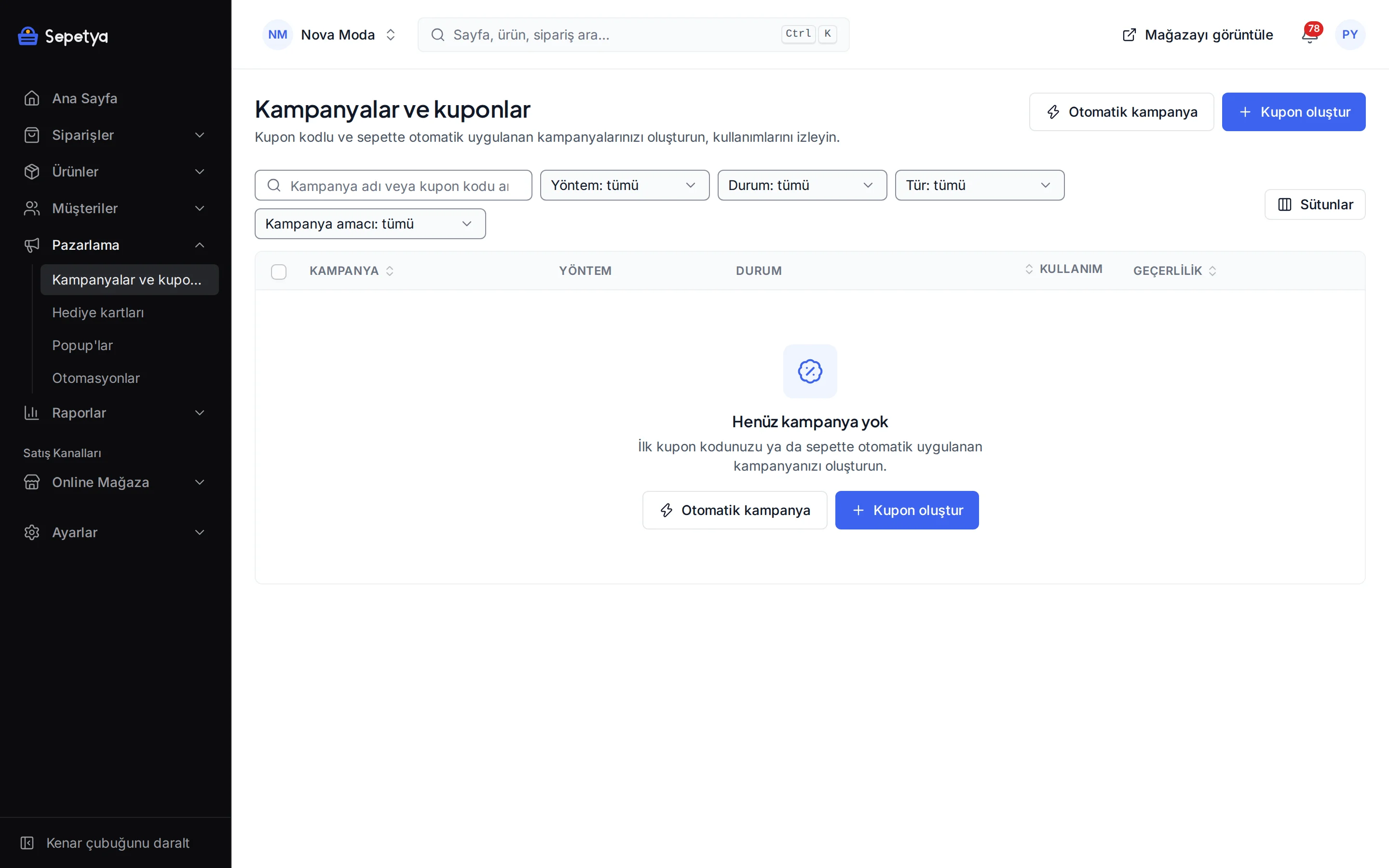
Define groups with rules such as “has not ordered in the last 90 days”, “total spend above a given amount”, “has e-mail consent” or “signed up through a pop-up”. Groups are recalculated whenever a customer changes and every night. The same groups are used for campaign targeting, automation recipient rules and price lists.
Assign a price list to a group or to a single customer. A signed-in customer sees their own price the same way in product lists, on the product page, in the cart and at checkout.
- Rule fields: spend, order count, last order, registration date and source, language, tag, marketing consent and custom fields
- Customer tags: add, rename and merge from one screen
- Custom customer fields: required, optional or hidden in the sign-up form and the account area, with different rules per market
- CSV customer import with custom field columns; faulty rows are reported
The customer’s account
Sign-in, address book, orders and return requests
Customers sign in with e-mail and password, an SMS code, or their Google, Facebook, Apple and Twitch accounts. In their account they see their profile, address book, orders and invoices, open return or cancellation requests and manage favourites and communication preferences. A guest looks up an order with the e-mail and order number and can open an account at checkout with quick registration.
In the sign-up form you make phone, date of birth and gender hidden, optional or required and add your own custom fields. You can protect sign-up, sign-in and newsletter forms with reCAPTCHA and require e-mail verification.
- You enter the client ID and secret for social sign-in yourself; secrets are stored encrypted
- SMS sign-in and phone verification need the NetGSM SMS app
- Sign-in attempts are rate limited and temporarily locked
- An account can be required for writing reviews and for back-in-stock requests
Consent and KVKK
Record consent, upload it to İYS and answer KVKK requests
Commercial message consent is kept separately for e-mail, SMS and calls; the marketing consent checkboxes in sign-up, checkout and newsletter forms start unticked, and the KVKK privacy notice comes with a separate “I have read” acknowledgement at sign-up and as a link at checkout and in the newsletter form. Newsletter sign-up is double opt-in. When and where each consent was given is recorded.
With the NetGSM app these consents and withdrawals are uploaded to İYS (NetİYS) and the upload result shows per customer in the dashboard. When a customer asks for a data export or deletion from their account, the request lands under Customers › KVKK requests and you export the data or anonymise the customer.
- The source of every consent is recorded (web, dashboard, import …); a consent without a recorded source is not uploaded to İYS
- E-mail consent is not uploaded before the double opt-in is complete
- On a KVKK deletion request a withdrawal (RET) is sent for consents that were uploaded
- A customer with orders is not deleted but anonymised

How it works in the dashboard
- Step 1: 1
Set up customer settings
Under Online store › Customer settings set the sign-up fields, e-mail and phone verification, social sign-in, reCAPTCHA and return settings.
- Step 2: 2
Create groups and tags
Under Customers › Customer groups build rule-based or manual groups and manage customer tags.
- Step 3: 3
Assign price lists and campaigns
Define group prices under Products › Price lists and target campaigns by group.
- Step 4: 4
Follow consent and requests
Check the İYS consent and KVKK requests screens regularly and answer the requests.
Frequently asked questions
Can I split my customers into groups?
Yes. You create manual or rule-based groups; rule-based groups update themselves by spend, order count, last order date, tag, registration source, language, marketing consent and custom fields. Groups are used for campaign targeting, automation recipients and price lists.
Can I apply special prices for customers?
Yes. You assign a price list to a group or a customer; the signed-in customer sees the same price in product lists, on the product page, in the cart and at checkout. Price lists can also be assigned to a currency and a sales channel.
Can my customers sign in with social accounts?
Sign-in with Google, Facebook, Apple and Twitch is available. For each provider you enter your own app credentials (client ID and secret) under Customer settings; accounts that come with an unverified e-mail address are not accepted.
How do I handle KVKK data requests?
Customers ask for their personal data to be exported or deleted from their account. Requests are listed in the dashboard; you export the data and anonymise the customer on a deletion request. A customer with orders is not deleted but anonymised. Ask your lawyer about the process and deadlines; this page is not legal advice.
Is there an İYS integration?
Yes. The NetGSM app uploads e-mail, SMS and call consents and withdrawals to İYS through NetİYS. You enter your own NetGSM account and İYS brand code. Ask your adviser whether your consent records are legally sufficient.
Can I import and export the customer list?
You can import customers as CSV (with custom field columns) and export the list; the list of newsletter subscribers also downloads as CSV.
Build your customer base in an orderly way
During the trial set up customer settings, create your first group and see how consent records look in the dashboard.