Electronics
An electronics store with spec tables, instalments and live stock
Enter technical specs as tables, show instalment options on the product page and reflect the real stock status. The details a shopper needs to decide on a technical product, at a glance.
- No credit card needed
- Your own domain, automatic SSL
- Demo store with sample content

What your industry needs
In electronics, shoppers look at specs, instalments and availability. Showing them correctly and in an orderly way on the product page makes deciding easier.
Technical spec tables
Define attributes as tables, text, numbers, choices or images and enter values per product and variant. They appear as a spec table on the product page, and the same attributes can drive storefront filters.
Products and inventoryInstalment table
The product page shows instalment options by card programme, and at checkout the instalment is chosen from the first digits of the card, which are used only to find the options. Terms depend on your payment provider contract.
Payment methodsReal stock status
On cards and product pages the stock status comes from real stock: in stock, last items or sold out. For a sold-out product, customers leave an e-mail address and are told when it returns.
Product bundles
Sell a phone, a case and a charger as one bundle product. Customers pick the variant and quantity for each item, and the bundle discount is set as a percentage.
Product video
Upload an MP4 or WebM video or add a YouTube or Vimeo link, and add a caption file if you like. External videos only load once the play button is pressed.
Barcodes and product feeds
Each variant stores a barcode, extra barcodes and a customs tariff code. Google Merchant Center and Meta catalogue feeds are built from this data.
Ads and product feeds
Ready-made theme and demo store
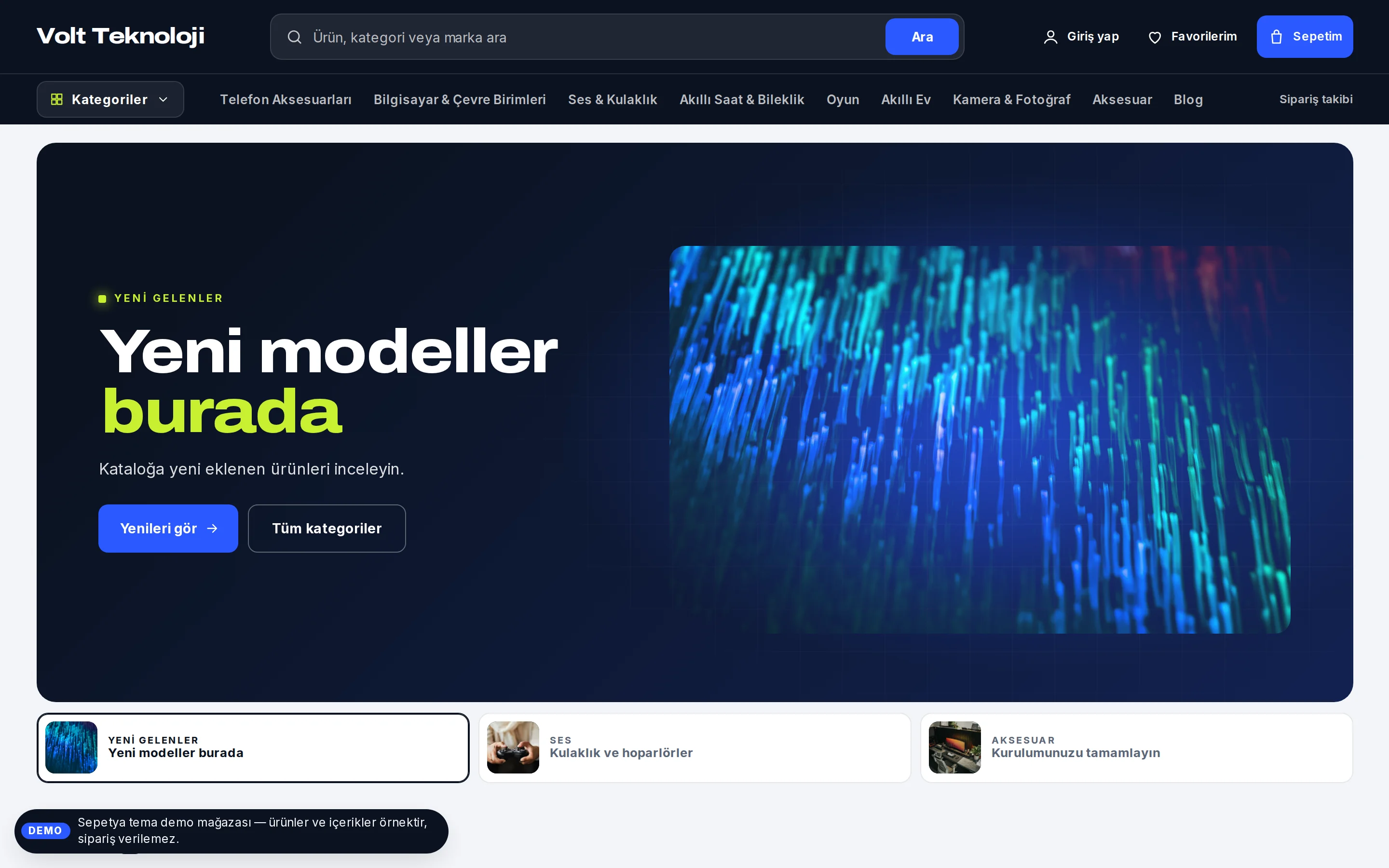
A dark-header, information-first storefront for technical products
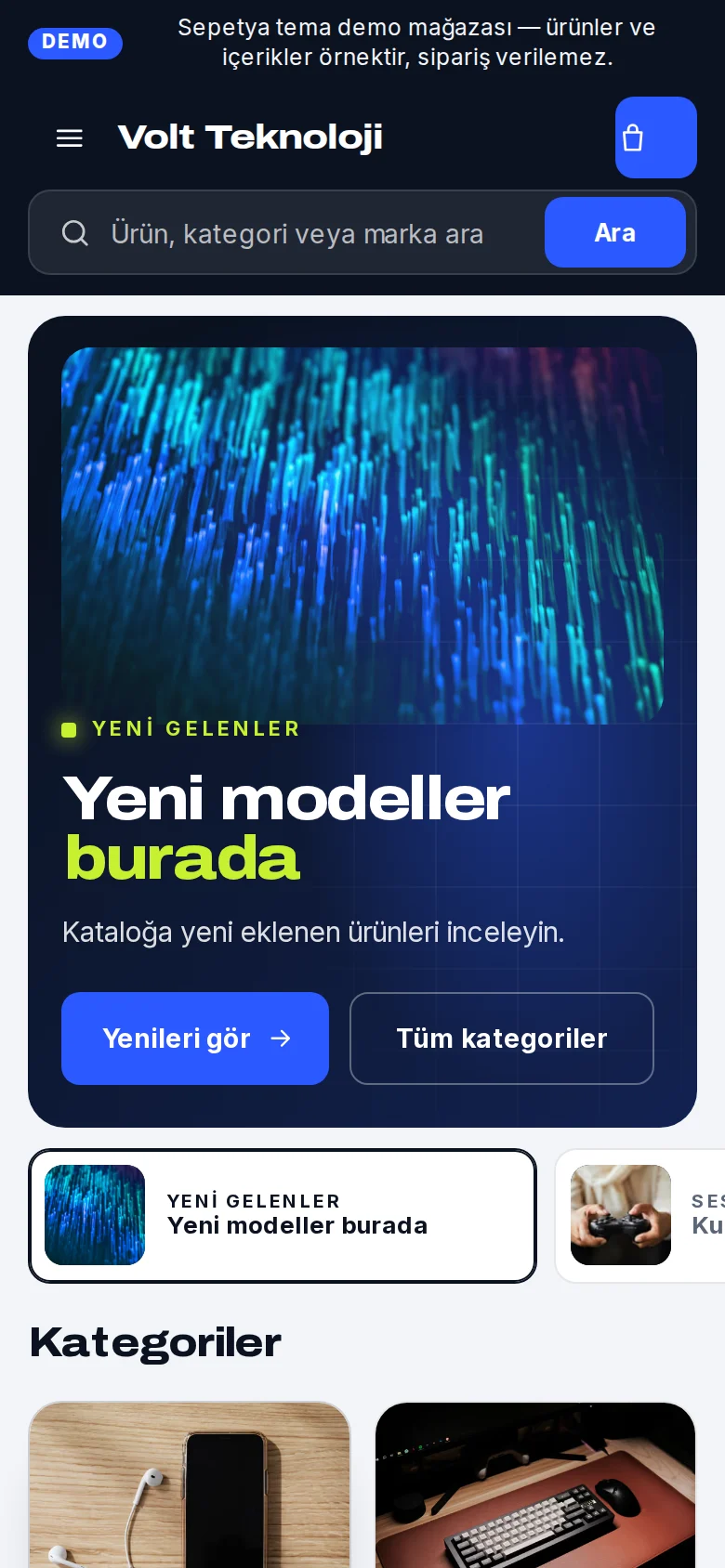
The electronics theme opens with a dark header: a wide search box in the middle and a vertical-tab mega menu behind the “Categories” button. The opening is a “spotlight” slider: the product stands on a dark stage, key facts are listed as chips and slides are chosen with small thumbnail tabs underneath.
Product cards show stock status, rating and a large price. A bento grid, shopping information and buying guides come ready.
- Dark header, centred search and a vertical-tab category menu
- A “spotlight” product slider
- Cards with stock status, a bento grid and buying guides
Instalments and payment
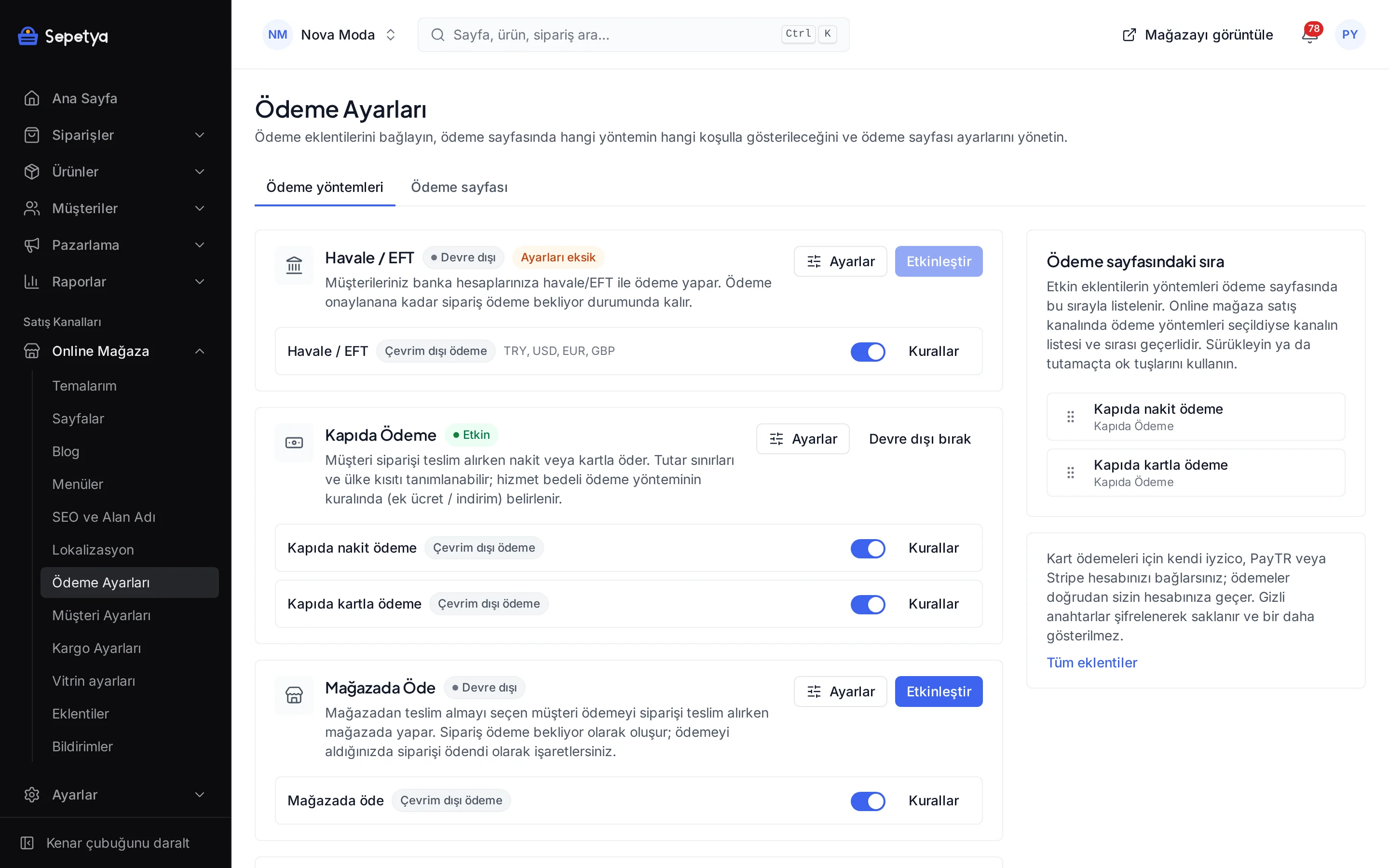
Show instalment options on the product page
Turn on “instalment table on the product page” in the payment settings. The table is built from the card programmes of the payment provider you connected (iyzico or PayTR); if the provider cannot be reached, the product page still opens.
At checkout, once the customer types the first digits of the card number, the matching instalment options appear. The instalment surcharge is recorded separately on the payment.
- Instalment table on the product page
- Instalment choice at checkout based on the first digits of the card
- The digits are used only to find the instalment options
- Terms depend on your payment provider contract
Industry-specific topics
Check these before you start selling
For rules specific to your product group, ask the competent authorities and your advisor.
Warranty certificate and user manual
Electronics can come with obligations such as a warranty certificate, a Turkish user manual and authorised service details. You can add this information as product attributes or in the description; confirm the scope with the relevant regulation and your advisor.
Instalments and surcharges
Instalment counts and surcharges can vary by product group and current regulation. Verify the terms of your provider and the banks, and show the surcharge to the customer clearly before payment.
Conformity marks and product safety
Some electronics groups are subject to conformity marks such as CE and to product safety rules. For your own product group, consult the announcements of the competent authority and your advisor.
This section is general information, not legal or tax advice. Review your texts and processes with a professional and the current announcements of the competent authorities.
Frequently asked questions
Can I show product attributes as a table?
Yes. In the Attributes section of the panel you define a table-type attribute and set its row and column template; on each product you only enter the values. The values of the selected variant take precedence on the product page. You can use the same attributes in storefront filters too.
Which payment methods support the instalment table?
The instalment table is built with the iyzico and PayTR modules and is for Turkish lira. It is not shown for bank transfer, cash on delivery or Stripe.
Can I hide out-of-stock products?
Yes. In the catalogue settings you choose between showing out-of-stock products, hiding them or moving them to the end of the list; the setting applies to listings and search. For sold-out products, customers can leave a “notify me when it is back” request.
How do bundle products work?
You add sub-products to a bundle and, for each one, set the variants you allow, the default quantity and the minimum and maximum the customer can choose. The bundle discount is a percentage. The customer makes their choice on the product page and the price updates accordingly.
Start building your electronics store
The setup wizard walks you from store details to launch, step by step. No credit card is asked during the trial.