Electronics
Volt
A dark-header storefront for technical products
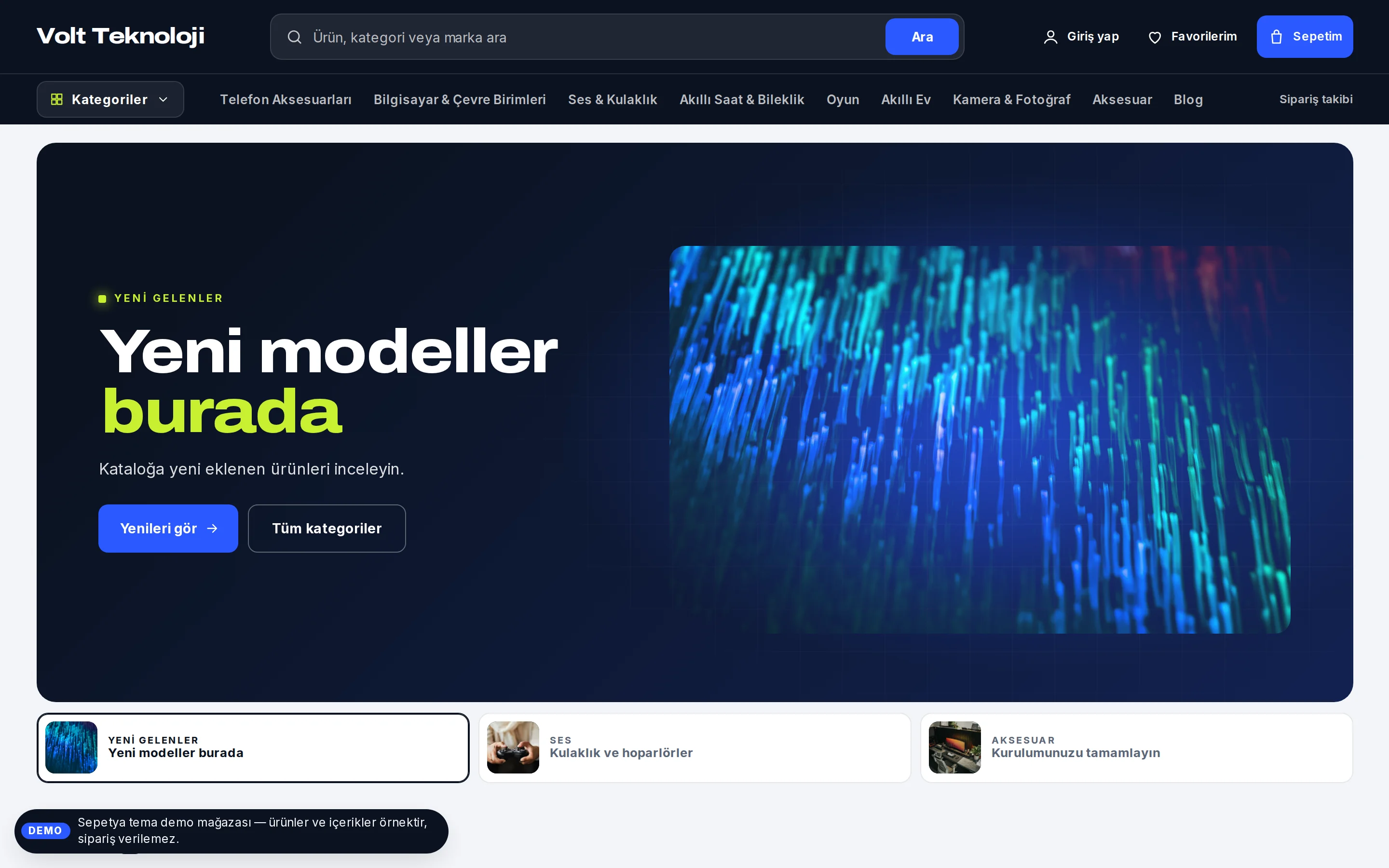
A storefront where the product and the technical details come first, for electronics, computer, phone, gaming and appliance stores. Open the demo store and adapt it to your brand in the theme editor.
- Dark header, centred search and a vertical-tab category menu
- A "spotlight" product slider with thumbnail tabs
- Cards with real stock status, a bento grid and buying guides
₺2,490 + VAT · one-time licence
Products and content in demo stores are samples; orders cannot be placed in a demo store.
Header and opening
A dark header, a centred search and a vertical-tab menu
The midnight header holds the logo, a wide dark search field in the middle (with a visible “Search” button) and the account, favourites and cart links. A second dark row has the “Categories” button, menu links, order tracking and the language and currency switchers.
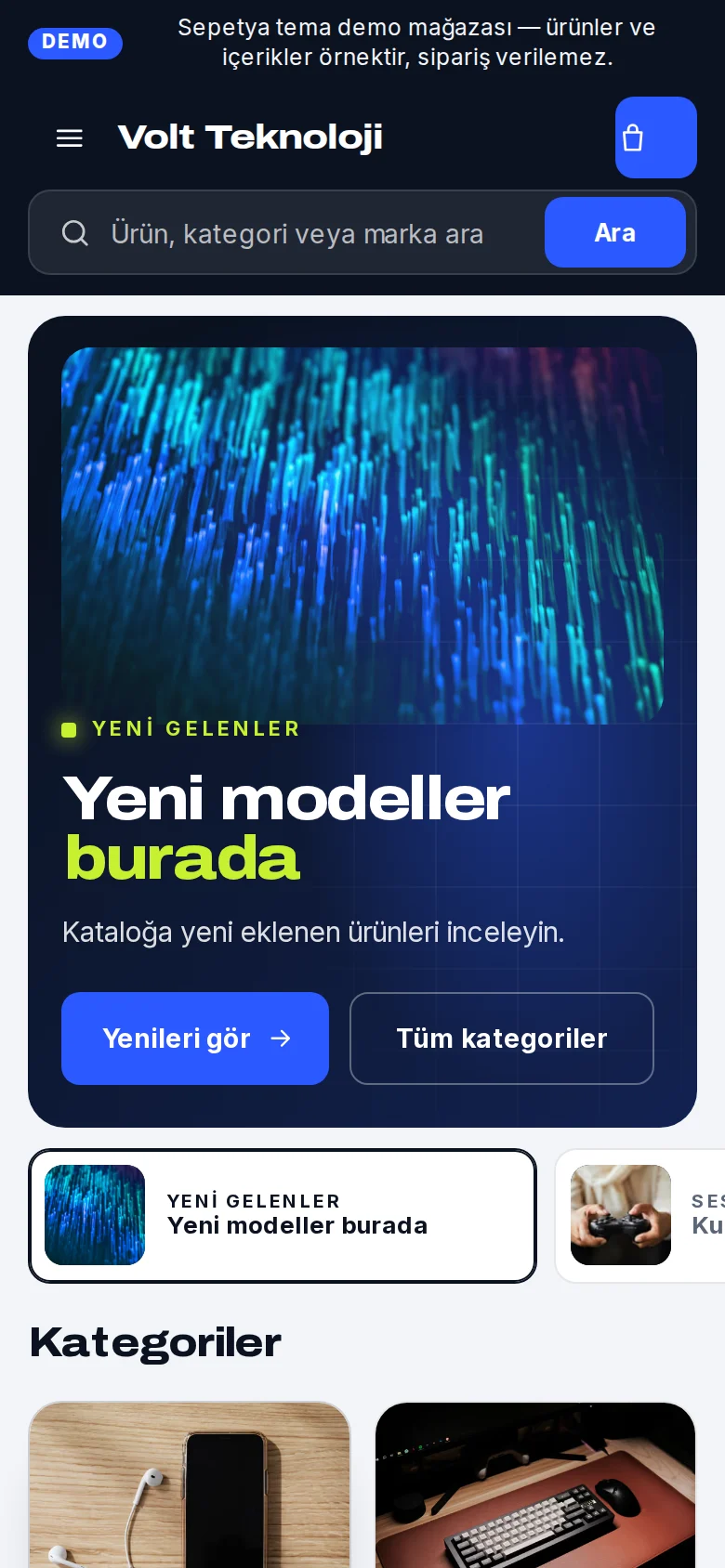
The “Categories” button opens a large vertical-tab panel: departments on the left, the subcategories of the chosen department on the right. When navigating by keyboard, focus goes from a department to its subcategories and then to the next department. On phones the search box keeps its own row; when you scroll down the brand row slides away and the search stays stuck in place.
- A dark header and a wide, centred search
- A vertical-tab category panel that works with a keyboard
- A sticky search row on phones
Product card
A white card, stock status and one-tap add
The card is a white surface on the light-grey page; the product photo sits on white with air around it. The brand appears as a small spec label and the product name runs over two lines.
Below it a stock line with a coloured dot (in stock, last items, sold out) is written from real stock only; the rating appears when there are approved reviews, along with a large price and the previous price. The square add button puts a product without options straight into the cart and opens the product page for products with options.
- A stock status line from real stock
- Rating, large price and previous price
- One-tap add for products without options
Signature sections
A spotlight slider, a bento grid and buying guides
The opening is a “spotlight” slider: the product stands out on a dark stage, key features are listed as chips, the current price of the product you chose appears as a “starting from” note and there are two buttons. Slides are chosen with small thumbnail tabs underneath rather than dots.
The home page also has category tiles, a tabbed tech shelf, a bento grid by need, shopping information (warranty, payment, shipping, support; you write the texts), a brand strip and a buying guides section made of one featured guide and compact guide rows. The footer is laid out as a dark “spec sheet”.
- A spotlight slider chosen with thumbnail tabs
- A bento grid and shopping information
- Buying guides, built from your blog posts
Customisation
What can you change without writing code?
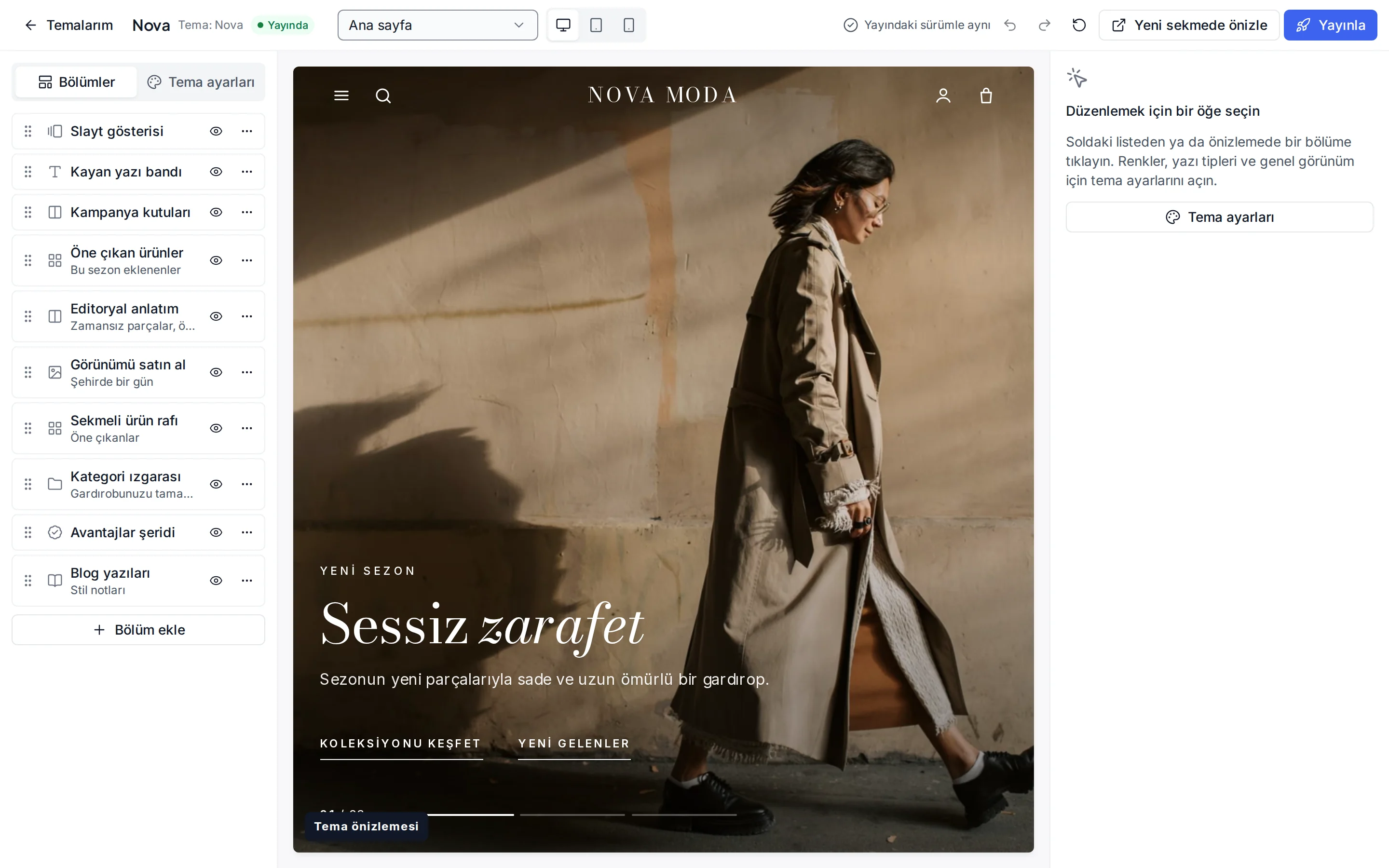
These settings are ready in the theme editor; changes stay as a draft until you publish.
Colour presets
Electric, Violet, Ember and Light header, which turns the header light; you can also change the eight colours separately.
Fonts
Archivo for headings and Inter for text; change them from the Google font list.
Header and navigation
Header colour (dark, light or brand colour), sticky header, search, announcement bar, and language and currency switchers.
Spotlight slider
Image, feature chips, linked product and two buttons per slide; autoplay and interval.
Bento grid
Tile size and tone (image, dark, brand, surface), heading, button and link.
Product card
Rating and brand display, second image, quick add, old price, unit price, the “New” label period and the image ratio.
Corners, buttons and layout
Corner radius, button shape, page width, section spacing and cart type.
Footer
Footer colour, newsletter form, payment icons and social media links.
Which stores is this theme for?
Electronics
Designed for electronics, computer, phone, gaming and appliance stores. It works together with technical spec tables, the instalment table and real stock status.

Frequently asked questions
Who writes the warranty and instalment texts in the shopping information section?
You do. The theme gives a neutral starting text and you enter concrete promises such as warranty length, service and delivery with your own correct information. Instalment options, on the other hand, appear on the product page as a table built from real data from your payment provider.
Where does the price in the spotlight slider come from?
If you link a product to a slide, the “starting from” note is written from that product's current price; without a linked product no price note appears. You enter the feature chips yourself.
Can I use the category menu with a keyboard?
Yes. The “Categories” button opens with the keyboard and closes with Esc; the tab order goes from a department to its subcategories and then to the next department. The panel opens after a short delay on hover, so it does not open by accident.
Try the electronics theme
Browse the demo store and, if you like it, open your account and install the theme. No credit card is asked during the trial.