Home and living
Loft
A gallery layout that takes shoppers room by room
A calm, warm storefront like a gallery, for home, furniture, decor, kitchen and garden stores. Shoppers see the room and reach the product from there.
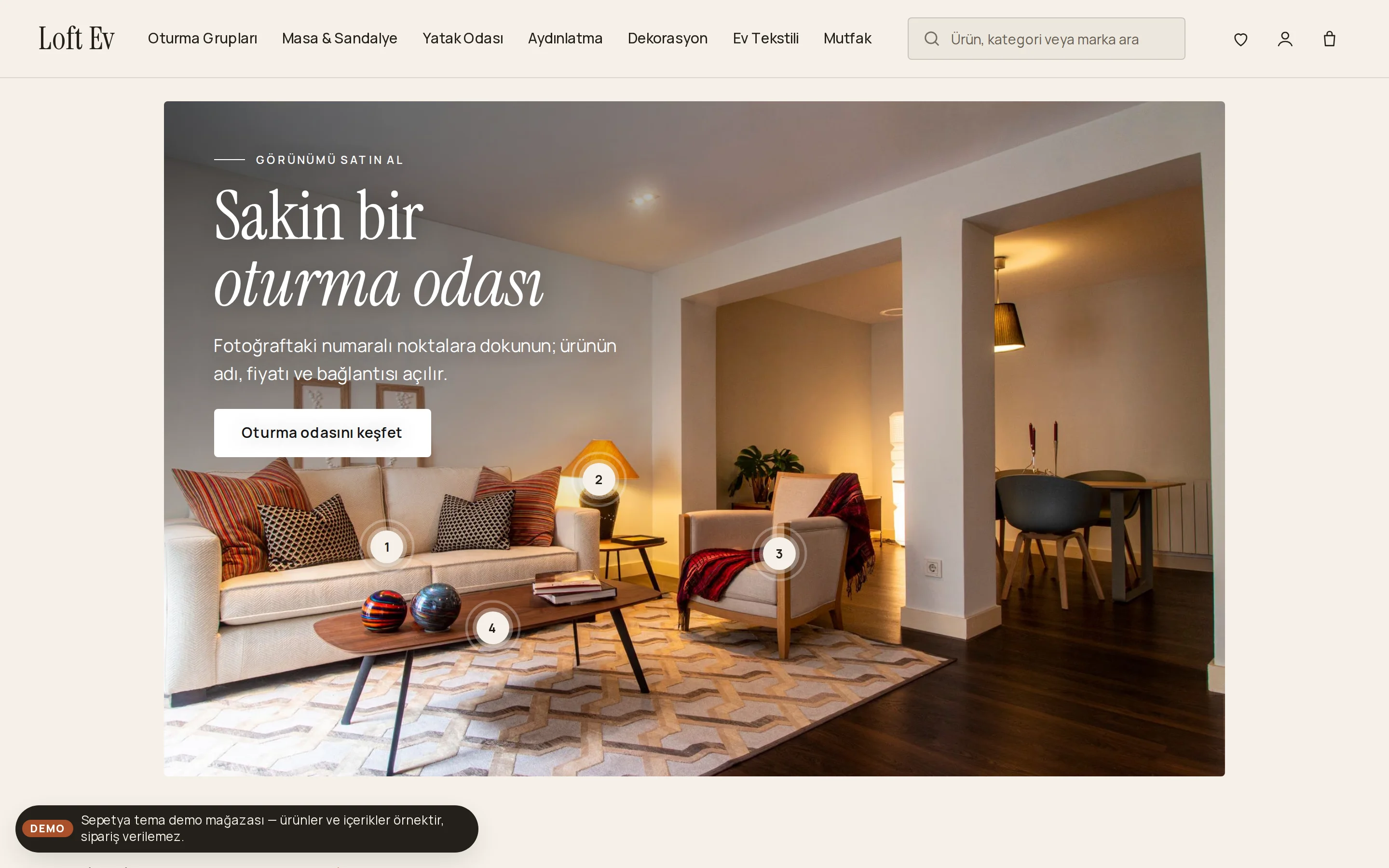
- Shop-the-look pins on a room photo
- Mega menu with room images and a rooms mosaic
- Gallery cards with serif names and material/colour swatches
₺2,490 + VAT · one-time licence
Products and content in demo stores are samples; orders cannot be placed in a demo store.
Header and opening
An inline menu, a mega panel with room photos and a framed opening
In the plain, linen-toned header the logo sits on the left with the menu inline right beside it, and a compact search field and icon actions sit on the right. The sub-items of a menu item open as photo cards with room or category images in a panel across the width of the header, falling back to text columns when there are no images. On narrow screens the search field becomes a labelled button that opens under the header.
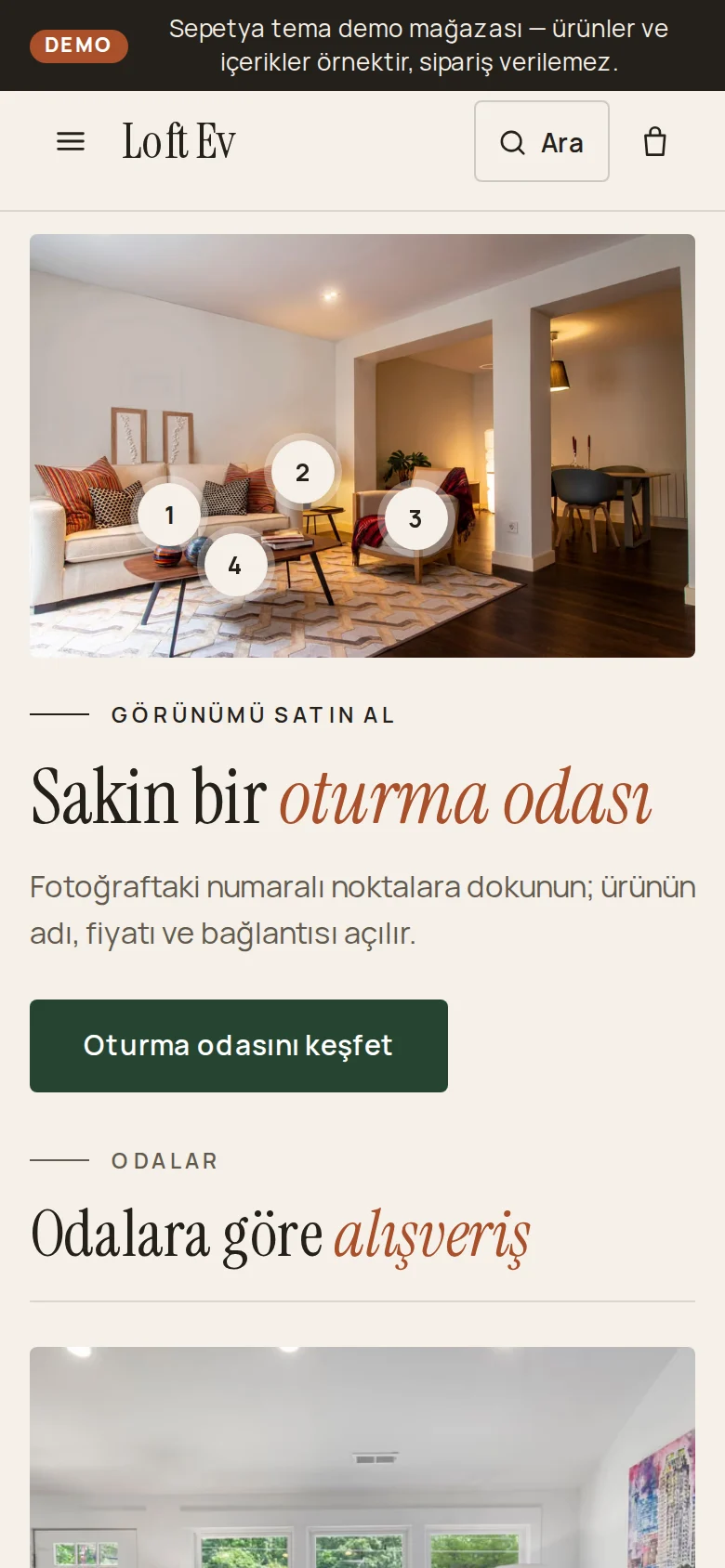
The home page opening is a room photo hung like a framed picture across the page: its numbered pins show the name, price and link of real products from your store. The heading, text and button sit in the corner with the fewest pins and move under the photo on phones.
- A mega panel with room photos, falling back to text columns
- A framed room photo with numbered pins
- A labelled search button on narrow screens
Product card
A gallery-caption card: serif name, price, material and colour squares
The photo sits on a warm-grey panel (cropped to fill); a second photo appears on hover. The brand shows as a small label, and the product name is set in the serif face with the price beside it like a gallery caption; the rating shows when there are approved reviews.
Material and colour options appear as small squares. Sold out, real discount, new and real low stock information come from real data only.
- A serif product name with the price beside it
- Material and colour squares
- A second photo on hover and labels from real data
Signature sections
A rooms mosaic, a materials story, an inspiration gallery and process steps
The home page continues with a mosaic by room: tiles such as living room, bedroom, kitchen, workspace and garden and balcony (you write your own rooms). A new pieces shelf, a materials and craft story, a category grid and “from order to your home” steps follow.
An inspiration gallery, a tabbed highlights shelf, a “good to know before you order” information grid and a blog section for decorating ideas are ready. You write concrete details such as delivery and assembly with your own correct information.
- A rooms mosaic and an inspiration gallery
- A materials and craft story
- “From order to your home” process steps
Customisation
What can you change without writing code?
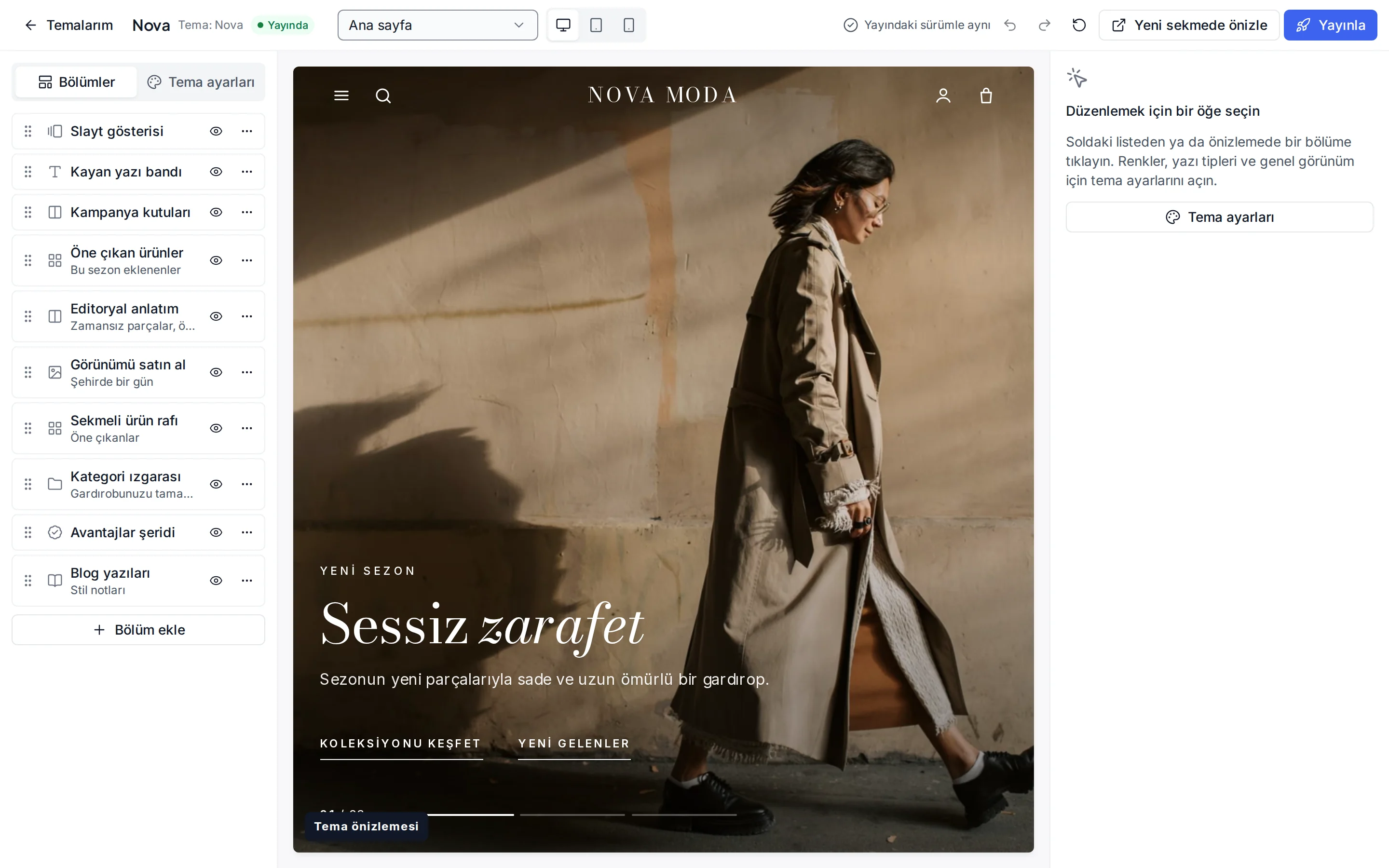
These settings are ready in the theme editor; changes stay as a draft until you publish.
Colour presets
Forest, Clay, Stone and the dark Night; you can also change each of the eight colours separately.
Fonts
Instrument Serif for headings and Manrope for text; change them from the Google font list.
Header and navigation
Header colour, sticky header, mega menu, search, announcement bar, and language and currency switchers.
Shop the look
The photo and a separate phone image, a full-width or image-with-product-list layout, and a product and position for each pin.
Rooms mosaic
Image, heading, link, size and background tone for each tile.
Product card
Rating and brand display, second image, quick add (off by default), old price, unit price, the “New” label period and the image ratio.
Corners, buttons and layout
Corner radius, button shape, page width, section spacing and cart type.
Footer
Footer colour, newsletter form, payment icons and social media links.
Which stores is this theme for?
Home and living
Designed for home, furniture, decor, kitchen and garden stores. It works together with shop the look, fabric and size options and delivery day selection.
Frequently asked questions
Do the shop-the-look pins stay in the right place on phones?
Yes. The photo keeps its own proportions and the pins are positioned as percentages, so they stay on the products on phones too. The heading, text and button move under the photo on phones.
Where do the room photos in the mega menu come from?
From the room or category images of the items you link in the menu. For items without an image the panel falls back to text columns; no image is ever made up.
How do I edit the rooms and tiles?
In the theme editor's rooms mosaic section you choose a heading, image, link and size for each tile; tiles can show your rooms or your categories.
Try the home and living theme
Browse the demo store and, if you like it, open your account and install the theme. No credit card is asked during the trial.