Fashion and apparel
Nova
An editorial theme laid out like a fashion magazine
A storefront that reads like a fashion magazine and lets the image lead, for apparel, shoe and accessory brands. Open the demo store, then adapt colours, fonts and sections to your brand in the theme editor.
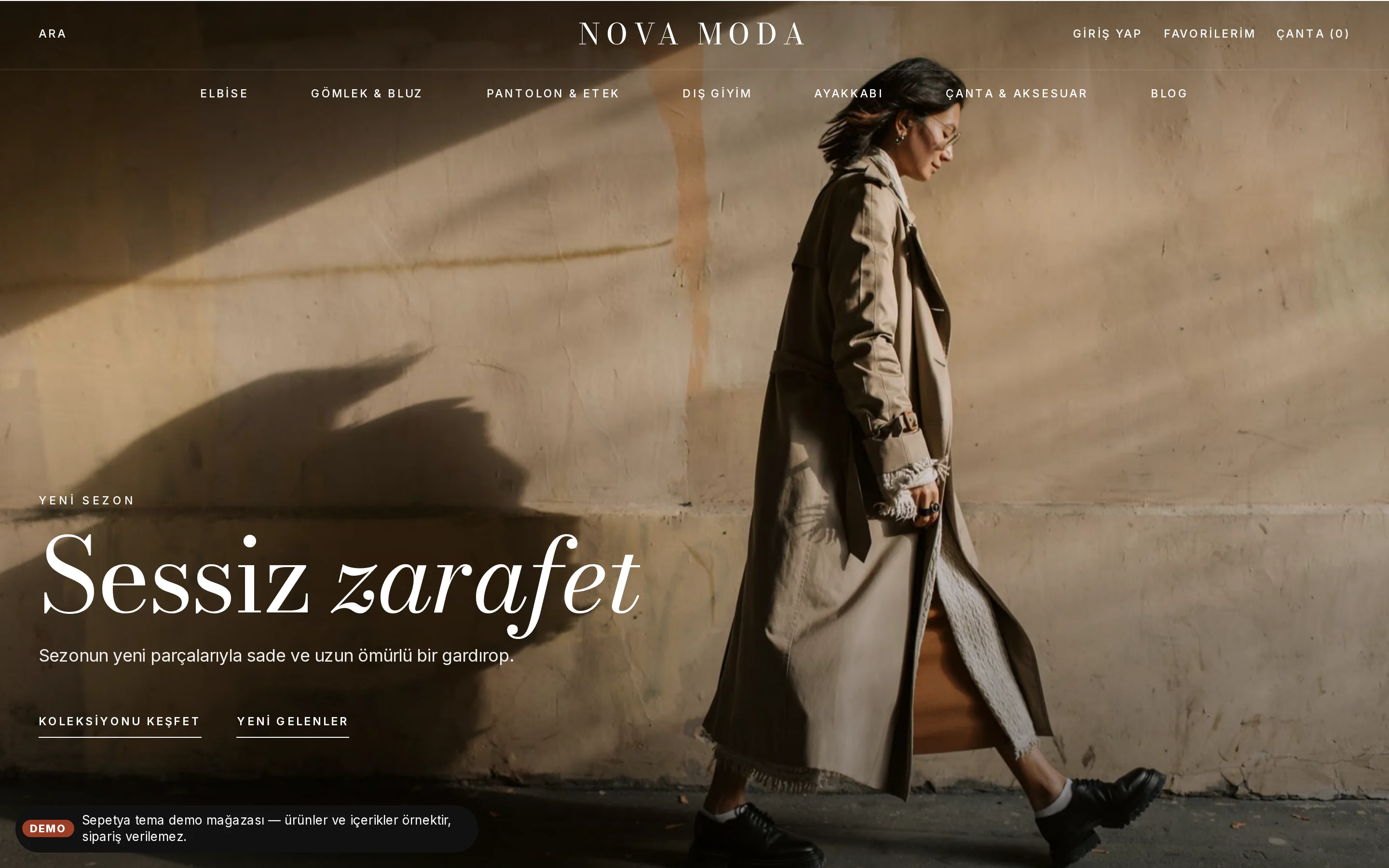
- Transparent header, full-screen fading slider with progress bars
- Shop the look: product pins on a photo
- Editorial story, scrolling band and a full-width wordmark footer
Free
Products and content in demo stores are samples; orders cannot be placed in a demo store.
Header and opening
A header that floats over the image, and a full-screen opening
In the header, search sits on the left, your store name in the middle and the account, favourites and bag links on the right; the menu runs along a row below in capitals. On the home page the header starts transparent over the full-screen opening image and turns solid when you scroll or hover.
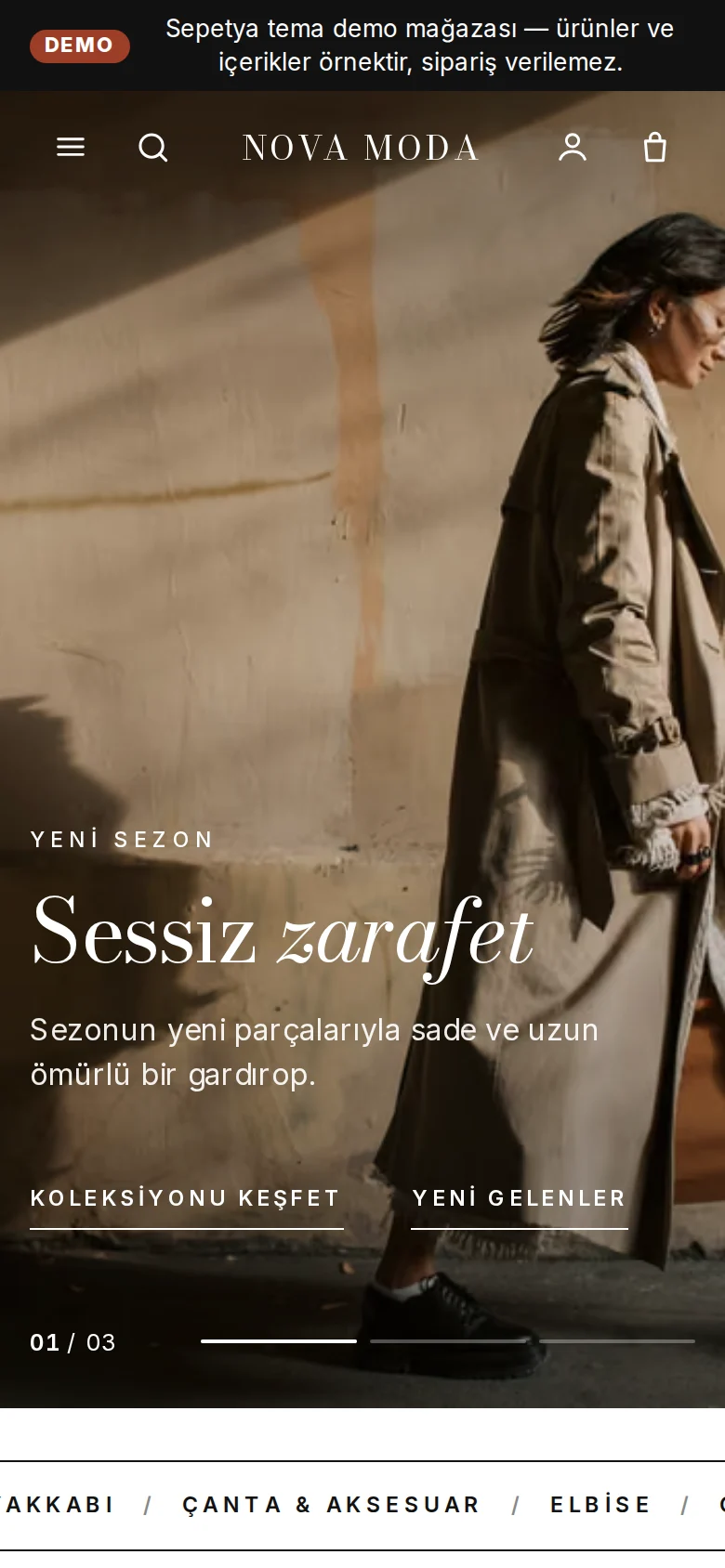
The opening is a cross-fading campaign slider with story-style progress bars and an “01 / 03” counter at the bottom left, and the heading and an underlined text link over the image. On desktop autoplay is slow and stops on hover; on phones there is no autoplay.
- A transparent header that turns solid on scroll
- A full-screen cross-fading slider with progress bars
- Slow autoplay on desktop, swiping on phones
Product card
A borderless portrait card with a second image and colour dots
The product card is a borderless 3:4 portrait photo; on hover a second image appears along with the heart and a quick-add bar. The name, price and colour dots sit underneath.
“New”, discount, last items and sold out are shown as a small line of text rather than a badge, and only from real data.
- A 3:4 portrait photo with a second image on hover
- Colour dots and quick add
- Small text flags from real data instead of badges
Signature sections
A scrolling band, category tiles, editorial storytelling and a lookbook
The home page flow comes ready: a scrolling text band, two full-width category tiles (such as women and men), a new arrivals shelf, editorial storytelling, a shop-the-look section, a tabbed product shelf, a category grid, a benefits strip and the blog.
The footer has a large newsletter invitation, quiet link columns and the store name set across the full width of the page. As in every theme, the legally required seller details and payment marks are included.
- A scrolling band and two large category tiles
- Editorial storytelling and shop the look
- A large newsletter invitation and a full-width store name
Customisation
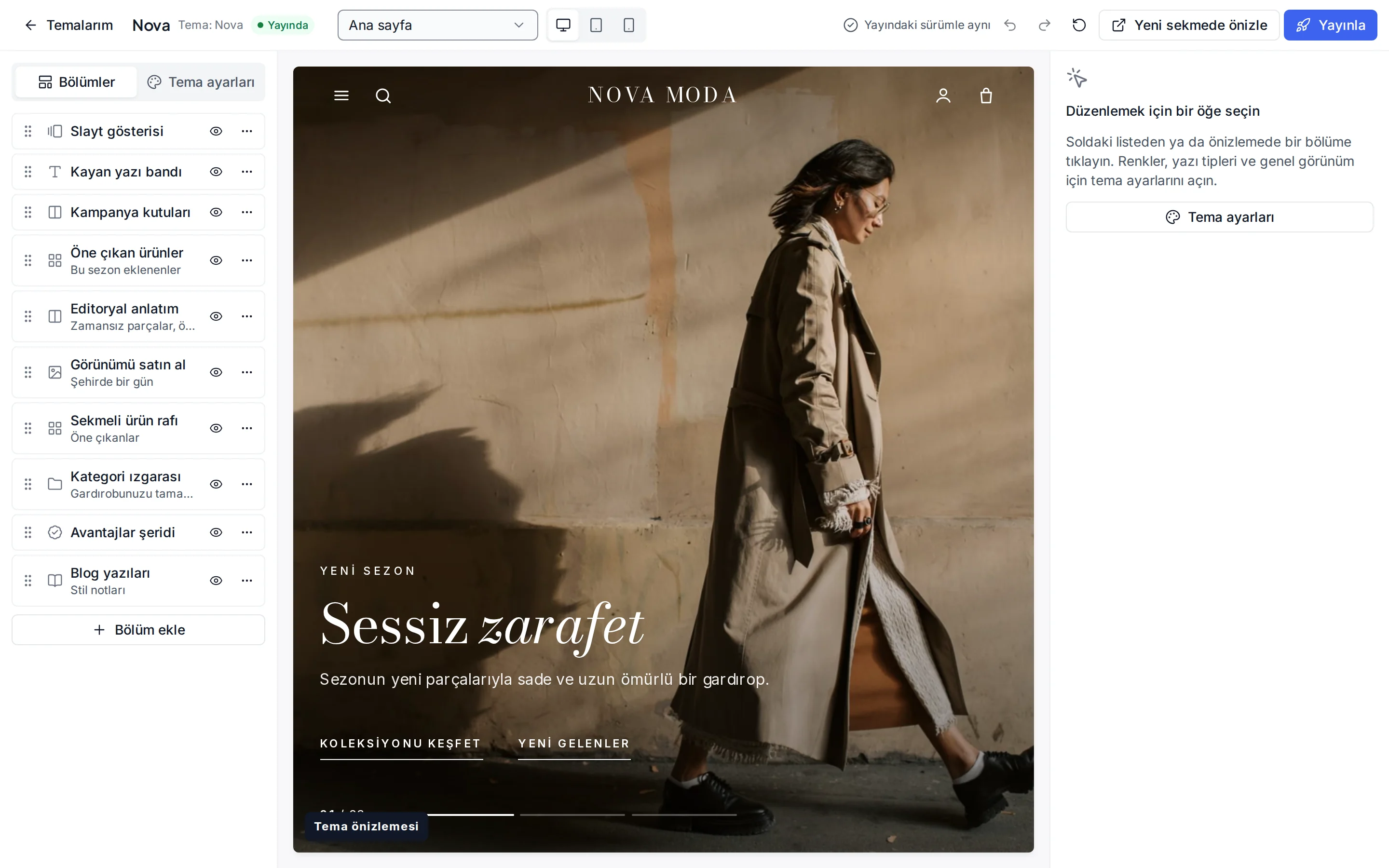
What can you change without writing code?
These settings are ready in the theme editor; changes stay as a draft until you publish.
Colour presets
Ink, Sand, Night and Grotesk; you can also change each of the eight colours separately.
Fonts
Bodoni Moda for headings and Inter for text; change them from the Google font list.
Header and navigation
Header colour, sticky header, mega menu, search, announcement bar, and language and currency switchers.
Opening and slider
Autoplay, interval, height, image overlay, text colour and a separate image for phones.
Product card
Image ratio, rating and brand display, second image, quick add, old price, unit price and the “New” label period.
Corners, buttons and layout
Corner radius, button shape and letter case, page width, section spacing and cart type.
Footer
Footer colour, newsletter form, payment icons, social media links and free text.
Section library
Add, reorder or hide video, FAQ, map, gallery, coupon cards and more on any page.
Which stores is this theme for?
Fashion and apparel
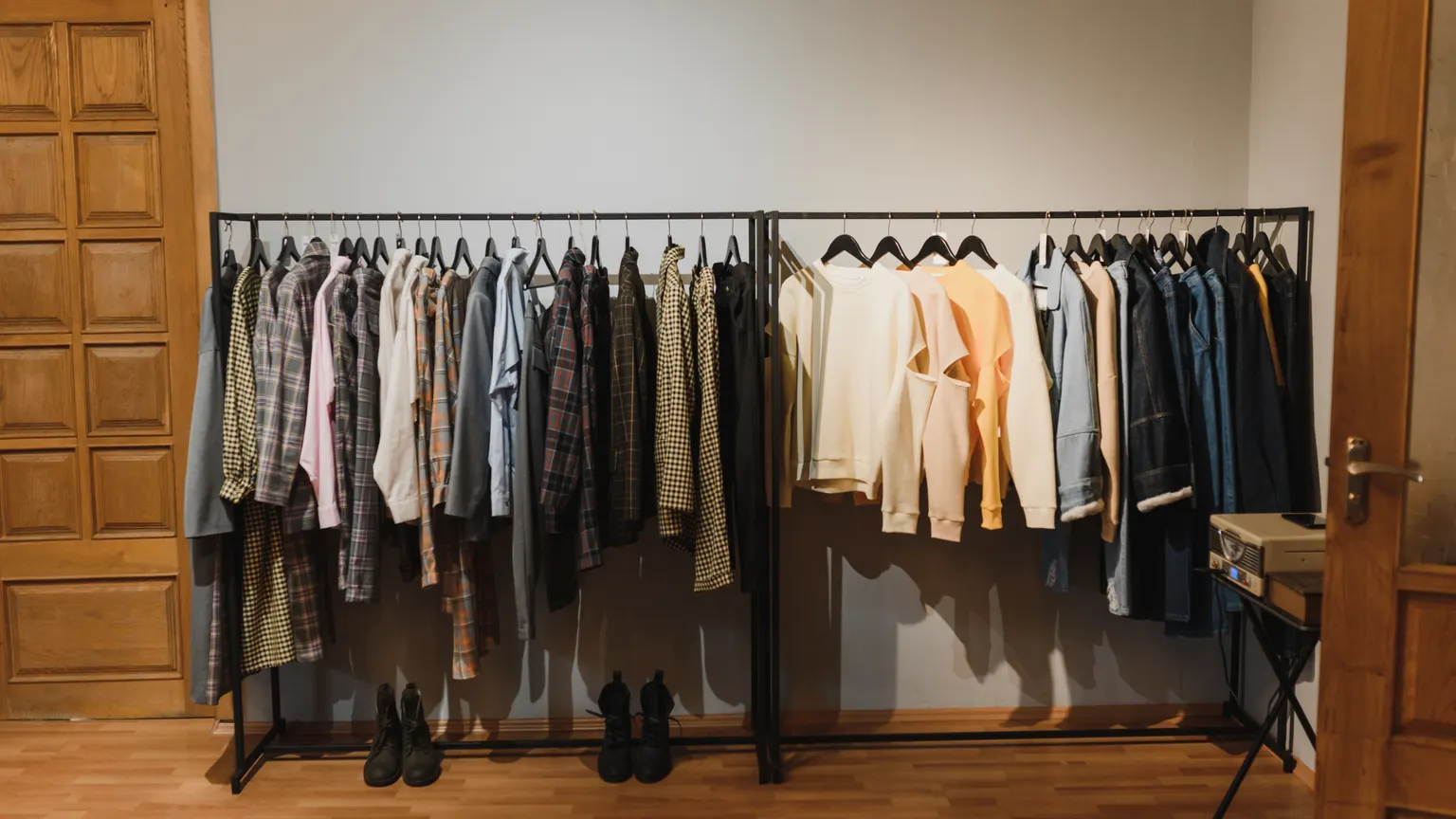
Designed for clothing, shoe and accessory brands. It works together with colour-swatch variants, size options and the returns flow.
Frequently asked questions
How often does the slider change, and can I stop it?
On desktop you set the interval; the shortest is six seconds. The slider pauses when a visitor hovers over it or focuses it and stops for good after any interaction. There is no autoplay on phones, and animations turn off for visitors who prefer reduced motion.
How do I add shop-the-look pins?
In the theme editor, add the “Shop the look” section, upload the photo and, for each pin, choose a product and set its position on the photo. A visitor who taps a pin sees the product's name, price and link.
Can I use this theme outside fashion?
Yes. The default texts are neutral and you can change the sections in the editor, but the portrait-photo card and editorial layout shine most in apparel, shoes and accessories. See the themes for other industries on the themes page.
Try the fashion theme
Browse the demo store and, if you like it, open your account and install the theme. No credit card is asked during the trial.