Beauty and personal care
Lavanta
A storefront like a soft care ritual
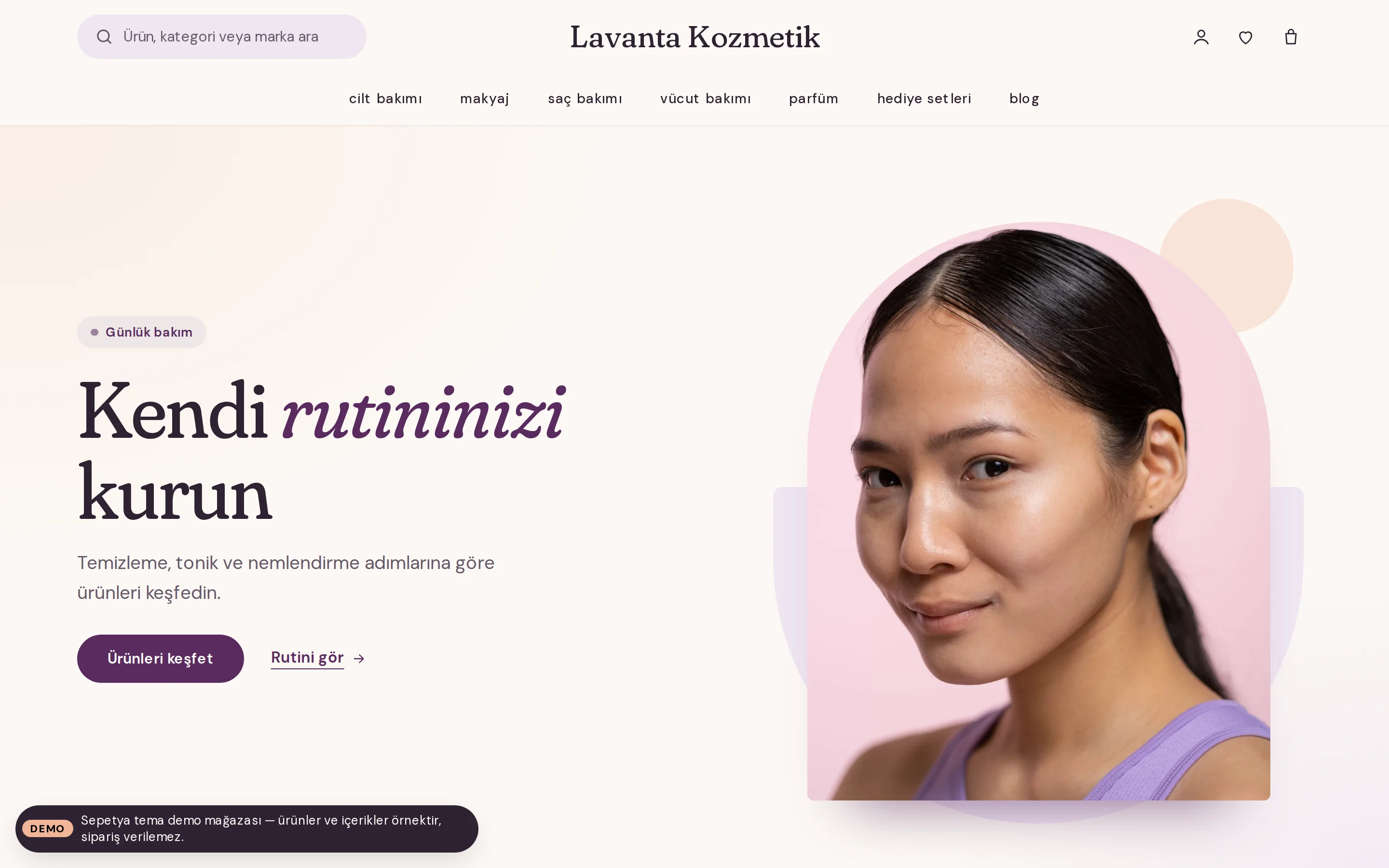
A calm, airy, round-edged storefront for cosmetics, skincare, personal care and wellness brands. It puts the routine, the ingredients and the reviews up front.
- Split opening with an arch-cut image and category arches
- Product-linked care routine and skin-type shortcuts
- Soft product cards with an always-visible add-to-cart button
₺2,490 + VAT · one-time licence
Products and content in demo stores are samples; orders cannot be placed in a demo store.
Header and opening
A rotating announcement strip, a rounded search and an arch-shaped opening
On top, the parts of your store announcement separated by “ | ” or line breaks appear as a slowly rotating strip; it pauses on hover or focus, has previous and next buttons and never rotates for visitors who prefer reduced motion. Below it come a pill-shaped search field on the left, the logo in the middle and icon actions on the right.
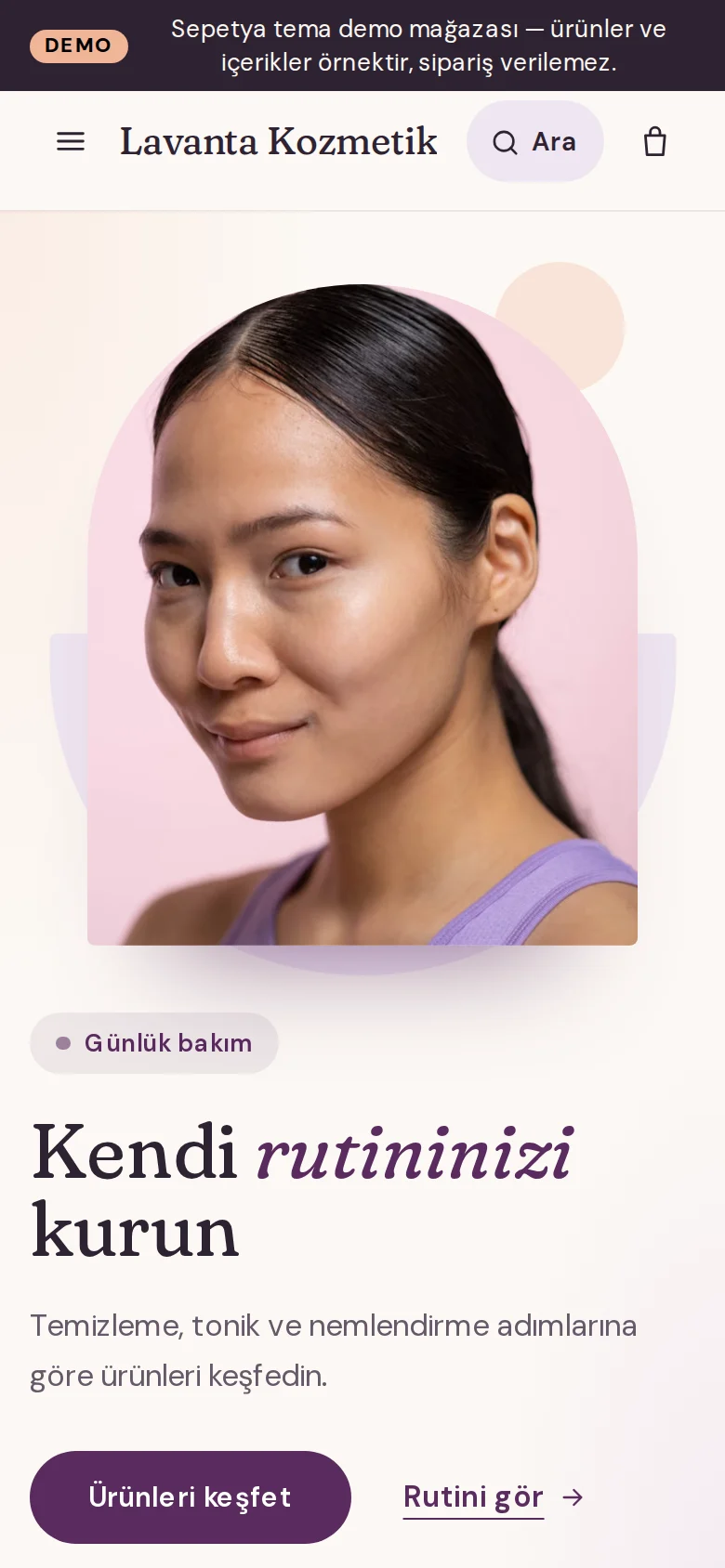
The menu runs on its own row in centred small letters with soft hover pills; it folds away as you scroll down and returns on the way up. The opening is a split layout with the heading, a pill button and a text link beside a tall image cut into an arch; one word in the heading can be set in italics.
- A rotating announcement strip that can be paused and respects reduced motion
- A pill-shaped search and a centred menu
- A split opening with an arch-cut image
Product card
A photo on a soft tile, shade dots and a full-width button
The photo sits on a softly tinted, rounded tile; below it come the centred product name, stars with the review count (approved reviews only), shade dots and the price.
The full-width pill button is always visible: “Add to cart” for single-variant products and “See options” when a shade or size must be chosen. Sold out, real discount, recently added and real low stock labels come from real data only.
- Shade dots and a rating from approved reviews
- An “Add to cart” or “See options” button
- Labels from real data only
Signature sections
Skin-type shortcuts, a care routine, an ingredient glossary and before/after
The home page starts with skin-type shortcuts (dry, oily, combination, sensitive, normal), followed by a care routine such as “1 Cleanse → 2 Tone → 3 Moisturise”. You can link a real product to each step and customers add it to the cart from there.
An ingredient glossary, category arches, a before/after slider, approved reviews and a newsletter section are ready too. The default ingredient notes are descriptive and promise no results; using real, unaltered content in before/after images and in claims is your responsibility.
- Skin-type shortcuts
- A product-linked care routine
- An ingredient glossary, before/after and approved reviews
Customisation
What can you change without writing code?
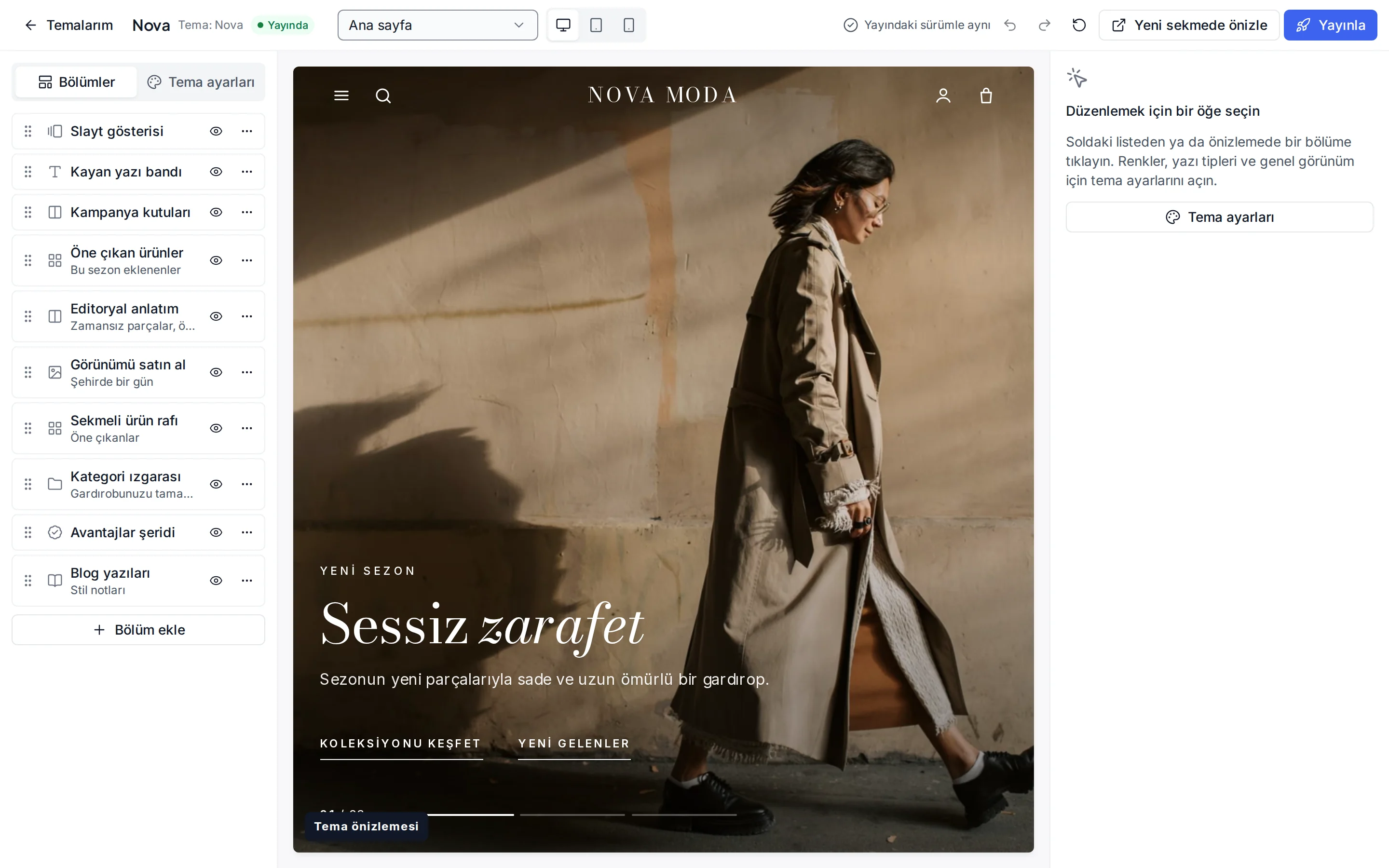
These settings are ready in the theme editor; changes stay as a draft until you publish.
Colour presets
Plum, Dusty rose, Sage and Sand; you can also change each of the eight colours separately.
Fonts
Fraunces for headings and DM Sans for text; change them from the Google font list.
Header and navigation
Header colour, sticky header, mega menu, search, announcement strip (dismissible), and language and currency switchers.
Skin-type shortcuts
Label, icon and link per shortcut, or an automatic shortcut for every value of a product attribute you choose.
Care routine
The number of steps, each step's title and text and its linked product.
Product card
Rating display, second image, quick add, old price, unit price, the “New” label period and the image ratio.
Corners, buttons and layout
Corner radius, button shape, page width, section spacing and cart type.
Footer
Footer colour, newsletter form, payment icons and social media links.
Which stores is this theme for?
Cosmetics and personal care
Designed for cosmetics, skincare, personal care and wellness brands. It works together with approved reviews, automations and ingredient information fields.
Frequently asked questions
How do I create the skin-type shortcuts?
In the theme editor you can add a link for each skin type to the shortcuts section, or choose a product attribute and get an automatic shortcut for each of its values. Shortcuts lead to the listing of products with that value.
How should I use the before/after section?
It is a section that compares two images with a slider. Only use real, unaltered images and avoid promising results; review such content for compliance with advertising rules with your advisor.
Can the announcement strip show several messages?
Yes. If you split the announcement text with “ | ” or line breaks, the messages rotate in turn. The rotation pauses on hover or focus, and messages do not rotate for visitors who prefer reduced motion.
Try the cosmetics theme
Browse the demo store and, if you like it, open your account and install the theme. No credit card is asked during the trial.