SMS · İYS consent registry
NetGSM SMS integration
Send order, shipping and verification SMS through NetGSM. Commercial SMS go through the İYS consent filter.
- Works with your own NetGSM account
- İYS-filtered commercial SMS
- Upload consents to İYS with NetİYS
What it does
Order and shipping SMS
Turn the order received, shipped (with tracking number and link), ready for pickup and delivered SMS on or off per event under Notifications › Customer notifications and edit them per language.
Verification codes
Customer phone verification and SMS login codes are sent through your store’s active SMS app.
İYS-filtered commercial SMS
Commercial (campaign) SMS are sent only if you explicitly enable them and enter your İYS brand code; NetGSM’s İYS filter delivers them only to recipients who consented.
Consent upload with NetİYS
Customers’ e-mail, SMS and call consents and withdrawals are uploaded to İYS through NetİYS; consents without a recorded source are not uploaded.
SMS in automations
The SMS channel can be used in the abandoned cart, welcome, win-back and bank transfer reminder recipes and in custom flows.
Connection test
The “Test connection” action on the app page verifies your user code and password with NetGSM’s package/credit query.
Who gets a message, and when
Messages depend on the state of the order and on the settings you turned on; you edit the text the customer receives from the dashboard.
Commercial messages only go to customers who gave the required consent; informational order messages are separate from those.
How to connect it in the dashboard
You enter your keys and ids in the store dashboard; secret values are stored encrypted and masked in the panel.
- Step 1: 1
Prepare your NetGSM account
You need a NetGSM subscription, an approved sender name (up to 11 characters) and API access. Creating a dedicated API sub-user and using its credentials is recommended.
- Step 2: 2
Prepare for commercial SMS and NetİYS
To send commercial SMS or upload consents to İYS, you need a brand registration and brand code in İYS. For NetİYS uploads your NetGSM account needs the NetİYS module and NetGSM chosen as partner in İYS.
- Step 3: 3
Connect the app
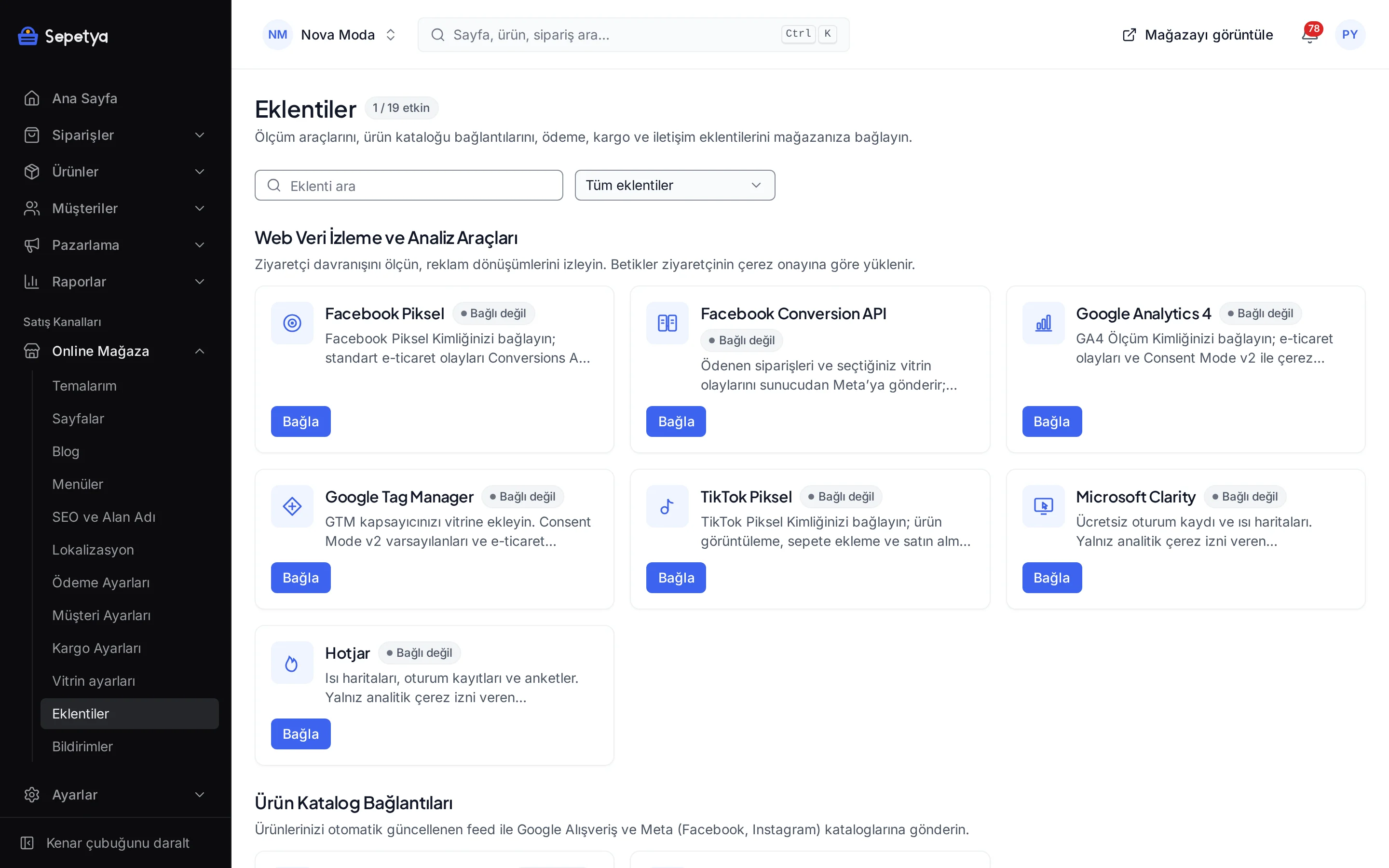
On the Apps page, in the Messaging and Notifications group, click Connect next to NetGSM SMS.
- Step 4: 4
Fill in the fields
Enter the User code, Password (stored encrypted) and Sender name. For commercial SMS set the İYS brand code, “Allow commercial SMS” and the recipient type (individual or merchant); to upload consents turn on “Upload consents to İYS (NetİYS)”. Click Save and activate.
- Step 5: 5
Test the connection
Run the “Test connection” action on the app page; it confirms that your account details work.
- Step 6: 6
Choose the SMS notifications
Under Online store › Notifications › Customer notifications turn on the events that send an SMS. For phone verification and SMS login, choose NetGSM as the SMS app in Customer settings.
Good to know
- You need a NetGSM subscription. Package and credit fees depend on your contract with NetGSM; an exhausted package stops SMS from going out and the error shows in the SMS log.
- Commercial SMS are off by default. The İYS brand code is required to turn them on; NetGSM does not send commercial SMS to recipients without İYS consent.
- Consent upload needs a recorded source. Consents whose origin is not recorded, e-mail consents without a completed double opt-in, and a “no” that was never a “yes” are not uploaded to İYS.
- There is no bulk SMS campaign screen. SMS are sent in response to order events and automation flows.
- This is not legal advice. Commercial message consent and İYS obligations depend on your business; ask your lawyer for details.
The names NetGSM and İYS belong to their owners; this page does not imply a partnership or endorsement.
NetGSM SMS: frequently asked questions
What do I need to send marketing SMS?
You must turn on “Allow commercial SMS” in the app settings and enter your İYS brand code. Commercial SMS go through NetGSM’s İYS filter and are not delivered to recipients without İYS consent. This is not legal advice.
Which SMS are sent automatically?
The order events you turn on in Notifications › Customer notifications (received, shipped, ready for pickup, delivered), verification codes and the SMS steps in your automation flows. Nothing is sent unless you turn it on.
How does uploading consents to İYS work?
With the NetİYS option on, a customer’s e-mail, SMS and call consents and withdrawals are uploaded to İYS when consent changes, in an hourly sweep and with “Sync now”; results return through a signed callback. The Customers › İYS consents page shows the status of every channel.
Is my NetGSM password safe?
The password is stored encrypted and masked in the panel. Creating a dedicated API sub-user in NetGSM and using its password is recommended.
Connect it from the dashboard in a few steps
Set up your store and try the integration yourself during the trial; your keys only ever work for your own store.