Fashion and apparel
Sedef
A classic boutique that guides shoppers by occasion
A classic black-and-white boutique for stores selling modest dresses, coats, sets and evening wear. Shoppers find pieces by occasion and see the fabric and length before they order.
- Full-width editorial opening and tall portrait category frames
- Shop by occasion: engagement, wedding, henna night, graduation
- Fabric, length and size guide; a "Quick add" bar rising from the photo
Free
Products and content in demo stores are samples; orders cannot be placed in a demo store.
Header and opening
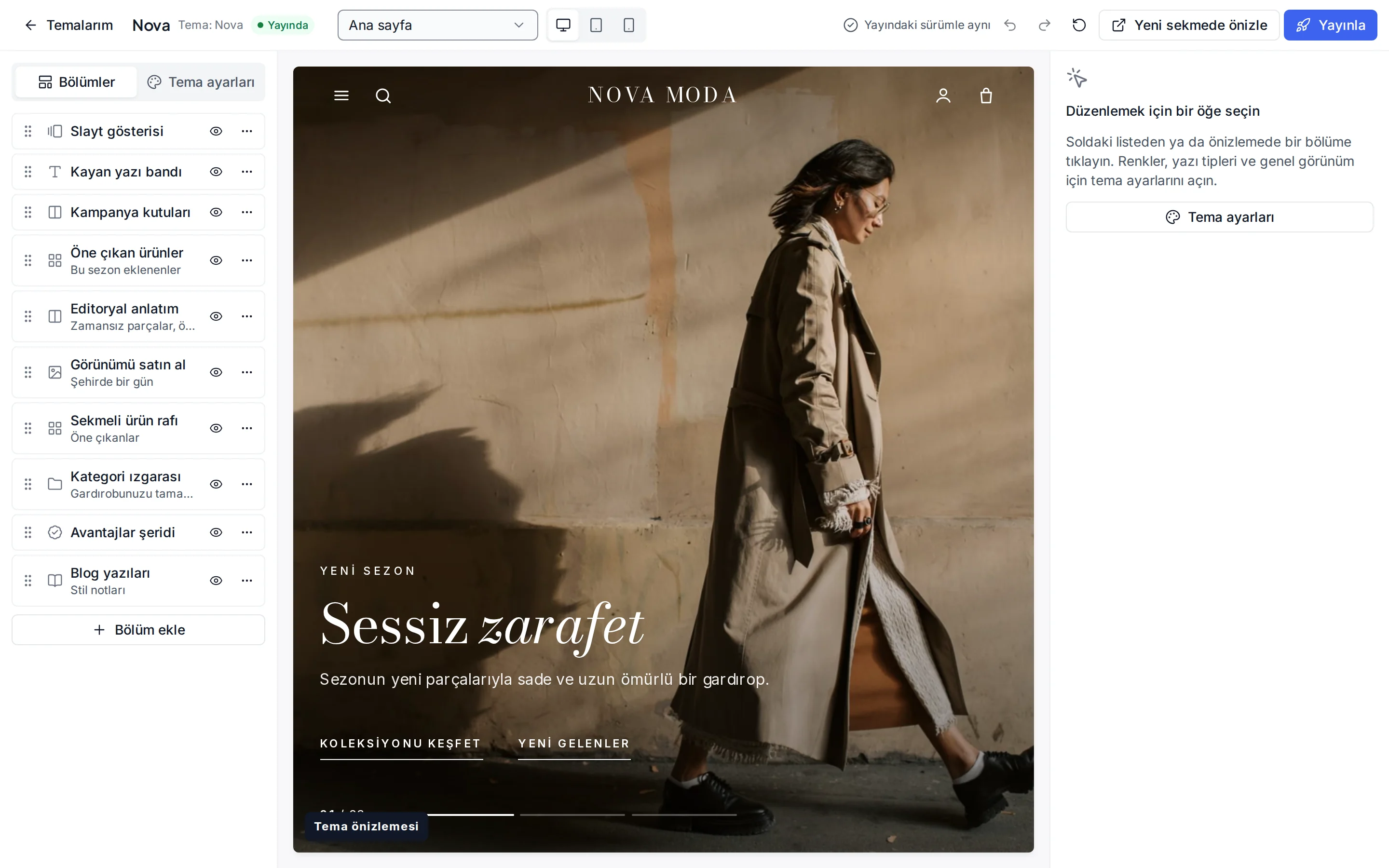
A centred serif logo, a spaced capital menu and an editorial opening
A quiet announcement line rotates at the top; below it the serif logo sits in the centre with the search, account, favourites and cart icons on the right. The menu has its own row in small, spaced capitals; it folds away while scrolling down and comes back on the way up. Phones show the menu, logo, search and cart.
The home page opening is a full-width editorial frame: the photo (or a background video) runs edge to edge with a soft fade at the bottom, a small capital eyebrow, a large serif heading with italic emphasis and square buttons. In the slideshow the frames cross-fade and a counter is shown.
- A spaced capital menu row that folds away while scrolling
- An edge-to-edge editorial opening with a slide counter
- Tall portrait category frames with a "Discover" link
Product card
A portrait card with a "Quick add" bar rising from the photo
The product card is a tall portrait photo; a second photo appears on hover. On desktop a "Quick add" bar rises from the bottom of the photo; on touch screens it stays visible. Under the photo the colour dots, the product name, an optional rating and the price are left aligned like a boutique label.
Sold out, real discount, new and real low stock information shows as thin capital flags and comes from real data only.
- A tall portrait photo with a second image on hover
- A "Quick add" bar rising from the photo
- Thin capital flags from real data
Signature sections
Shop by occasion, an evening edit and a fabric, length and size guide
The home page continues with shop-by-occasion cards: engagement, wedding, henna night, graduation, reception and everyday (you link them to your own tags). A tabbed showcase shelf (new in, best sellers, on sale), an evening edit story and the most chosen pieces follow.
A guide before ordering sums up the size chart, fabric, length and exchanges in four short cards. You write the product's own measurements and fabric in each product description with your own correct information.
- Shop-by-occasion cards
- A tabbed showcase shelf and an evening edit
- A size, fabric, length and exchange guide
Customisation
What can you change without writing code?
These settings are ready in the theme editor; changes stay as a draft until you publish.
Colour presets
Classic, Cream, the dark Night and Modern; you can also change each colour separately.
Fonts
Cormorant Garamond for headings and Jost for text; change them from the Google font list.
Header and navigation
Sticky header, menu, search, announcement line, and language and currency switchers.
Opening and slides
Image or video, alignment, text colour, darkening and slide interval.
Occasion cards
A heading, a subtitle and a link for each card.
Product card
Rating and brand display, second image, quick add, old price, unit price and the image ratio.
Corners, buttons and layout
Corner radius, button shape, page width, section spacing and cart type.
Footer
Newsletter invitation, payment icons and social media links.
Which stores is this theme for?
Fashion and apparel
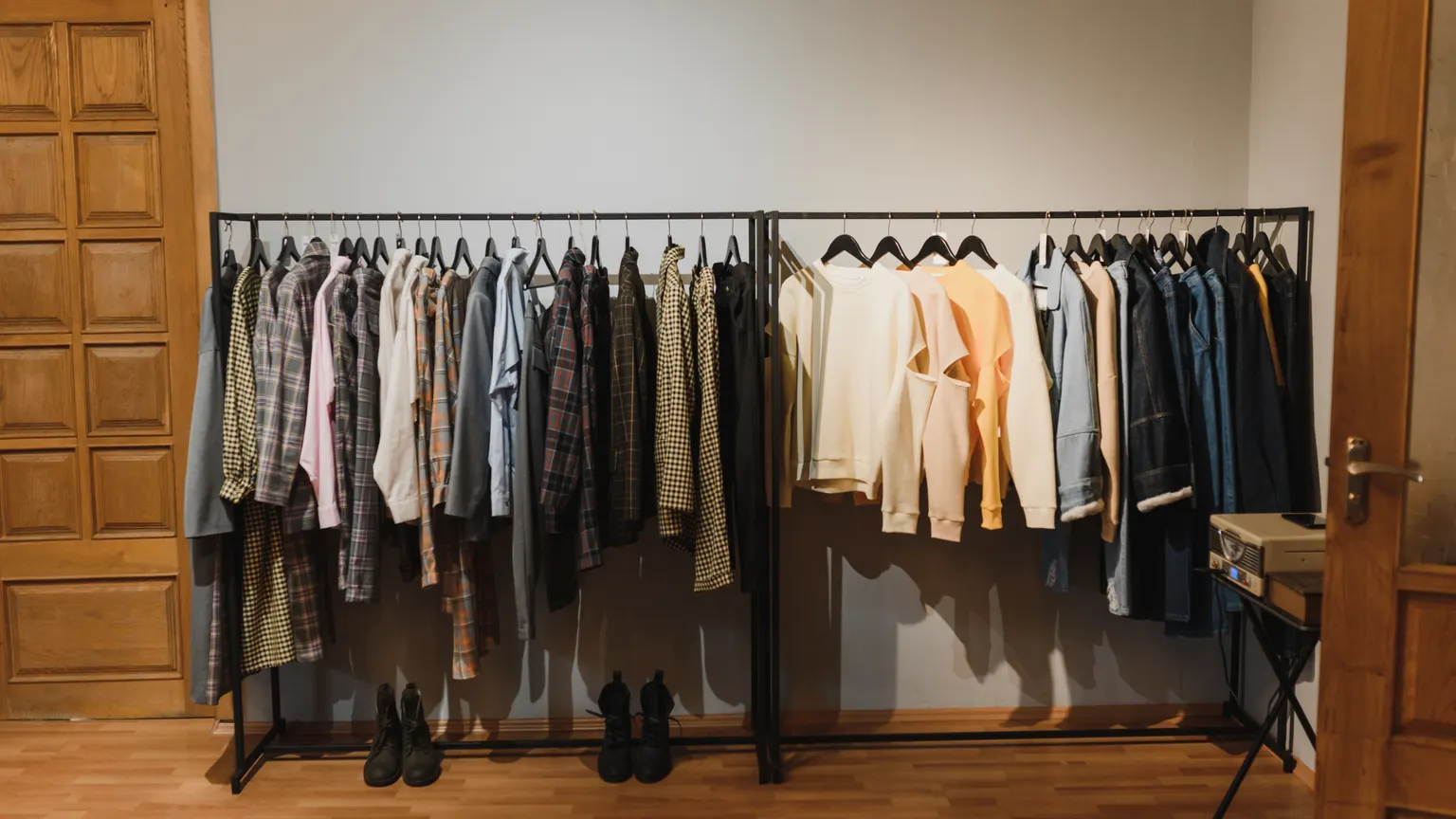
Designed for boutiques selling modest wear, evening dresses, coats and sets. It works together with size and colour options, size charts and occasion tags.
Frequently asked questions
Can I link the occasion cards to my own categories?
Yes. In the theme editor you change each card's heading, subtitle and link; a card can go to a tag, a category or a page.
Why does the menu row fold away while scrolling down?
To leave room for the tall portrait photos. Scrolling up brings the menu row back at once; the logo and icons always stay in view.
Where do size and fabric details show?
On the product page: the fabric and length you write in the description and the size chart are there. The guide cards on the home page are general pointers only.
Try the modest and evening wear theme
Browse the demo store and, if you like it, open your account and install the theme. No credit card is asked during the trial.